มีอะไรใหม่

ติดตามเวอร์ชัน การปรับปรุง และการแก้ไขล่าสุด

ติดตาม @NotionHQ
3.8

Notion 3.8: Context for your agents
Context for your agents

Your agents and teams run on context. If you switch agents, add a new tool, or welcome a new teammate, you shouldn’t have to explain everything again. With Notion, there’s a durable, shared place to remember what matters.

This update is all about context. Connecting data, tools, and skills so you’re free to use any agent or model.

With so many things changing, your context can stay in Notion.

Connect your agents to Notion with MCP
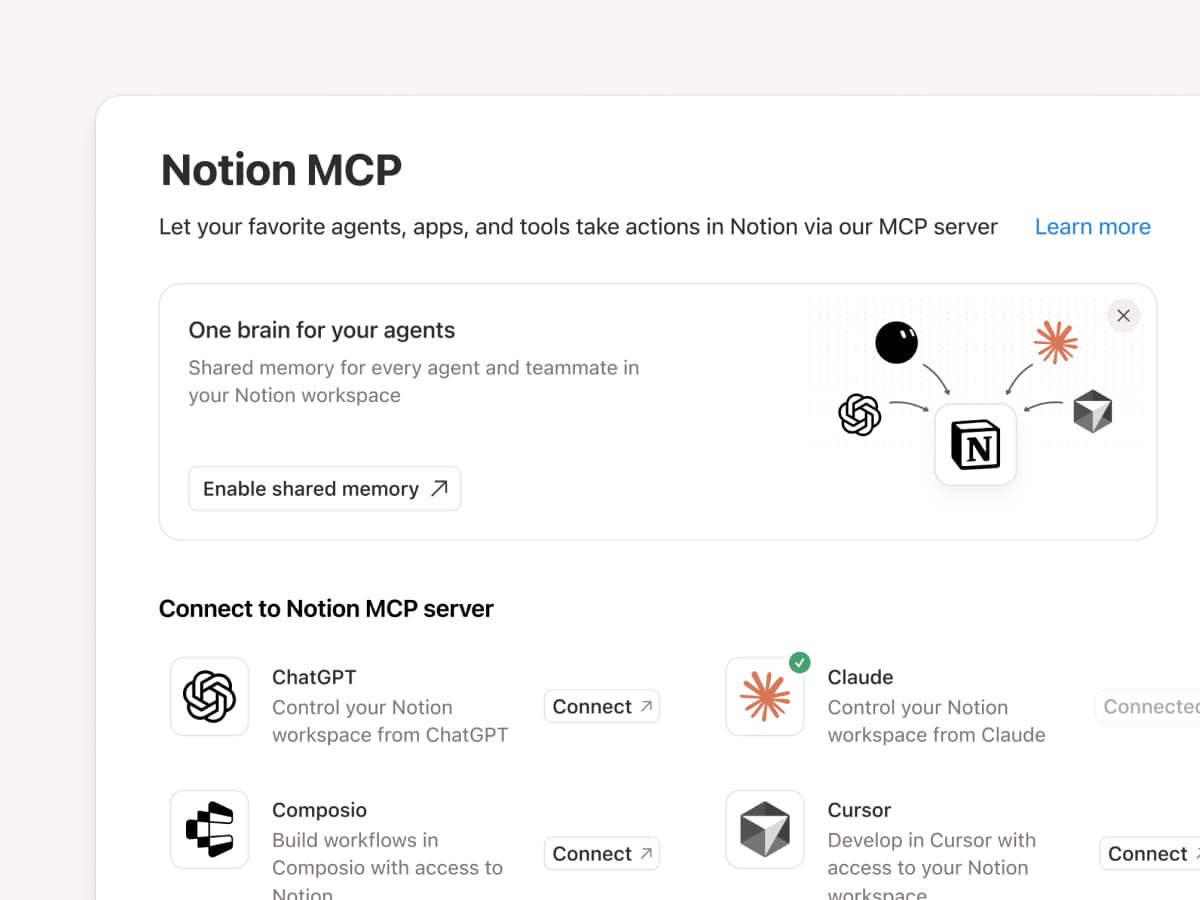
Connect an MCP-compatible agent to Notion so it can read your workspace context and update docs and task trackers. Whether you use Claudes, Muses, GrokBots, Dots, or another agent, Notion gives them a shared place to find what they need, so you can switch agents without starting from scratch. Set up an agent with Notion →

And with Notion MCP controls, admins can see who connected each AI tool, check when it was last used, and revoke a person’s access without affecting other connections. Set up MCP controls →

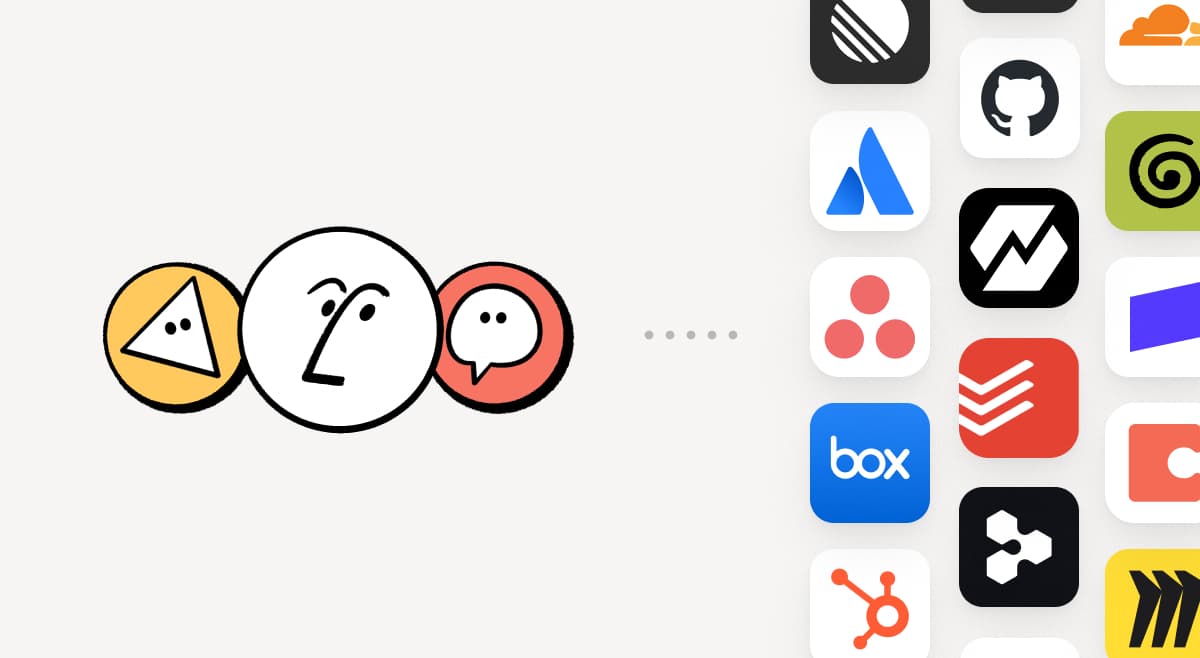
Connect your Notion Agents to 150+ tools with MCP
MCP

Bring the tools your team already uses into Notion. MCP connections let Notion Agent and Custom Agents draw on context from those tools and take action across them. Create an account brief in Notion using HubSpot pipeline data, add Stripe billing details to a customer health review, or bring Cloudflare infrastructure details into a postmortem. And that’s just the start. ⁠Browse 150+ MCP connections →

Write a skill once. Use it with every agent.
Write a skill once. Use it with every agent.

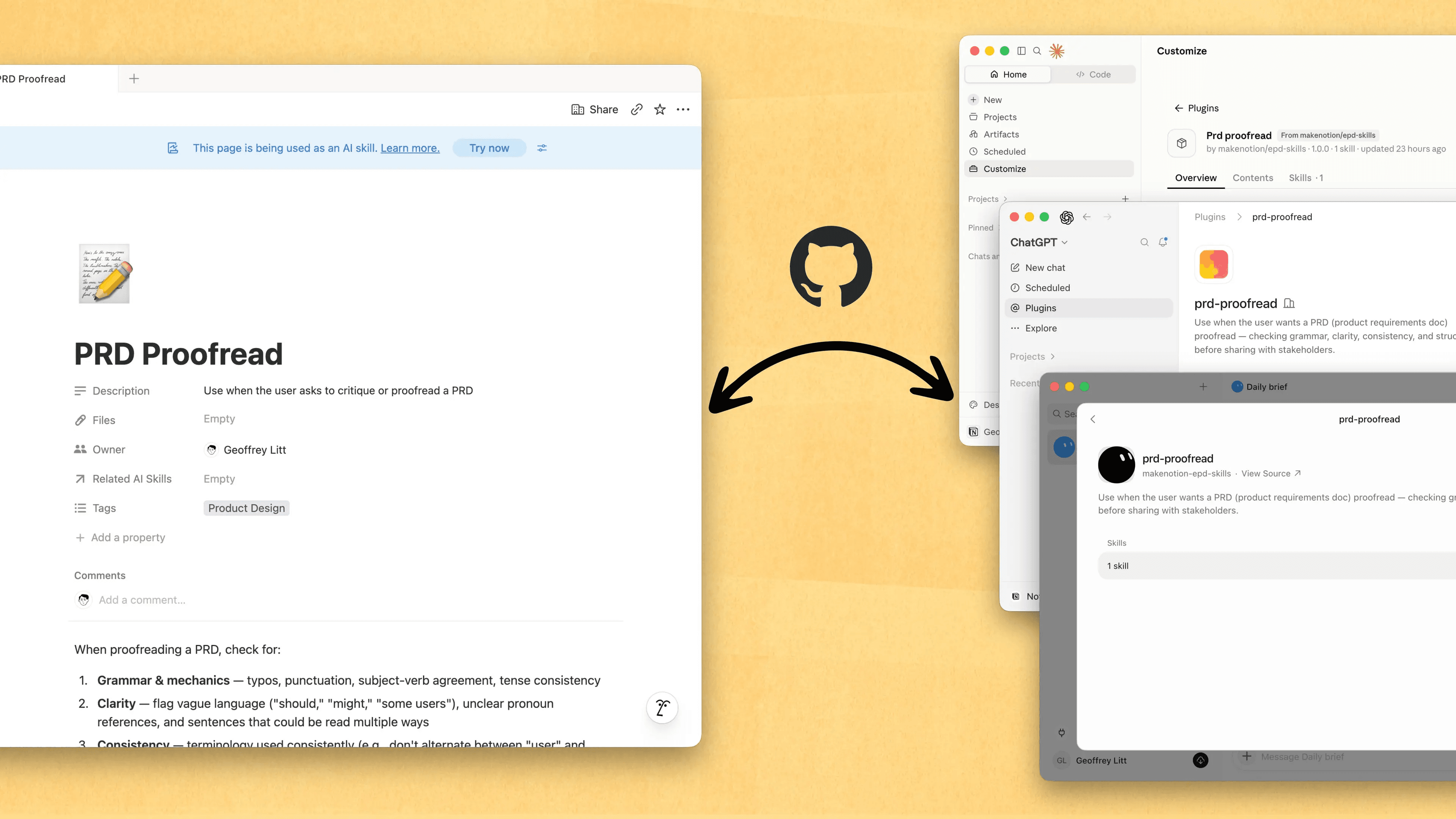
Skills are the best way to teach agents how you work … and not just for engineers. Now, Notion is the best place to create, share, and keep them current. Sync your Skills across ChatGPT, Claude, and more with the new Skills API, which loads Skills from Notion into GitHub.

Already have Skills for your agents? Ask your agent to recreate them in Notion with MCP, then keep building your library there. Here’s a quick demo, and here are docs to learn more.

See every change by every person and agent
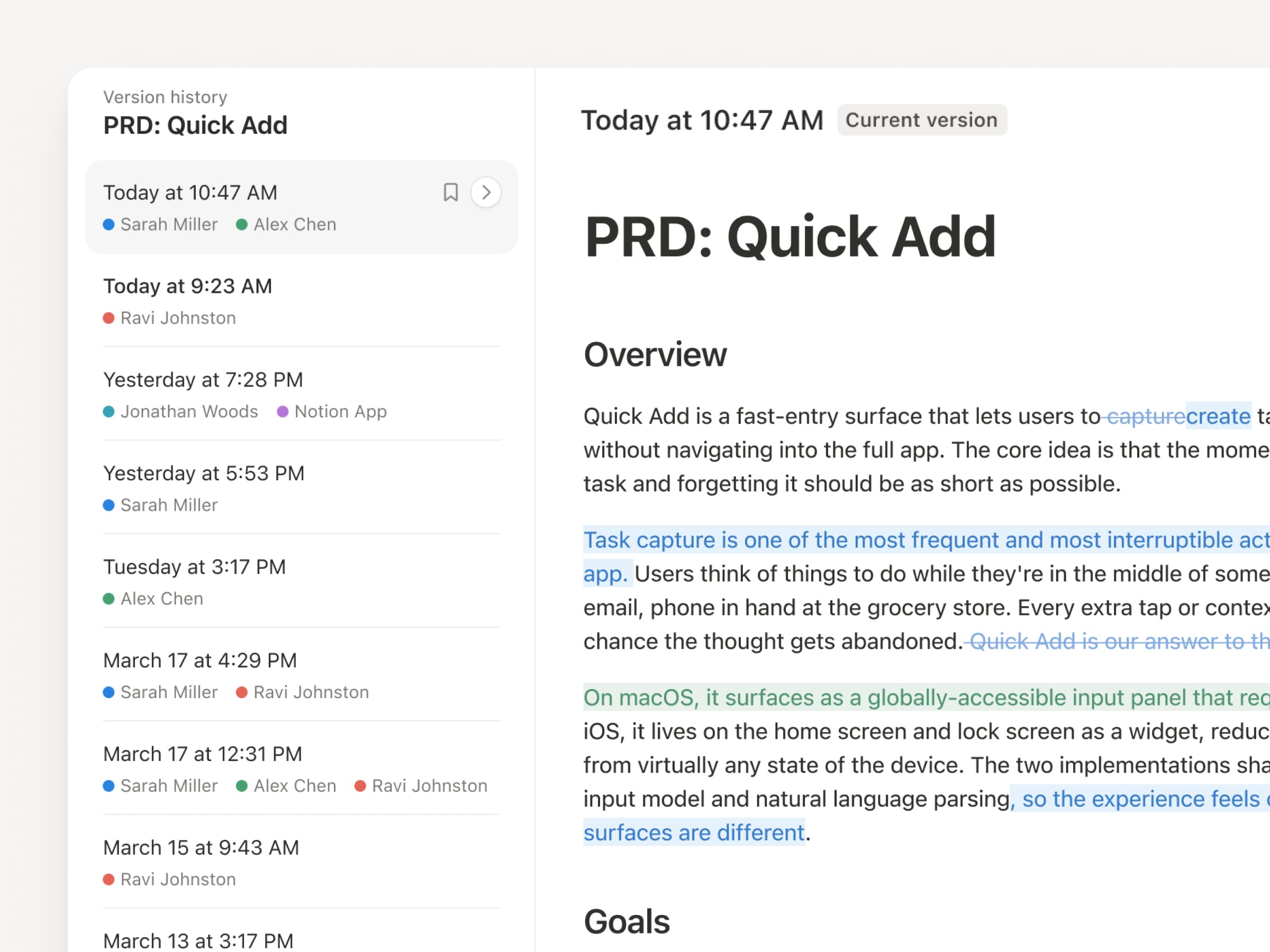
With agents and people making constant updates, version history has never been more important. So we’ve upgraded ours! You get a clearer record across pages and databases, with highlighted edits, detailed database changes, and attribution. Let your agents work while keeping their changes visible and secure. Review what changed, see who changed it, and restore prior versions with a quick click. Learn more →

Don’t pay twice. Use your ChatGPT plan in Notion.
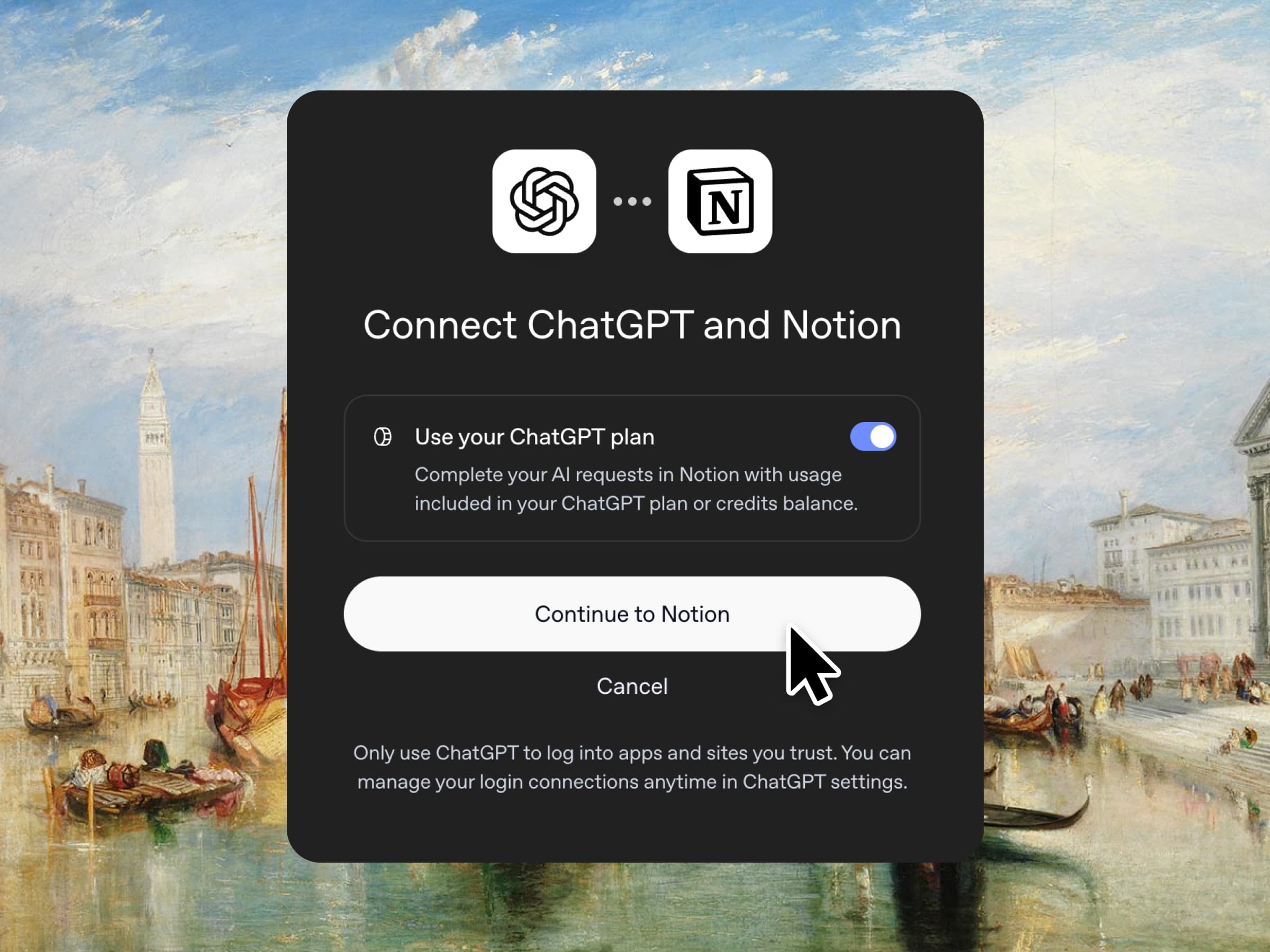
Yes, you just read that right. If you have ChatGPT Plus or Pro, your subscription can now cover your AI usage in Notion. Just connect your plan, pick a GPT model, and go. We don’t add a markup. We just want you to have the best tools for the job, for the best price. Available for Business and Enterprise plans. Check out a quick demo and the docs.

Column permissions in databases
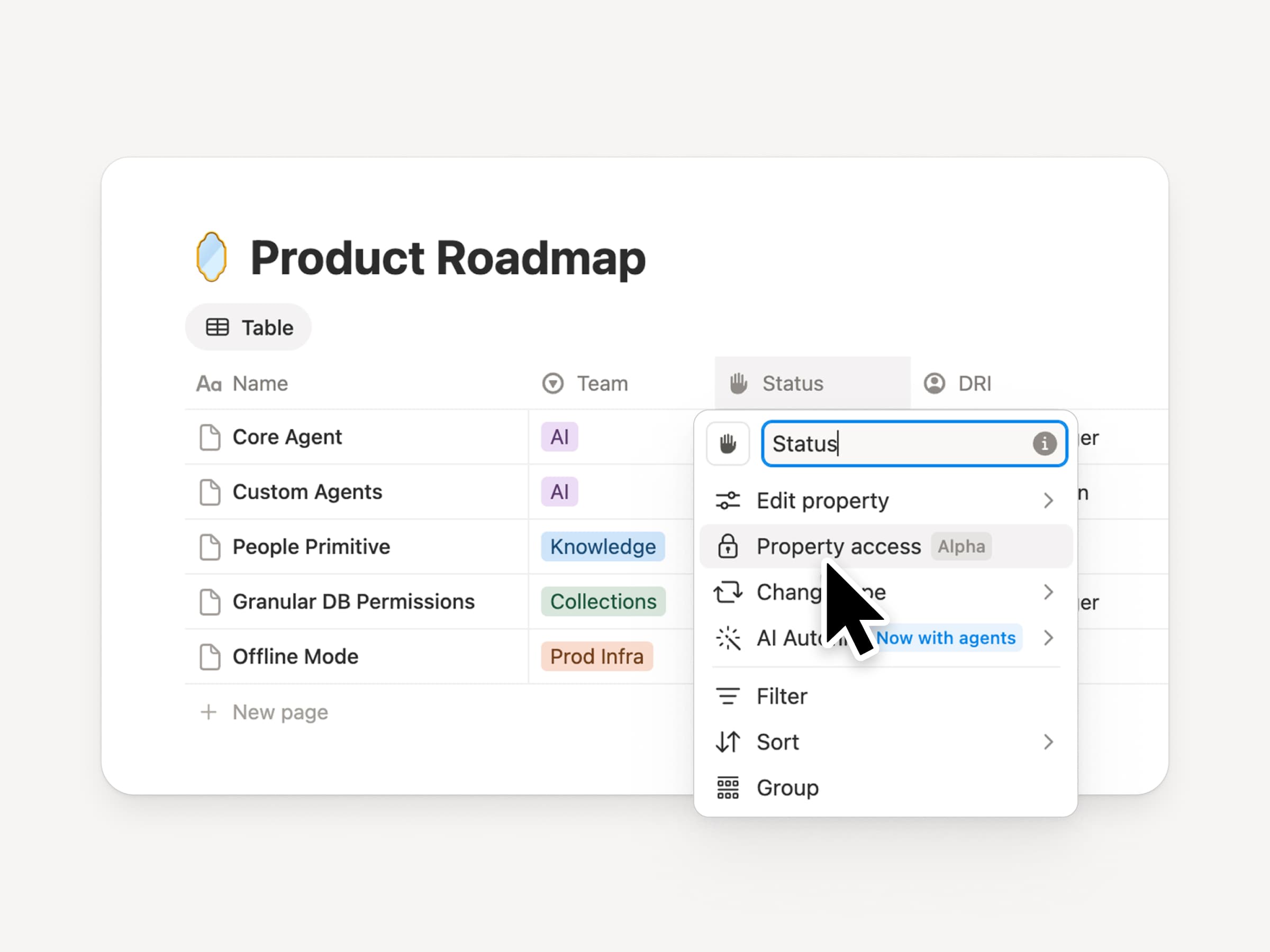
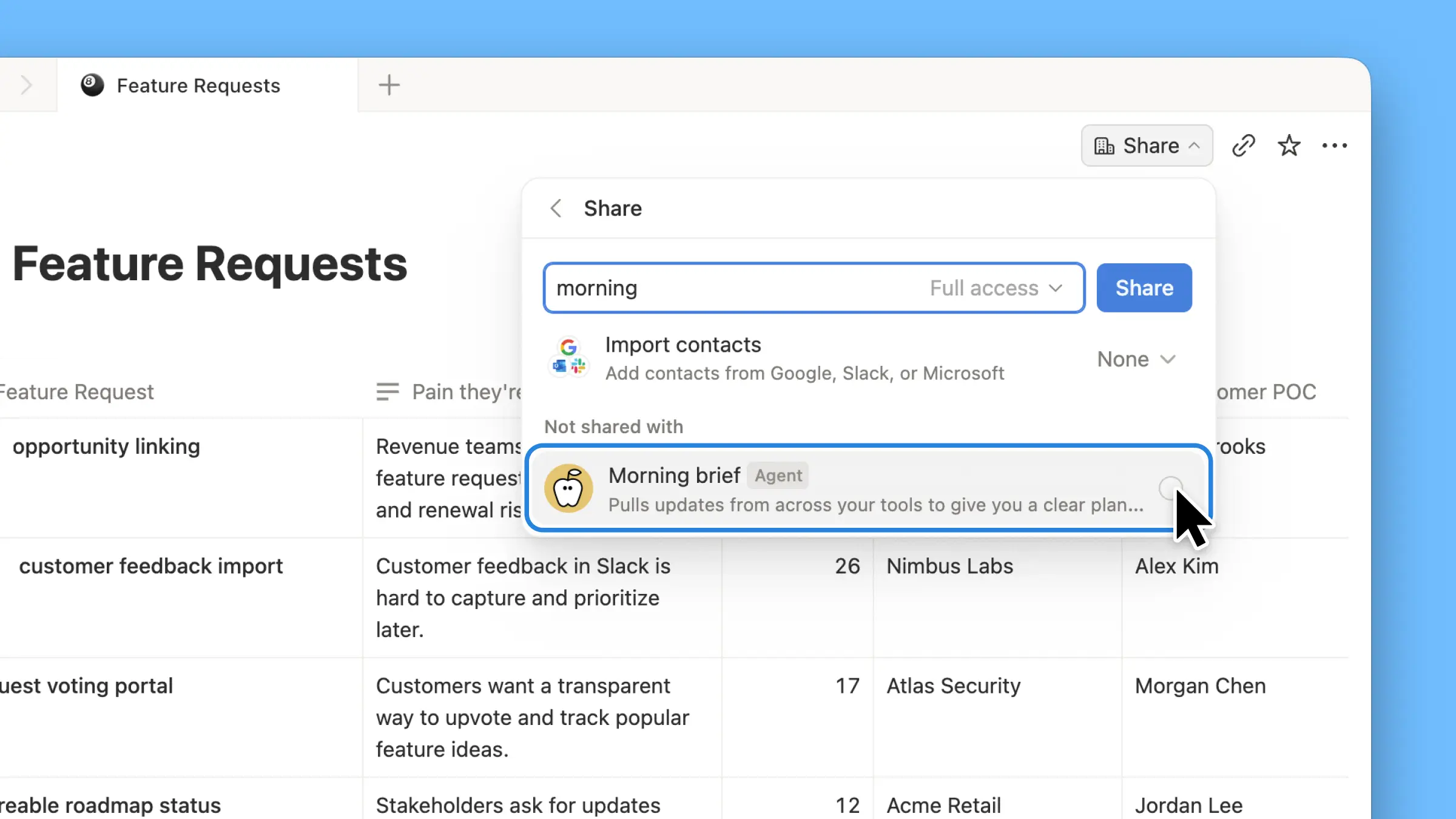
Notion databases give teams and agents a shared, up-to-date source of context. But both teams and agents need the right level of access. Column permissions were a top requested feature for years (we spent time getting this one right). They let database owners control which properties each person or agent can view or edit. Recruiting teams can collaborate on candidates without exposing compensation. Support agents can use account context without seeing restricted customer data. Watch the trailer from one of it’s creators!

Reintroducing synced databases
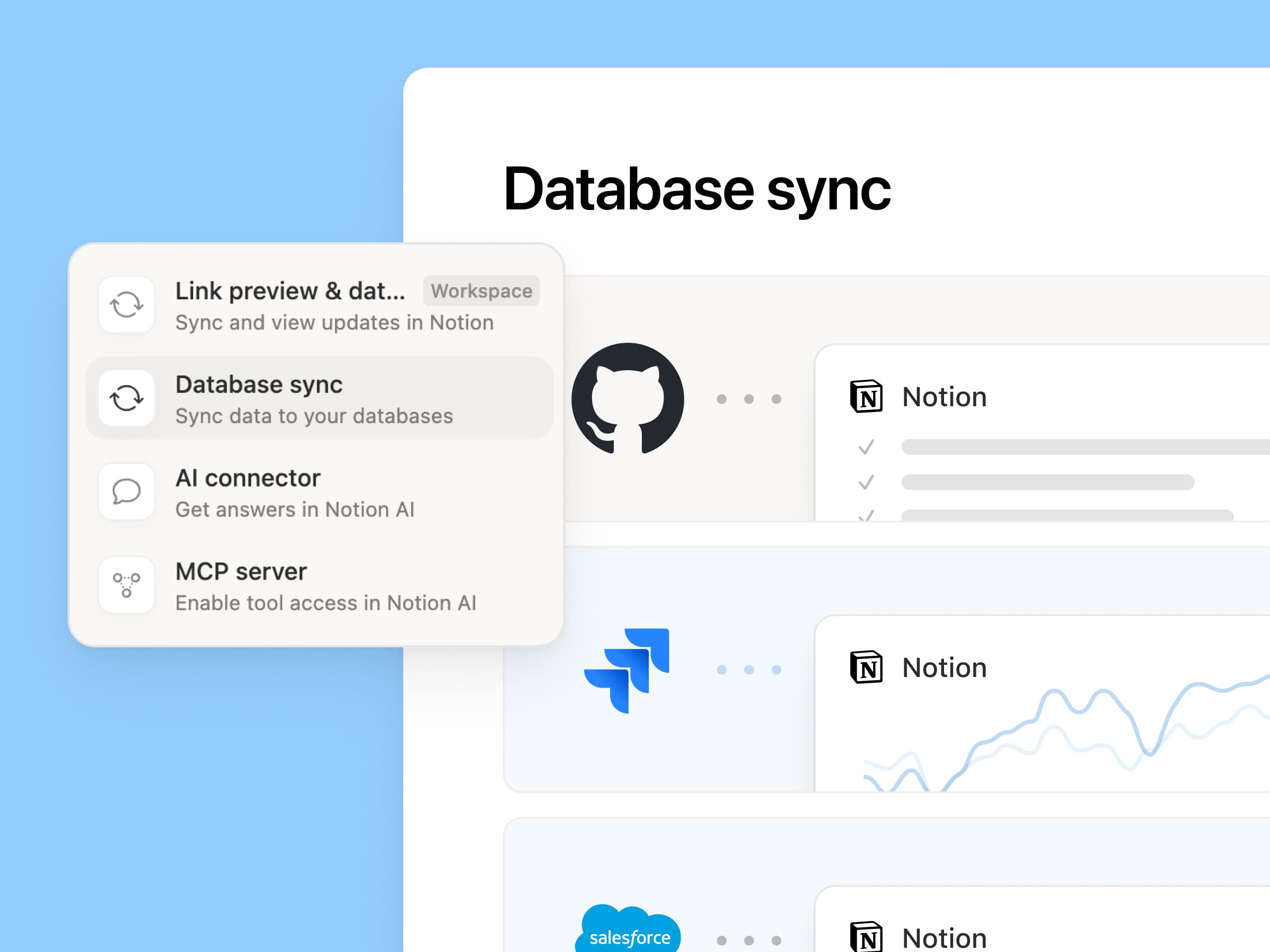
Reintroducing synced databases

We rebuilt our synced databases, starting with GitHub, Jira, and Salesforce, so your teams and agents always work from the latest data. They’re faster, more reliable, and show a live health status for each sync. They work like any other Notion database, so you can add your own properties, create views, and trigger automations. At Notion, we build customer hubs by syncing Salesforce accounts and linking to meeting notes and feature requests, so every team works from the same current view of each customer. Learn more →

New week, new models
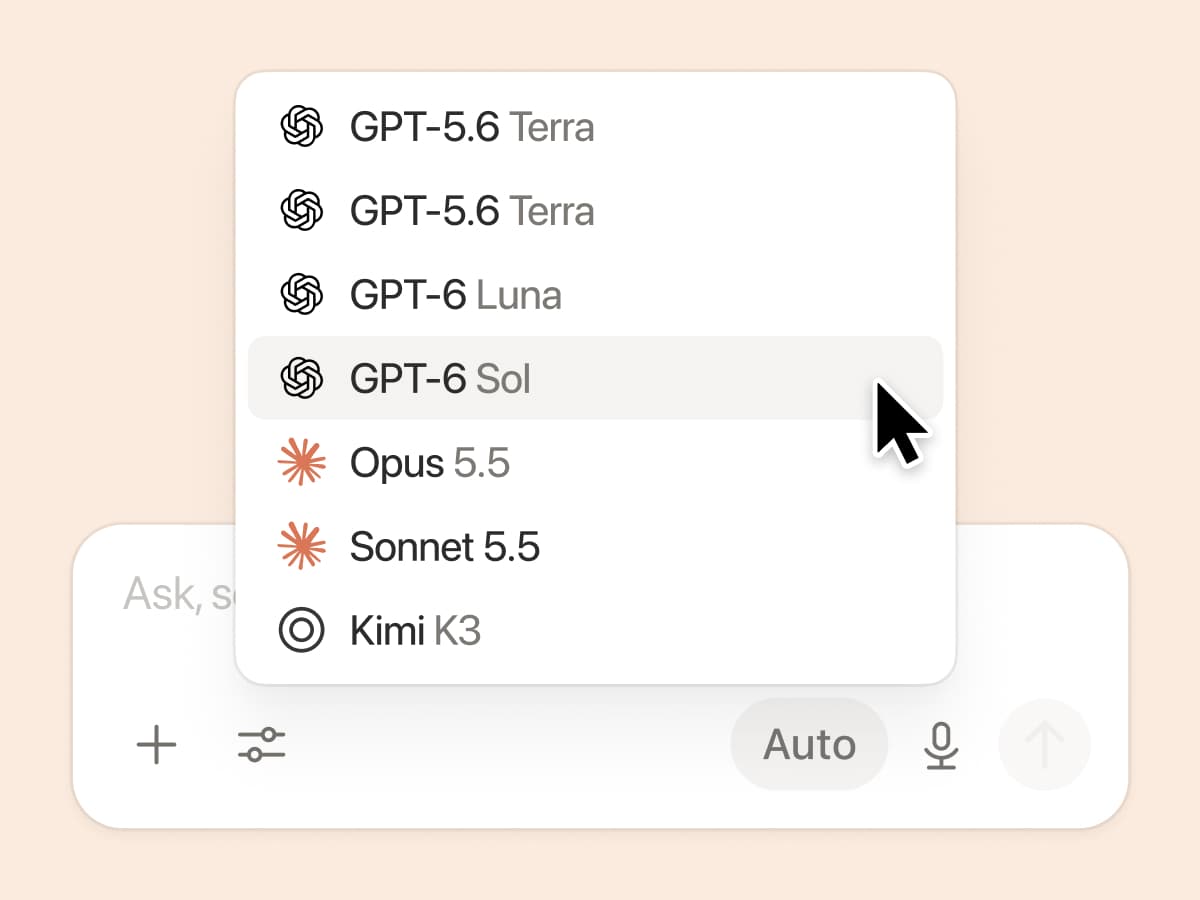
New week, new models

The labs are at it again. Seven new models all added, including GPT 6.1-Sol, GPT-6 Luna, Opus 5.5, and Sonnet 5.5. Use any of them knowing they’ll all know the latest about your team works.

And ICYMI, we’ve been evaluating how models perform across a range of knowledge-work tasks, using live anonymized traffic and judged by models. Check out our Knowledge Board →

More ways to connect and govern context

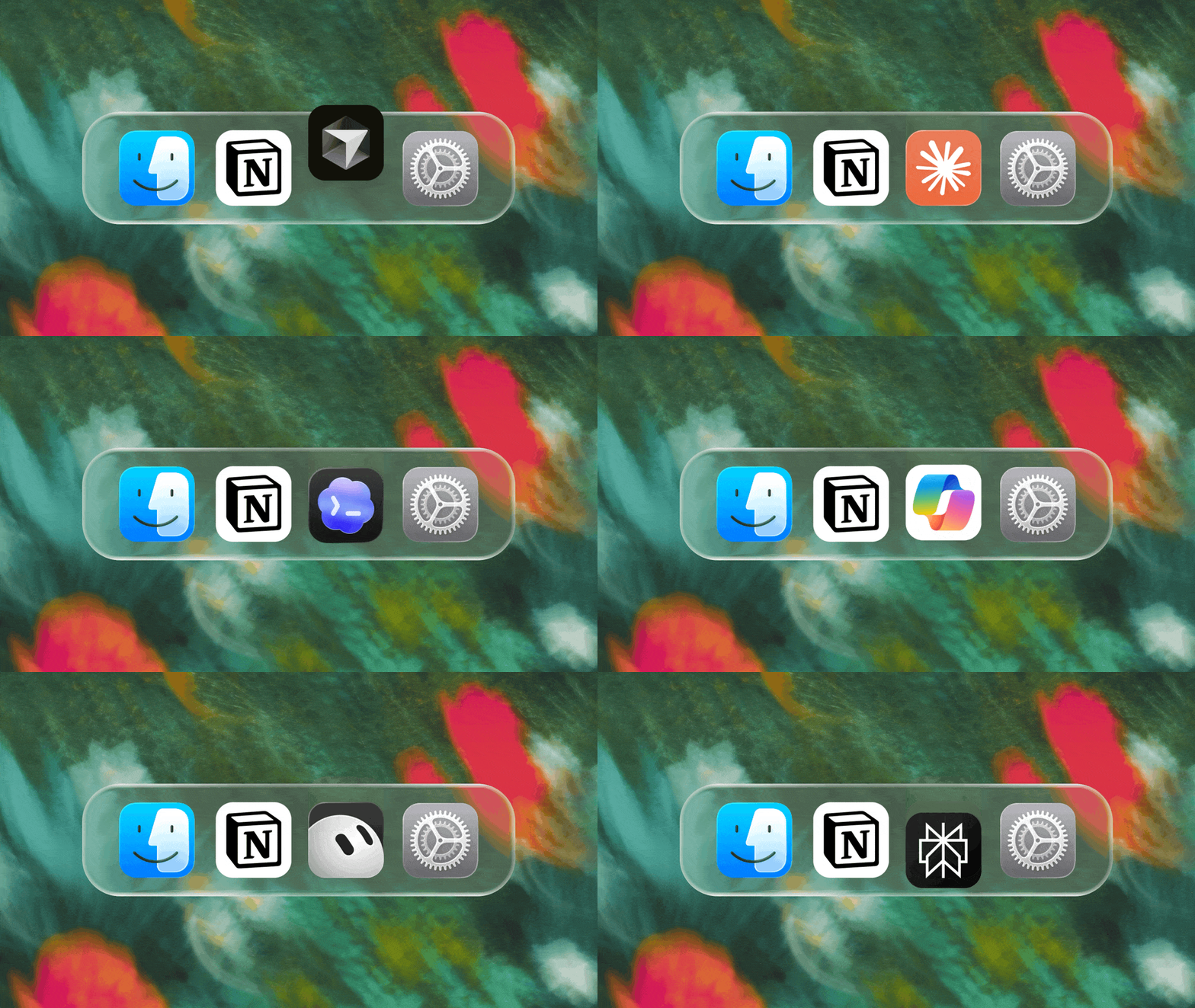
We can’t wait to see how Notion can be the backbone of your dock.
3.7

Notion 3.7: ทักษะเอเจนต์สำหรับทั้งทีมของคุณ

มีอะไรใหม่ 3.7

คุณรู้ใช่ไหมว่าบางคนเก่งเรื่องพรอมท์ให้ AI มาก? หรือพวกเขาได้ค้นพบวิธีที่ดีที่สุดในการจัดการกับงานที่ทำซ้ำๆ? ตอนนี้พวกเขาสามารถเปลี่ยนความรู้นั้นให้เป็น ทักษะ และยกระดับทั้งทีมได้แล้ว

ทักษะคือคำสั่งที่นำกลับมาใช้ใหม่ได้ ซึ่งจะสอนให้ AI รู้ว่าทีมของคุณทำงานอย่างไร เช่น การสร้างรายงานสรุปธุรกิจประจำเดือนในรูปแบบของทีม หรือการวิจารณ์เอกสารของคุณในแบบเดียวกับที่หัวหน้าของคุณจะทำ ทักษะเหล่านี้เปรียบเสมือนทางลัดของทีมสำหรับการทำงานที่ทำซ้ำๆ ให้เสร็จสิ้น สร้างทักษะ →

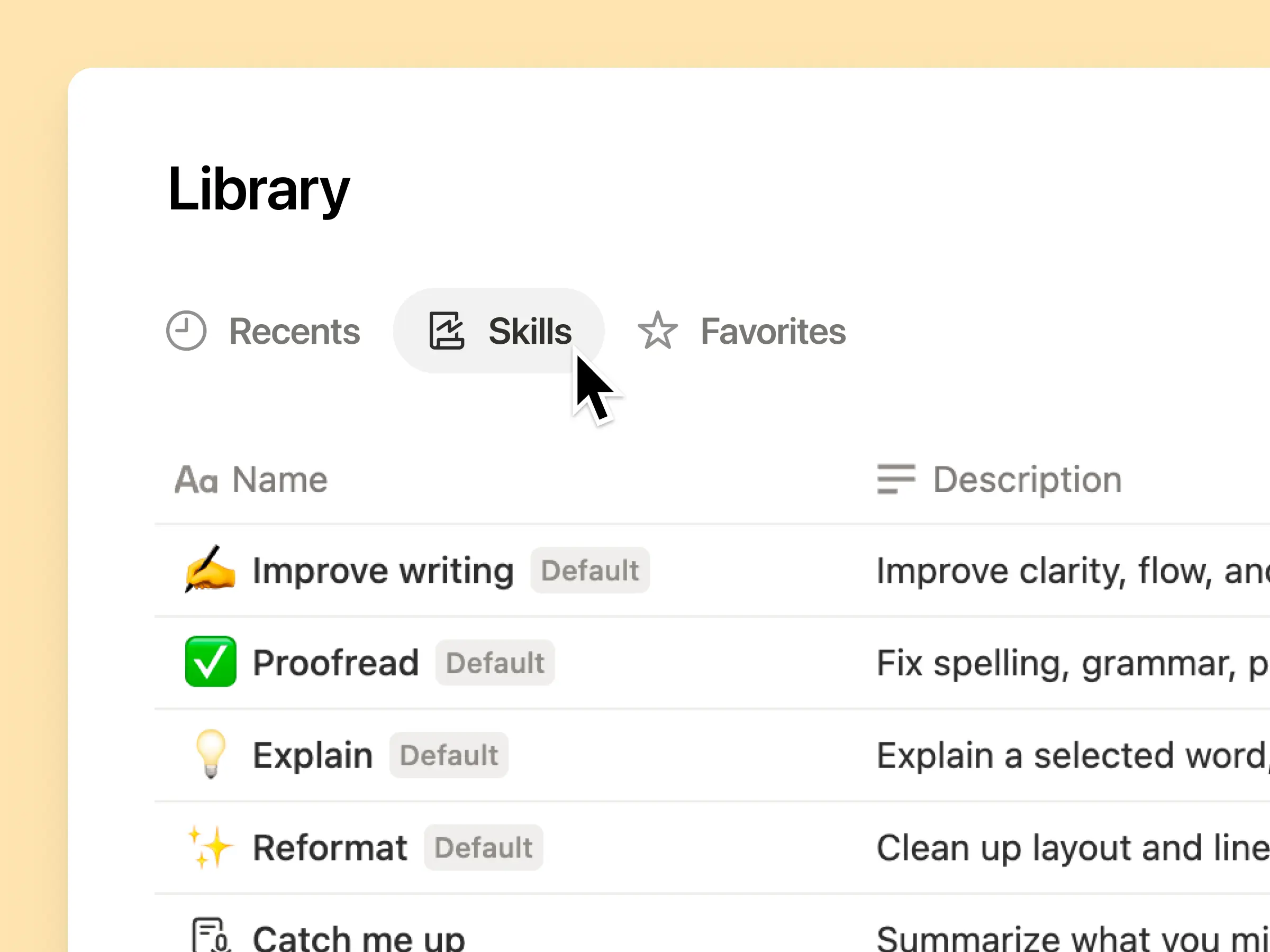
ทุกทักษะ AI ที่ทีมของคุณต้องการ รวมอยู่ในคลังเดียว

พรอมต์ดีๆ มักจะอยู่ในหัวของคนเพียงคนเดียว หรือไม่ก็หายไปในเอกสารและแชทที่กระจัดกระจาย คลังทักษะช่วยให้พื้นที่ทำงานของคุณมีฮับสำหรับทักษะที่แชร์ร่วมกันทั้งหมด เรียกดูคลังทักษะ →

ใส่ทักษะที่เกี่ยวข้องไว้ในฐานข้อมูล Notion จากนั้นแชร์ทักษะเดียวหรือทั้งฐานข้อมูลก็ได้ แต่ละทีมจะมีที่ที่ค้นหาทักษะที่จำเป็นได้ง่ายๆ และทุกคนจะได้รับข้อมูลเวอร์ชันล่าสุดอยู่เสมอ ดูข้อมูลเพิ่มเติม →

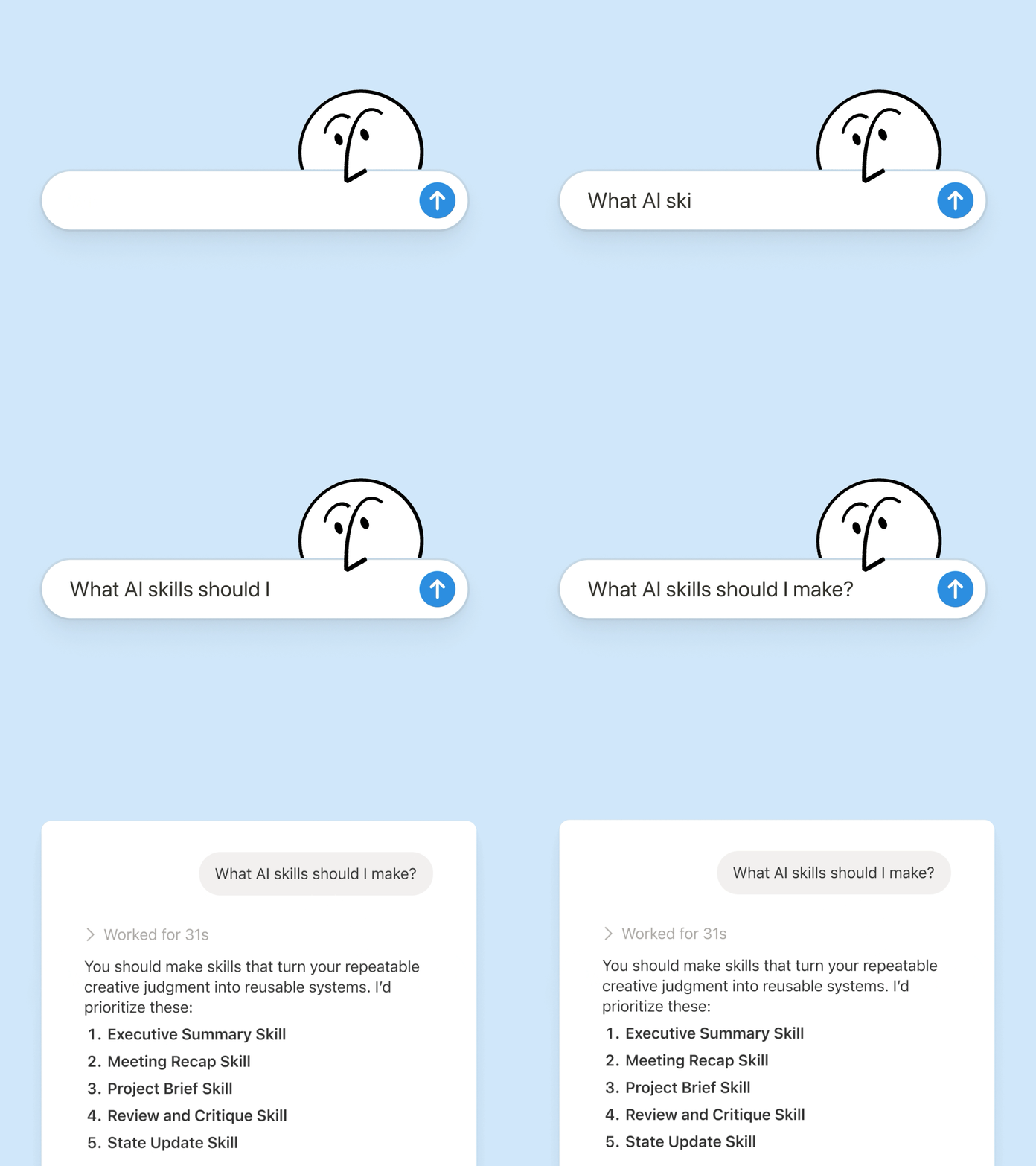
เขียนเพียงครั้งเดียว แล้ว AI จะทำงานในแบบของคุณ

แชทกับ Notion Agent เพื่อ สร้างทักษะ ขึ้นมาใหม่:

  1. ตรวจสอบข้อเสนอฟีเจอร์นี้โดยใช้มาตรฐานด้านผลิตภัณฑ์ การออกแบบ และวิศวกรรมของเรา

  2. สร้างรายการตรวจสอบการตั้งค่าสำหรับพนักงานใหม่โดยใช้นโยบายอุปกรณ์และแอพของเรา

  3. ร่างรายละเอียดงานนี้โดยใช้กรอบการปรับระดับและภาษาที่ได้รับอนุมัติของเรา

ไม่แน่ใจว่าจะเริ่มต้นอย่างไรใช่ไหม Notion ยังสามารถแนะนำทักษะตามงานที่คุณทำอยู่แล้วได้อีกด้วย ต้องมีทักษะอะไรบ้าง? →

เรียกใช้ทักษะได้ทันทีที่คุณต้องการ

เรียกใช้ทักษะ

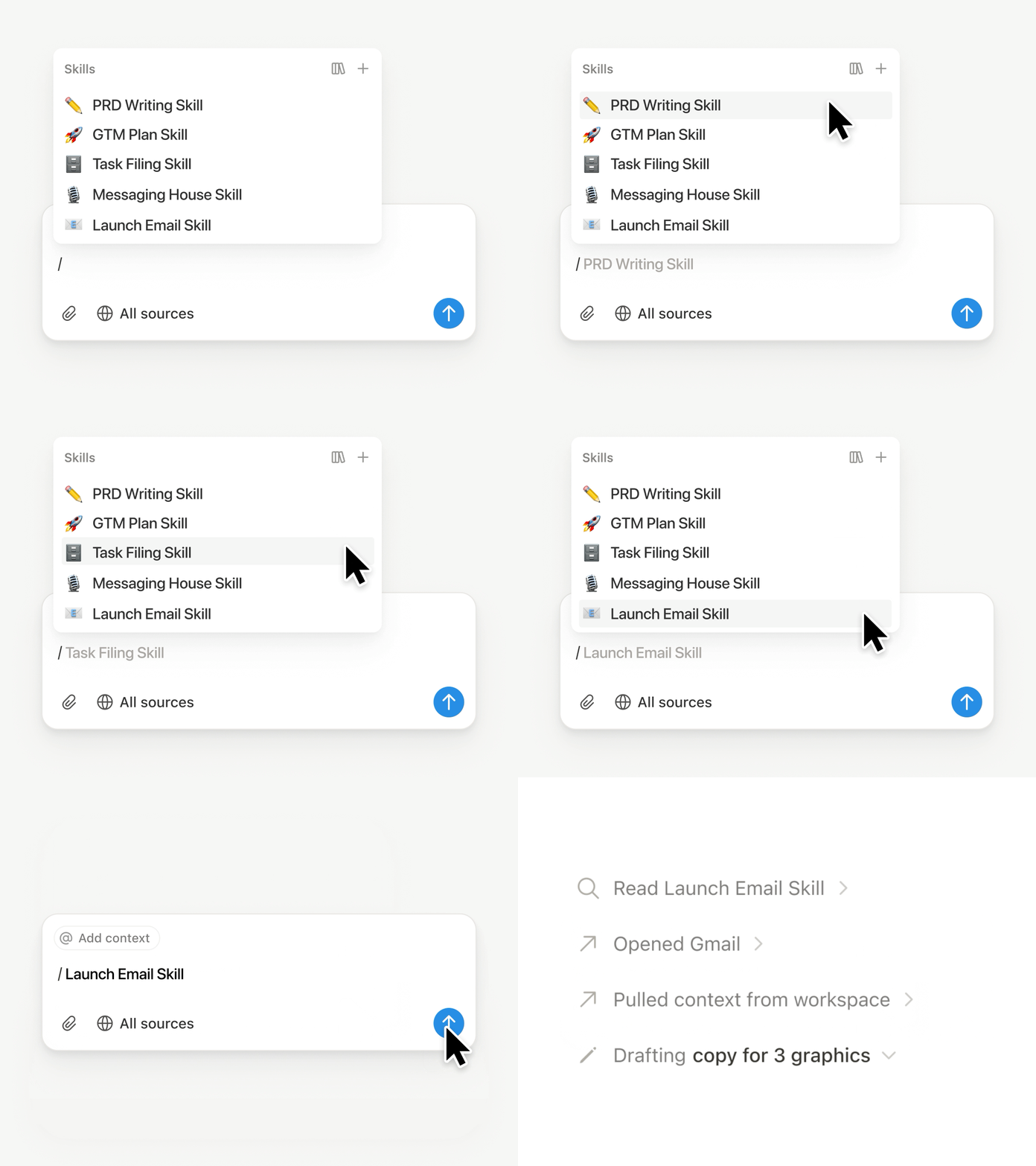
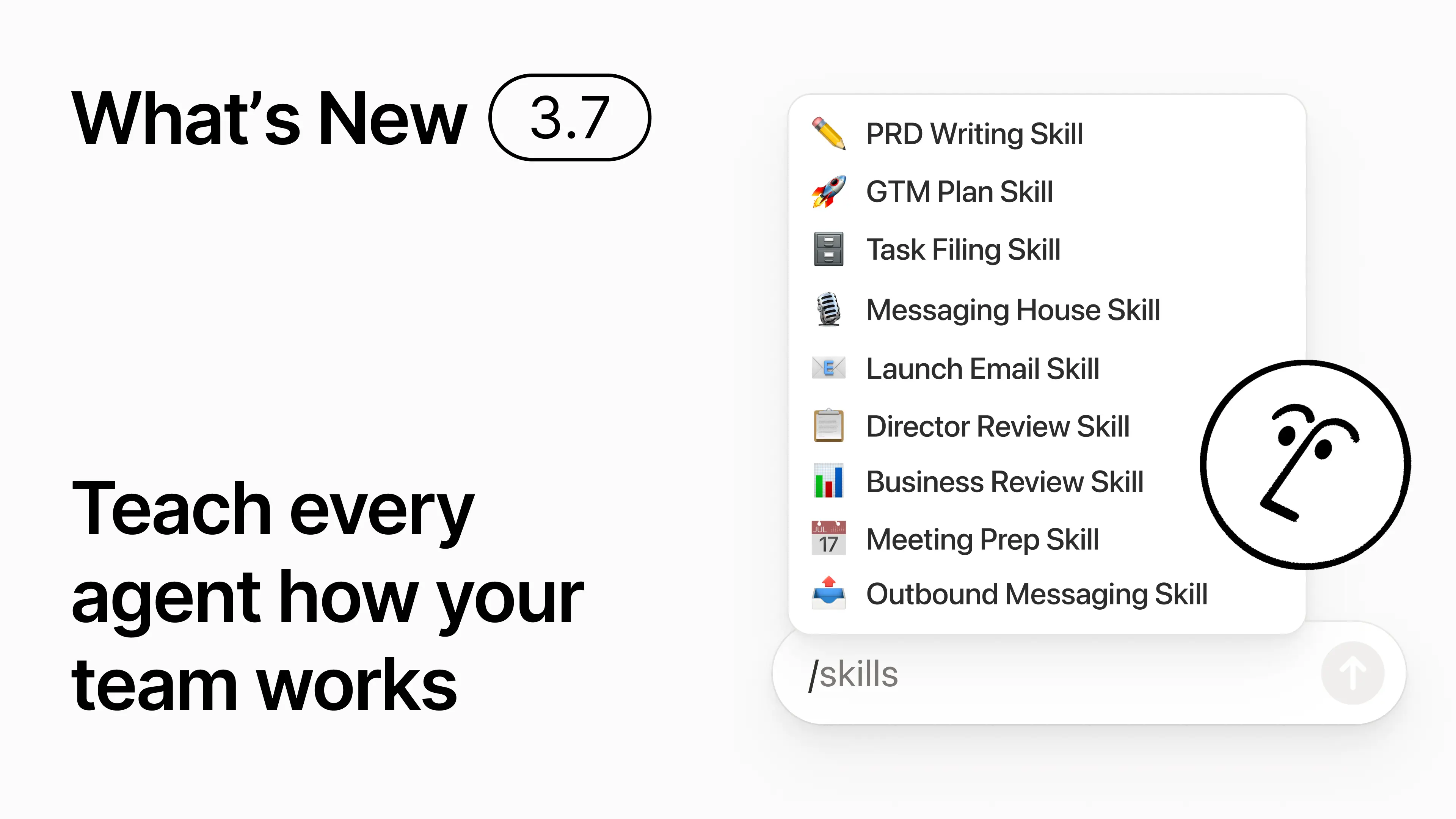
พิมพ์ / ในแชท Notion Agent แล้วเลือกทักษะที่คุณต้องการใช้ เพิ่มบริบทอื่นๆ จากนั้นกด Enter

เรียกใช้ ทักษะสำหรับผู้บริหาร เพื่อเปลี่ยนร่างเอกสารให้เป็นสรุปสำหรับผู้บริหารที่กระชับ พร้อมประเด็นสำคัญ การตัดสินใจ ความเสี่ยง และสิ่งที่ต้องการให้ดำเนินการ หรือ เปลี่ยนบันทึกดิบให้เป็น PRD คุณยังสามารถตั้งค่าให้ทักษะทำงานโดยอัตโนมัติได้อีกด้วย ดูข้อมูลเพิ่มเติม →

นำทักษะของทีมคุณไปใช้กับ Claude Code, Codex, Cursor และอื่นๆ

ทักษะสำหรับ Claude หรือ Codex

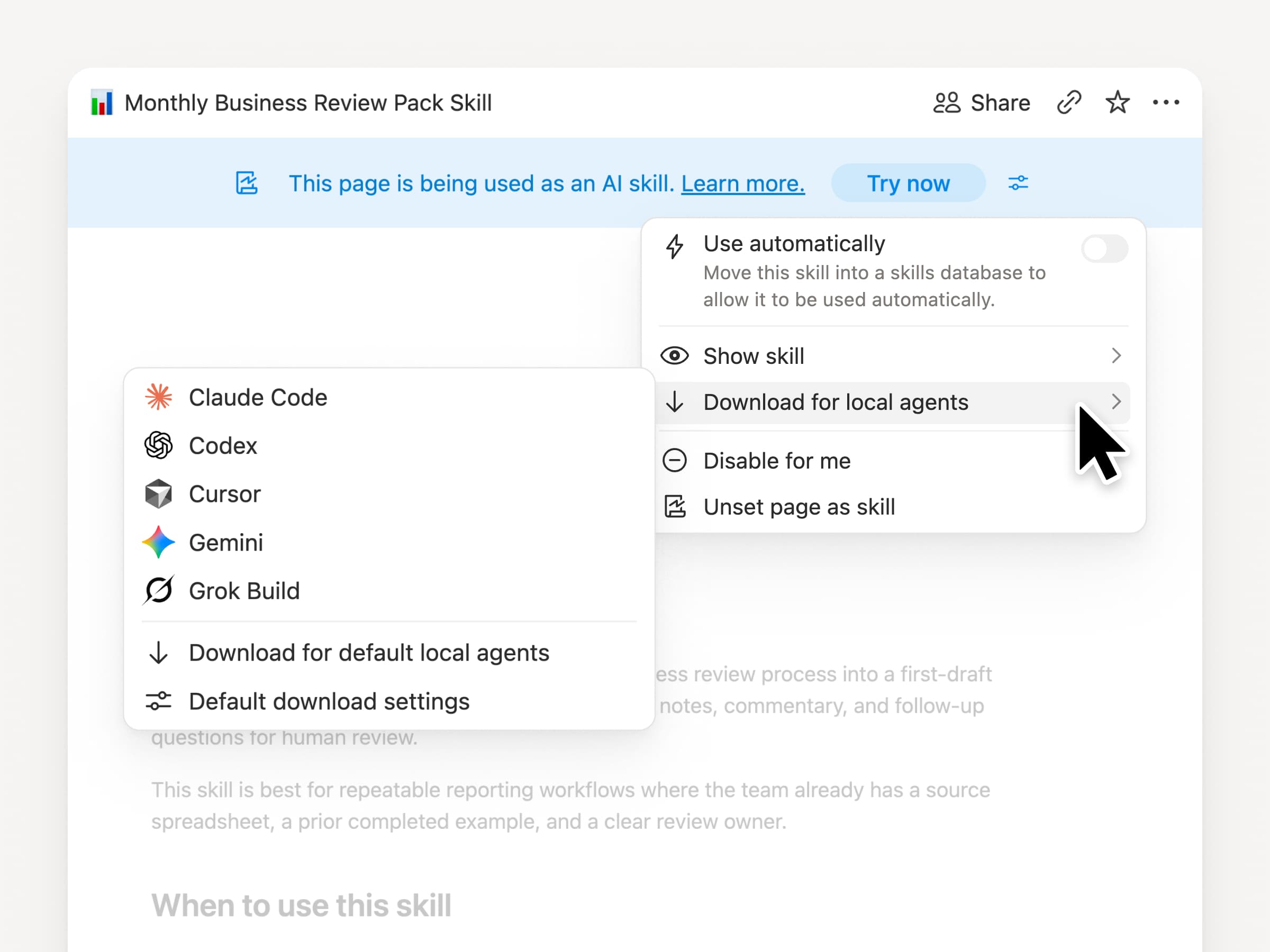
นำทักษะของคุณติดตัวไปได้ ไม่ว่าคุณจะใช้เอเจนต์ตัวไหนก็ตาม สร้างและอัปเดตทักษะใน Notion จากนั้น ดาวน์โหลดไปยัง Claude Code, Codex, Cursor, Gemini หรือ Grok

Notion จะเขียนทักษะเป็นไฟล์ SKILL.md พร้อมกับไฟล์สนับสนุนที่ผ่านการอนุมัติ เมื่อทักษะมีการเปลี่ยนแปลงใน Notion ระบบจะทำเครื่องหมายด้วยแบดจ์เพื่อให้คุณทราบว่าต้องอัปเดตเป็นเวอร์ชันล่าสุด ทีมของคุณสามารถจัดการคำสั่งต่างๆ ไว้ในที่เดียว และเอเจนต์ในเครื่องของคุณก็สามารถทำตามกระบวนการเดียวกันได้ ดูข้อมูลเพิ่มเติม →

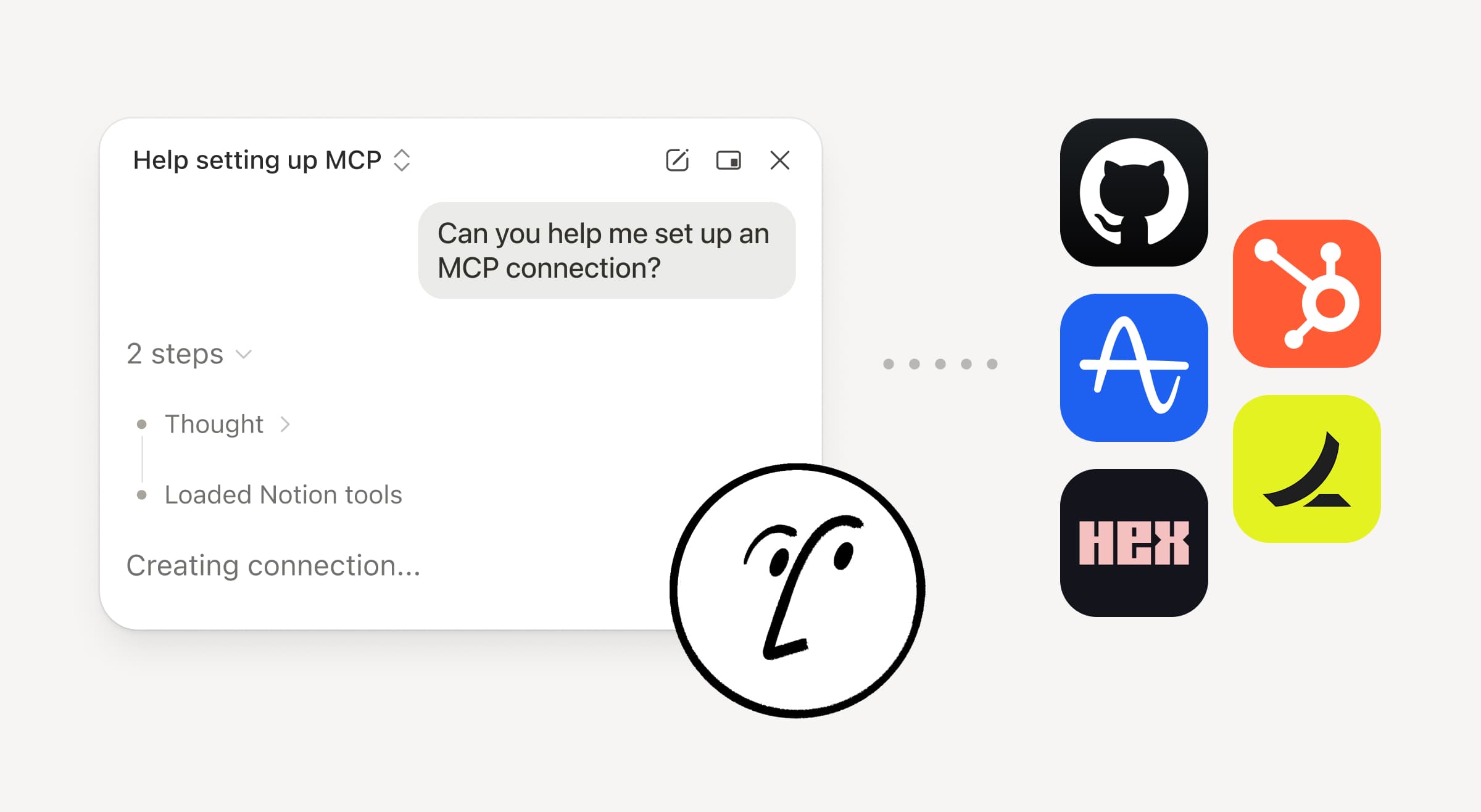
ขอให้เอเจนต์ของคุณเชื่อมต่อ GitHub, Amplitude และอื่นๆ เพิ่มเติม

เชื่อมต่อกับเอเจนต์ของคุณเพิ่มเติม

นำงานของคุณเข้ามาใน Notion Agent มากขึ้น เพียงแค่ขอให้มันเชื่อมต่อเครื่องมือ แล้วมันจะแนะนำขั้นตอนการตั้งค่าให้คุณ ตอนนี้คุณสามารถเชื่อมต่อ GitHub, Amplitude และเครื่องมืออื่นๆ ด้วยการเชื่อมต่อ Custom MCP เพื่อให้คุณสามารถดึงบริบท ตรวจสอบประสิทธิภาพ หรือดำเนินการในเครื่องมือที่ทีมของคุณใช้งานอยู่แล้วได้ เชื่อมต่อกับ GitHub →

การยืนยันช่วยให้คุณควบคุมได้ ดังนั้นจะไม่มีการเปลี่ยนแปลงใดๆ ในเครื่องมือที่เชื่อมต่อจนกว่าคุณจะอนุมัติ มีให้ใช้ในเวอร์ชันเบต้าบนแพ็คเกจ Business และ Enterprise ดูข้อมูลเพิ่มเติม →

กำลังเดินทางอยู่ใช่ไหม? ใช้แอพ Notion Agents บน iOS

แอพ Notion Agents

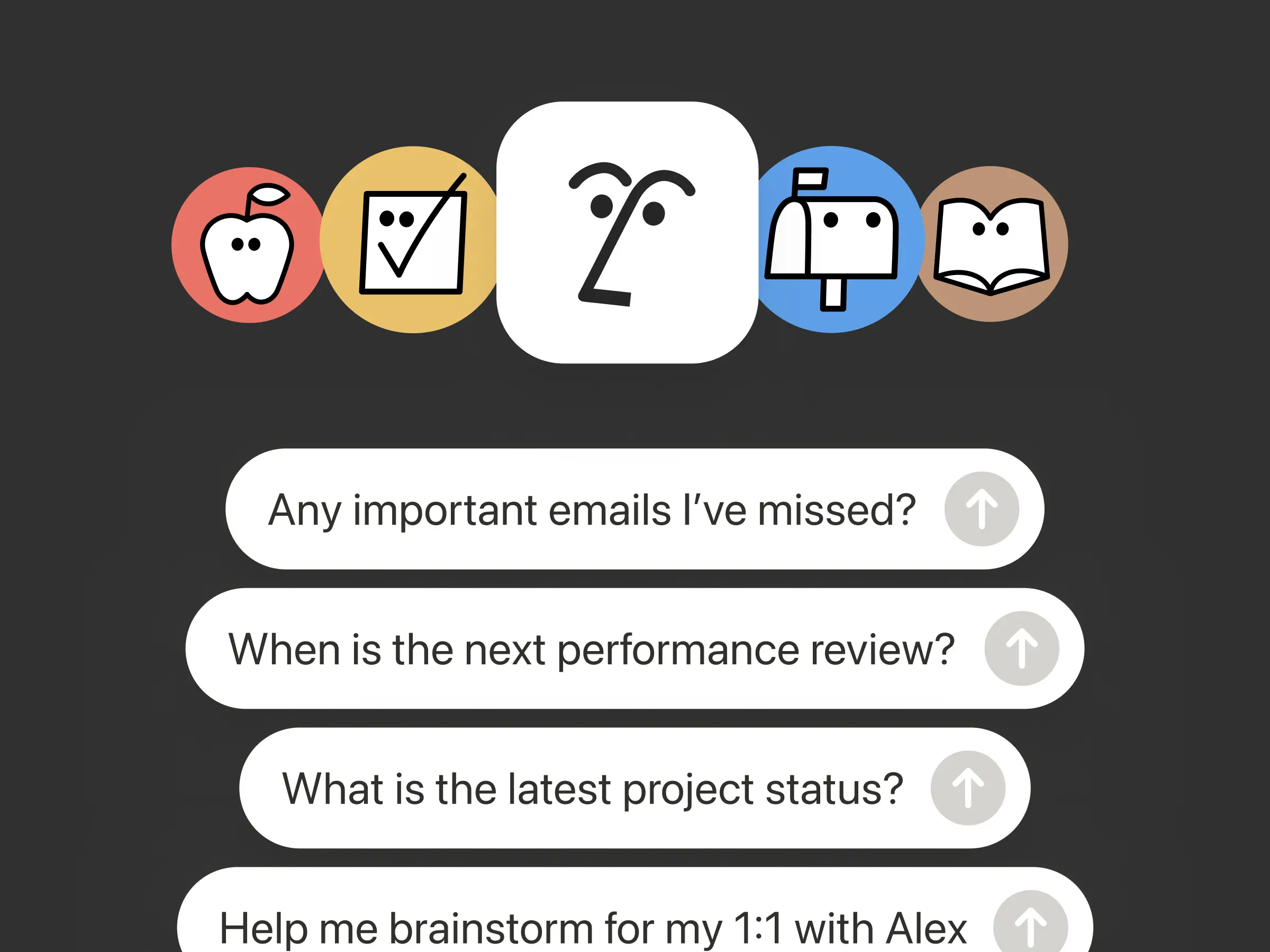
ไอเดียที่ดีที่สุดของคุณจะไม่รอจนกว่าคุณจะกลับมาที่โต๊ะทำงาน แอพ Notion Agents บน iOS ให้คุณพกพาเอเจนต์กว่า 1,000 ตัวไปได้ทุกที่ บันทึกไอเดีย เสียง และรูปภาพ เตรียมตัวสำหรับการประชุม หรือสร้างเอกสารใหม่ในขณะที่คุณกำลังเดินทาง มอบหมายงานให้เอเจนต์ แล้วเอเจนต์จะจัดการให้เสร็จก่อนที่คุณจะกลับมาที่แล็ปท็อป

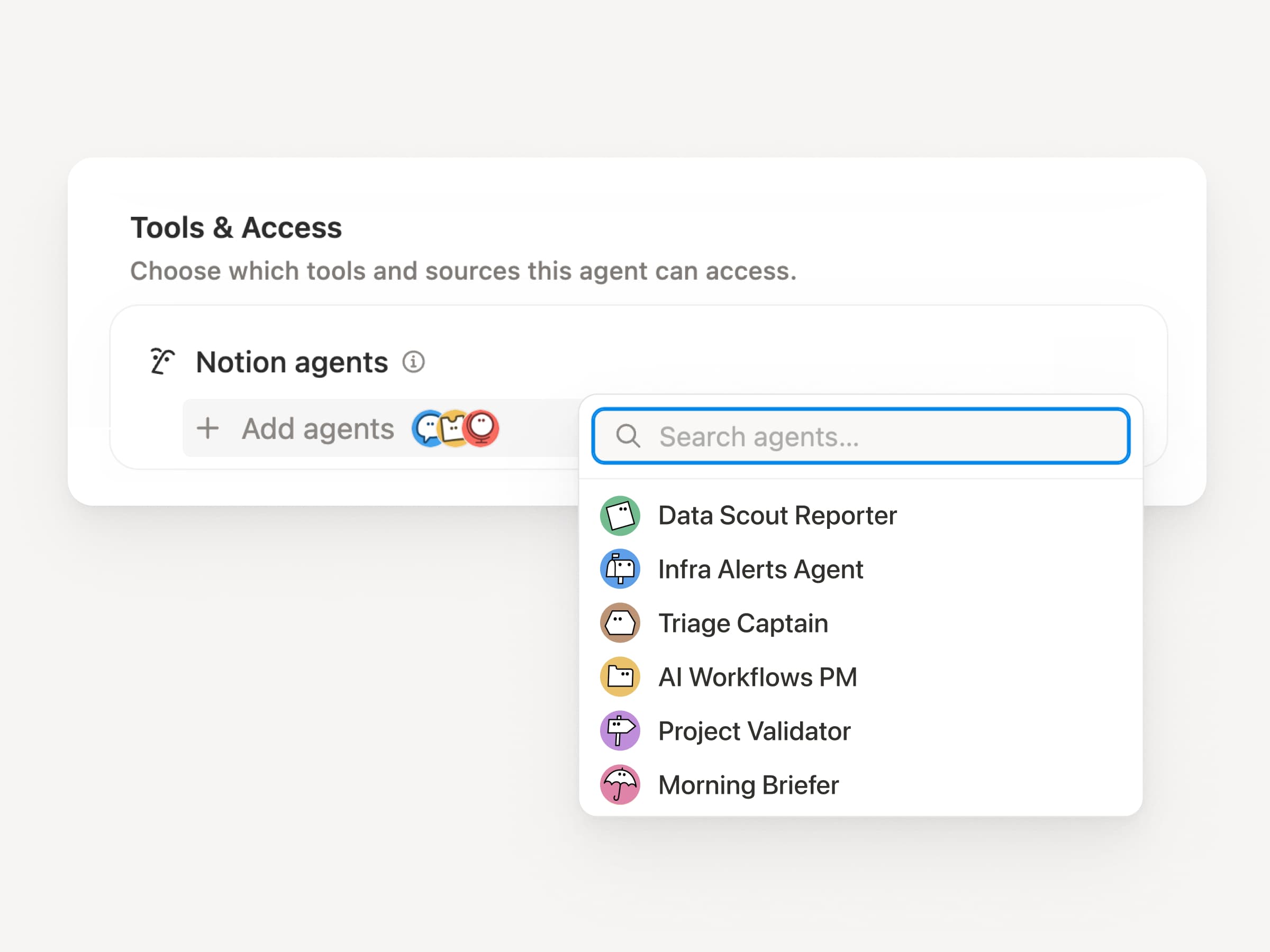
ให้เอเจนต์เฉพาะกิจของคุณเรียกใช้เอเจนต์ย่อย

เอเจนต์ย่อย

เวิร์กโฟลว์ขนาดใหญ่มักไม่ใช่แค่งานเดียว ตอนนี้เอเจนต์เฉพาะกิจสามารถเรียกใช้เอเจนต์เฉพาะกิจตัวอื่นเป็นเอเจนต์ย่อยได้แล้ว โดยแต่ละตัวจะมีคำสั่ง บริบท การเข้าถึง และโมเดลเป็นของตัวเอง ดูข้อมูลเพิ่มเติม →

เอเจนต์ PM ของแอพมือถือสามารถส่งรายงานบั๊กไปยังเอเจนต์คัดกรองและคำถามเกี่ยวกับตัวชี้วัดไปยังเอเจนต์รายงาน จากนั้นนำคำตอบกลับมารวมเป็นอัปเดตเดียวใน Slack เอเจนต์หลักจะเป็นผู้ตัดสินใจว่าจะมอบหมายงานเมื่อใด และใช้การตอบกลับแต่ละครั้งเพื่อทำงานเดิมให้เสร็จสิ้น Remote ใช้งานแผนกช่วยเหลือด้านไอทีด้วยเอเจนต์ห้าตัวในลักษณะนี้และประหยัดเงินได้ถึง 500,000 ดอลลาร์ต่อปี

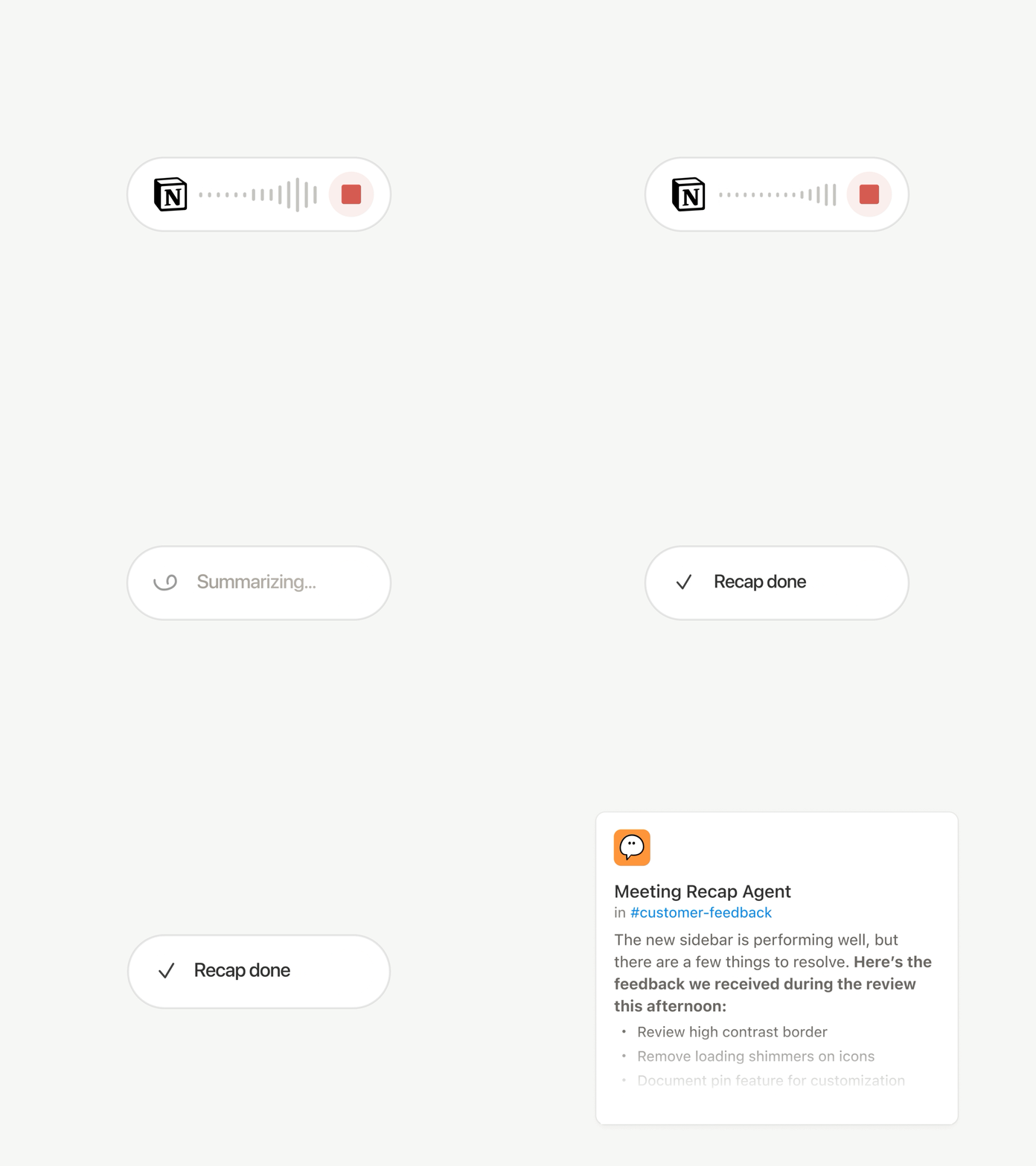
เอเจนต์เฉพาะกิจ สามารถทำงานหลังการประชุมแทนคุณได้

เอเจนต์สรุปการประชุม

ทุกการโทรจบลงด้วยงานประจำ: เขียนสรุป จัดเก็บสิ่งที่ต้องดำเนินการ และแจ้งเตือนผู้ที่ไม่ได้เข้าร่วมประชุม ตอนนี้ เอเจนต์เฉพาะกิจ สามารถจัดการงานหลังการประชุมได้โดยอัตโนมัติ

เลือกการประชุมที่สำคัญ จากนั้นปล่อยให้ เอเจนต์เฉพาะกิจ รับช่วงต่องานทันทีที่สรุปการประชุมแต่ละรายการพร้อมใช้งาน เอเจนต์จะได้รับบันทึกการสนทนาและสรุป เพื่อให้สามารถเขียนอัปเดตสถานะ จัดเก็บสิ่งที่ต้องดำเนินการ หรือส่งข้อเสนอแนะของลูกค้าไปยังฐานข้อมูลที่ถูกต้องได้ มีให้ใช้ในแพ็คเกจ Business และ Enterprise ดูข้อมูลเพิ่มเติม →

เรียกดูทุกโมเดล และดูว่าโมเดลใดเหมาะสมที่สุดสำหรับงานนี้

โมเดลล่าสุด

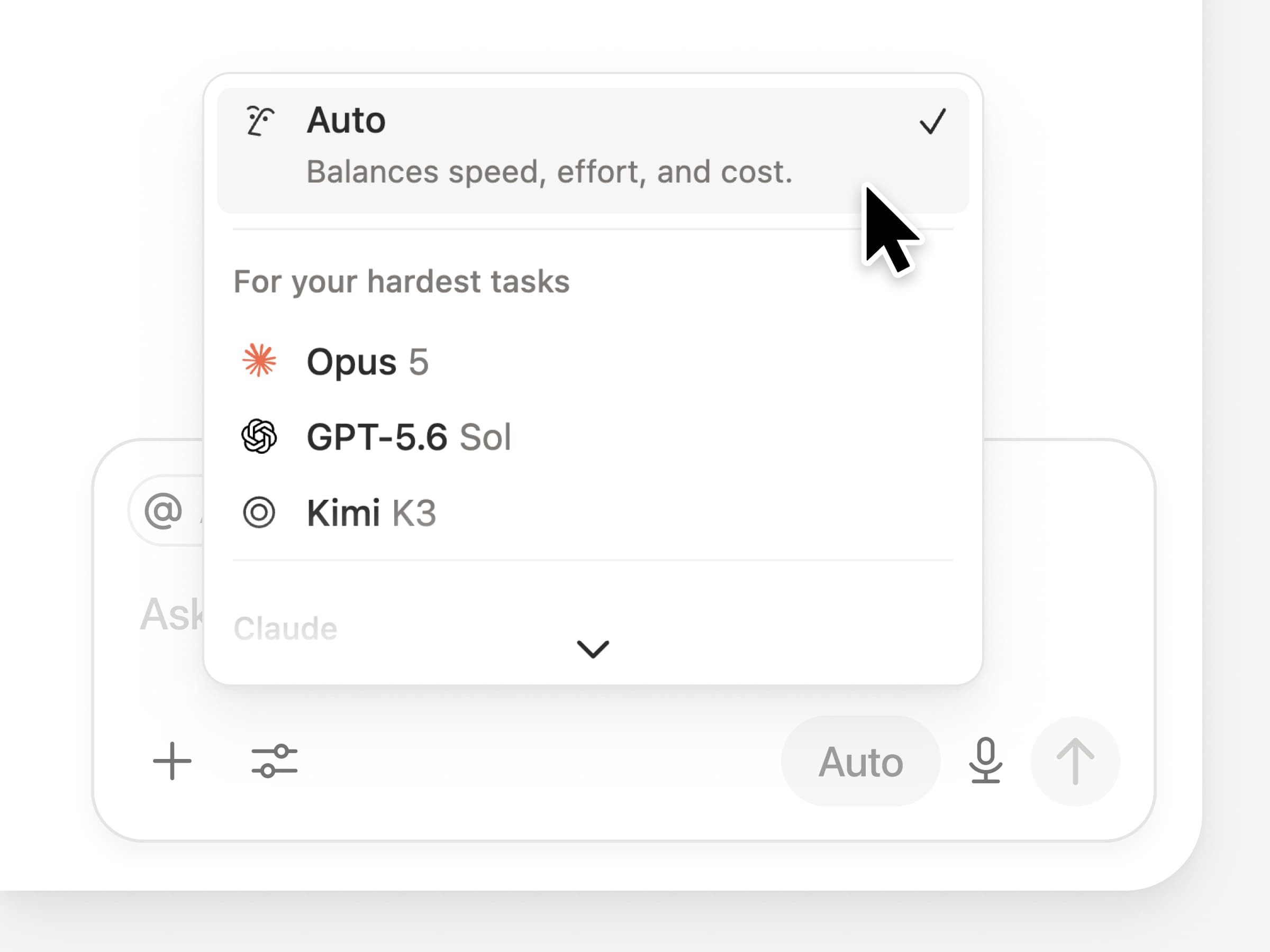
คุณสามารถเข้าถึงโมเดลระดับแนวหน้าล่าสุดทั้งหมดใน Notion รวมถึง Opus 5, GPT-5.6 Sol และ Kimi K3 ตัวเลือกโมเดลใหม่ได้รับการออกแบบใหม่เพื่อช่วยให้คุณเลือกโมเดลที่ดีที่สุดสำหรับงานของคุณ พร้อมตัวบ่งชี้ความเร็ว ความฉลาด และค่าใช้จ่าย

นอกจากนี้ยังมี Notion Knowledge Board ใหม่ ซึ่งประเมินประสิทธิภาพของโมเดลจากงานจริงในชีวิตประจำวัน เปรียบเทียบโมเดล →

และอื่นๆ อีกเล็กน้อย...

  • ฝังเอเจนต์เฉพาะกิจในเอกสารใดก็ได้ วางเอเจนต์ไว้ในจุดที่งานเกิดขึ้น เพื่อให้ทุกคนในหน้าสามารถใช้งานได้ ดูวิธีการ →

  • ข้อมูลเชิงลึกของ เอเจนต์เฉพาะกิจ ใน Public API Pull การใช้เครดิต รอบการทำงานที่เสร็จสมบูรณ์ และสถานะ และเปิดใช้งาน ปิด หรือกำหนดขีดจำกัดสำหรับเอเจนต์ใดก็ได้ Business และ Enterprise อ่านเอกสาร Insights API →

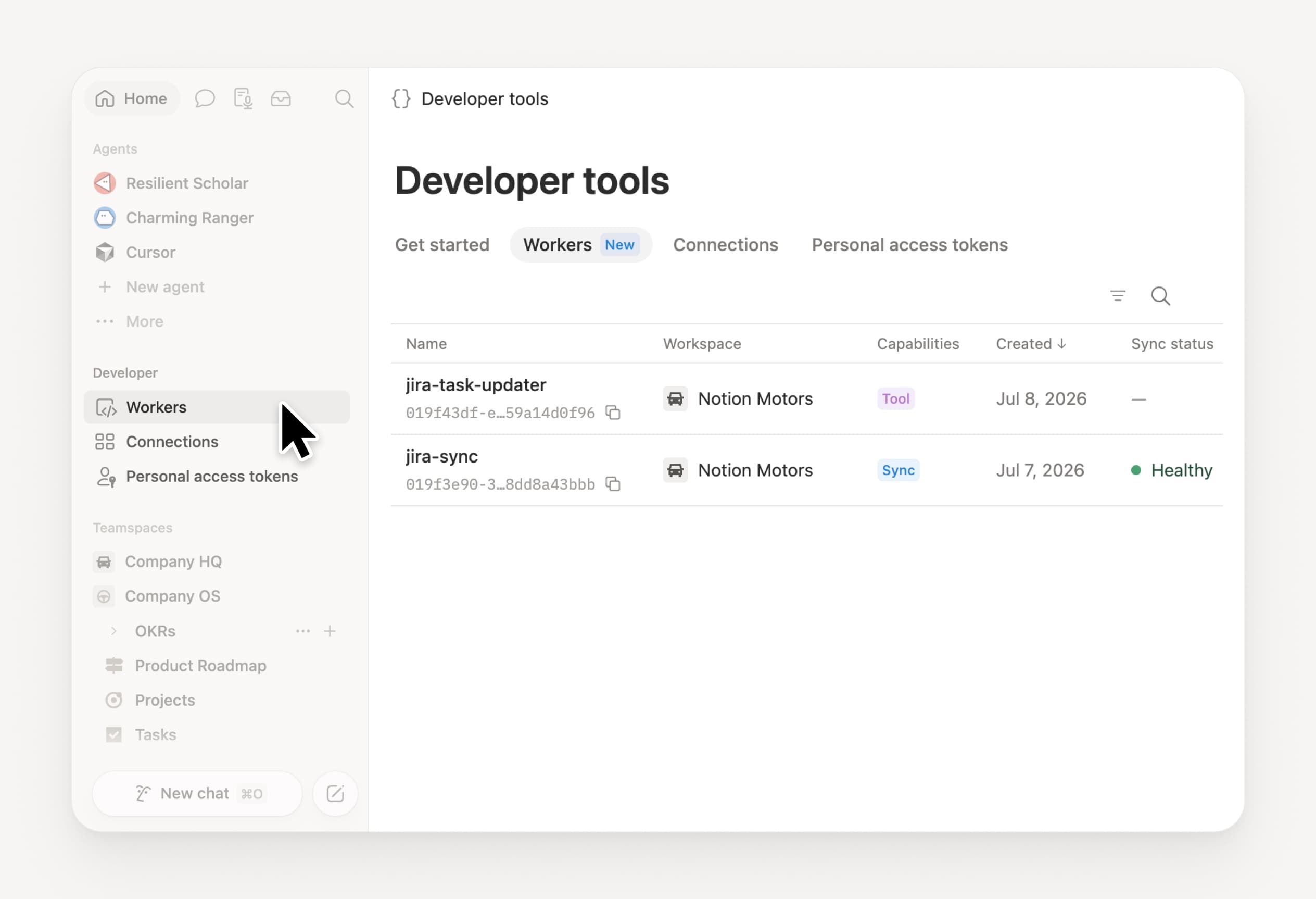
  • จัดการ Workers และการเชื่อมต่อของคุณ: เปิดส่วน Developer ใหม่ในแถบด้านข้างเพื่อดู Worker ทุกตัว ตำแหน่งที่เชื่อมต่อ และบันทึกจากรอบการทำงานแต่ละครั้ง ลองดูเลย →

  • Agent SDK เปิดให้ใช้งานในรูปแบบเบต้าสาธารณะแล้ว สนทนากับ Custom Agent ต่อได้จากทุกที่ ทริกเกอร์จากแอปของคุณ และสตรีมผลลัพธ์กลับมาได้เลย Business และ Enterprise อ่านเอกสาร Agent SDK →

  • Developer Portal ย้ายมาอยู่ใน Notion แล้ว จัดการ Workers, การเชื่อมต่อ และโทเค็นการเข้าถึงส่วนบุคคลของคุณได้ในที่เดียว เปิดพอร์ทัล →

  • AI Search เร็วขึ้น 50% รอคำตอบและเอาต์พุตจากเอเจนต์ที่ใช้บริบทของพื้นที่ทำงานน้อยลง Business และ Enterprise ลองใช้เลย →

  • อัพเดทกล่องข้อความ ขอให้ Notion Agent ช่วยจัดกลุ่มการแจ้งเตือน แสดงสิ่งที่ต้องให้ความสนใจ และช่วยจัดการส่วนที่เหลือให้เรียบร้อย ลองดูเลย →

ลองใช้ทักษะดูเลย! และแชร์ให้เราทราบว่าเราจะปรับปรุงให้ดียิ่งขึ้นได้อย่างไร (เรายังมีฟีเจอร์อื่นๆ ที่กำลังพัฒนาอยู่)

Control which AI models your agents can use

Control which AI models your agents can use

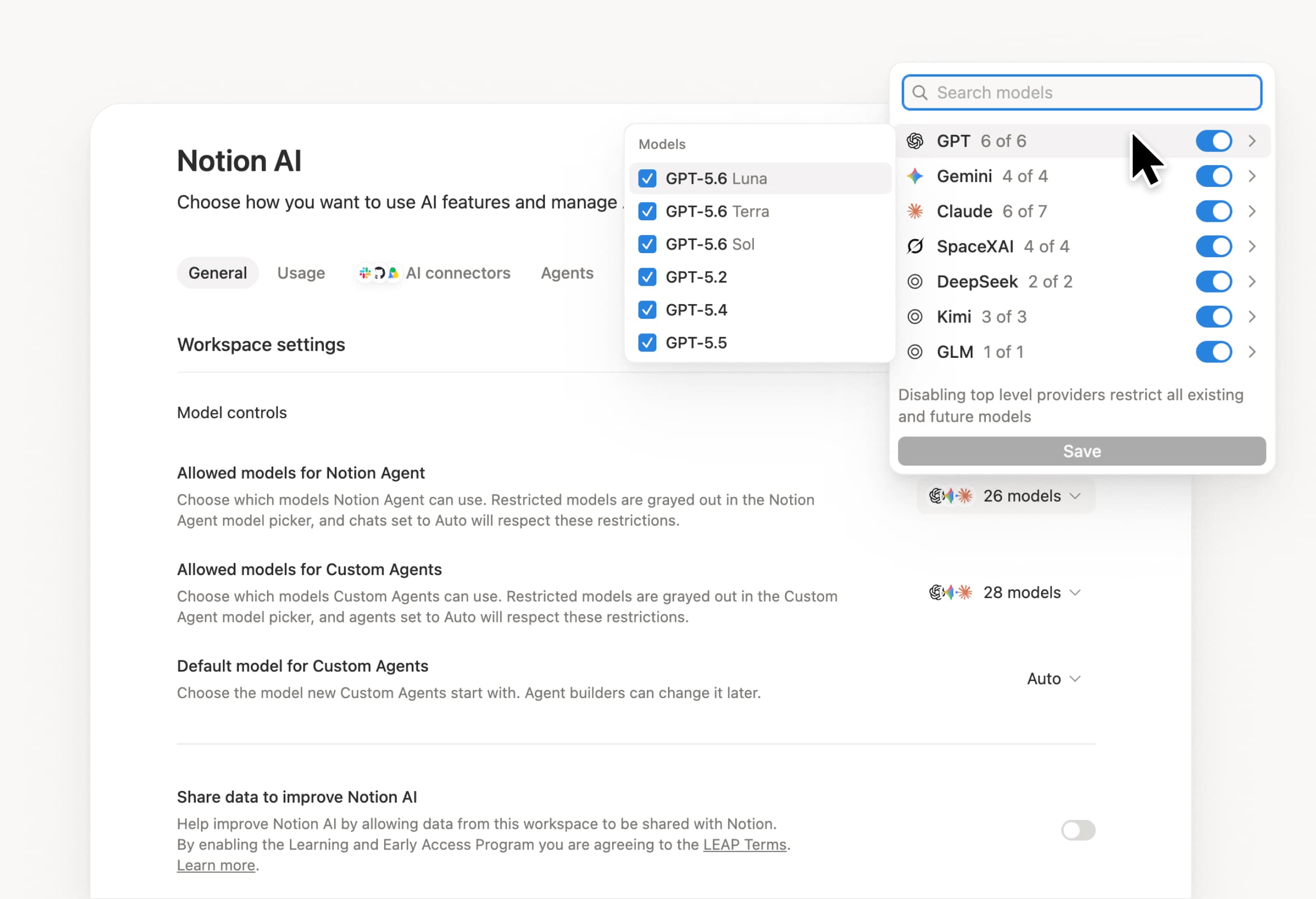
What’s on your team’s model roster? That’s up to you. With model controls, workspace owners can choose which AI models are available in Notion Agent and Custom Agents separately, and set a default model for Custom Agents. Keep costs predictable and support your compliance needs while your teams continue building. Available on Business and Enterprise plans.

Get started at Settings → Notion AI → General → Model controls.

Ask your agent to suggest edits

Your agents can now propose changes instead of making them directly. Ask your agent to suggest edits, then move top to bottom to approve each one. It’s great when you need line-level changes, like a pass for grammar.

Get started by asking your agent to “suggest edits.”

Your Developer Portal, now in the sidebar

Manage your Workers, connections, and personal access tokens from the new Developer section of your Notion workspace. See an overview of deployed Workers and logs behind every run.

Developer sidebar section

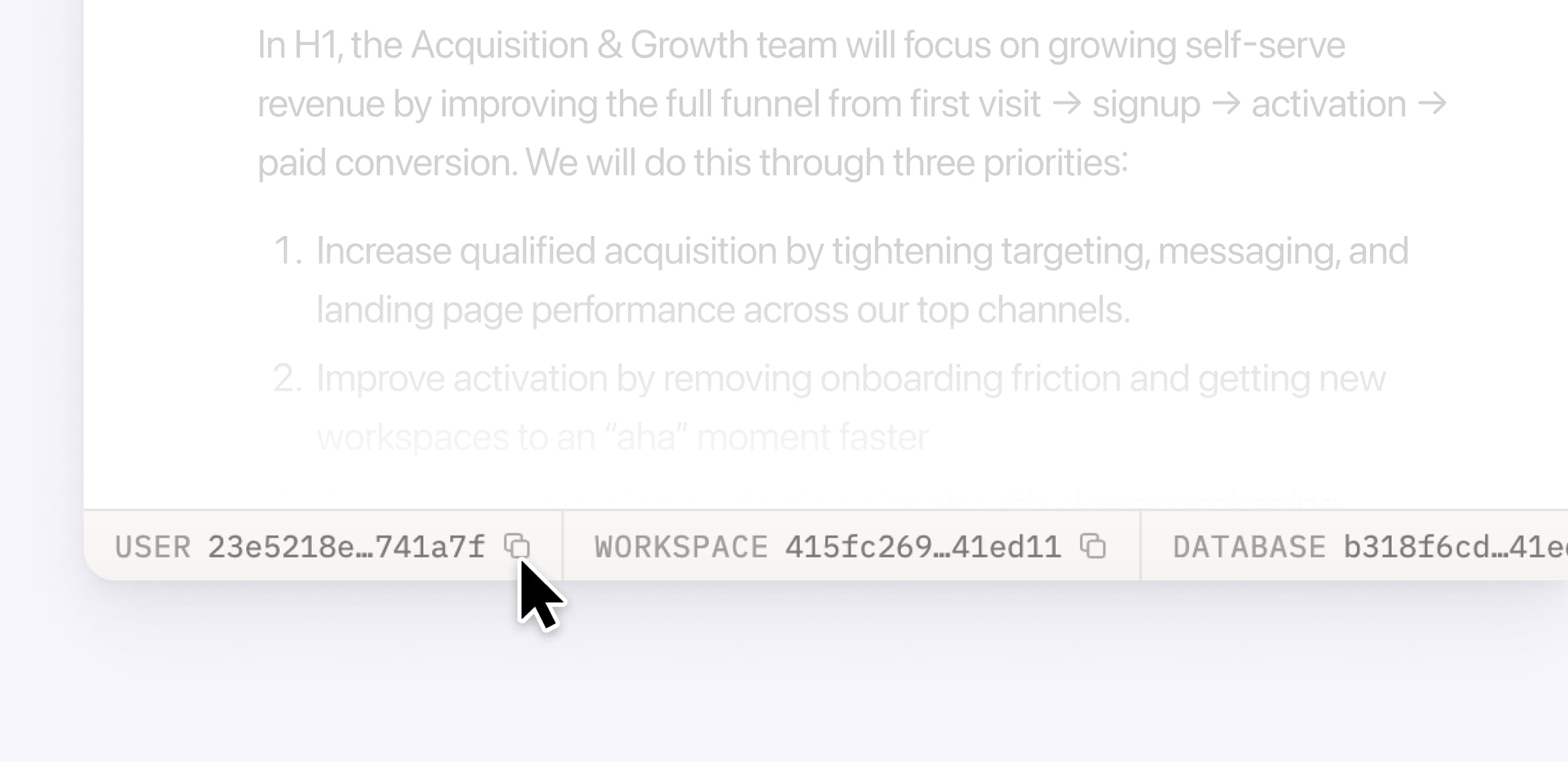
Plus, the new developer bar makes it easy for anyone building with the API to find IDs for the page, database, block, workspace, or user. Copy any one of them, or the full API object, in one click.

Developer bar

Get started from Settings → Developer → Enable developer features. Go there now →

Model selection, simplified

No more guessing which model to use.

The model picker now leads with a shortlist of models made for your hardest tasks, and every model has a scorecard to compare speed, intelligence, and cost. Pin your favorites for easy access and dial up the effort when you need a more thorough answer.

AI Meeting Notes can now trigger Custom Agents

Custom Agents can now run right after an AI Meeting Note is finished. No more need to manually update status trackers, post recaps to the project channel, or file tickets by hand.

Here’s a few of our favorite post-meeting workflows:

  • Update your project tracker with the latest status

  • Post a recap to Slack or email with decisions and next steps

  • Turn feedback into tickets for your engineering team

To get started, open your Custom Agent’s settings, add the Meeting note summarized trigger, and choose which meetings kick it off. After your next call, your agent will get to work.

High contrast mode

Accessibility win! High contrast mode is a new display option that makes text, icons, and borders easier to read.

Try it by going to Settings > Preferences > Appearance. Available on desktop and web.

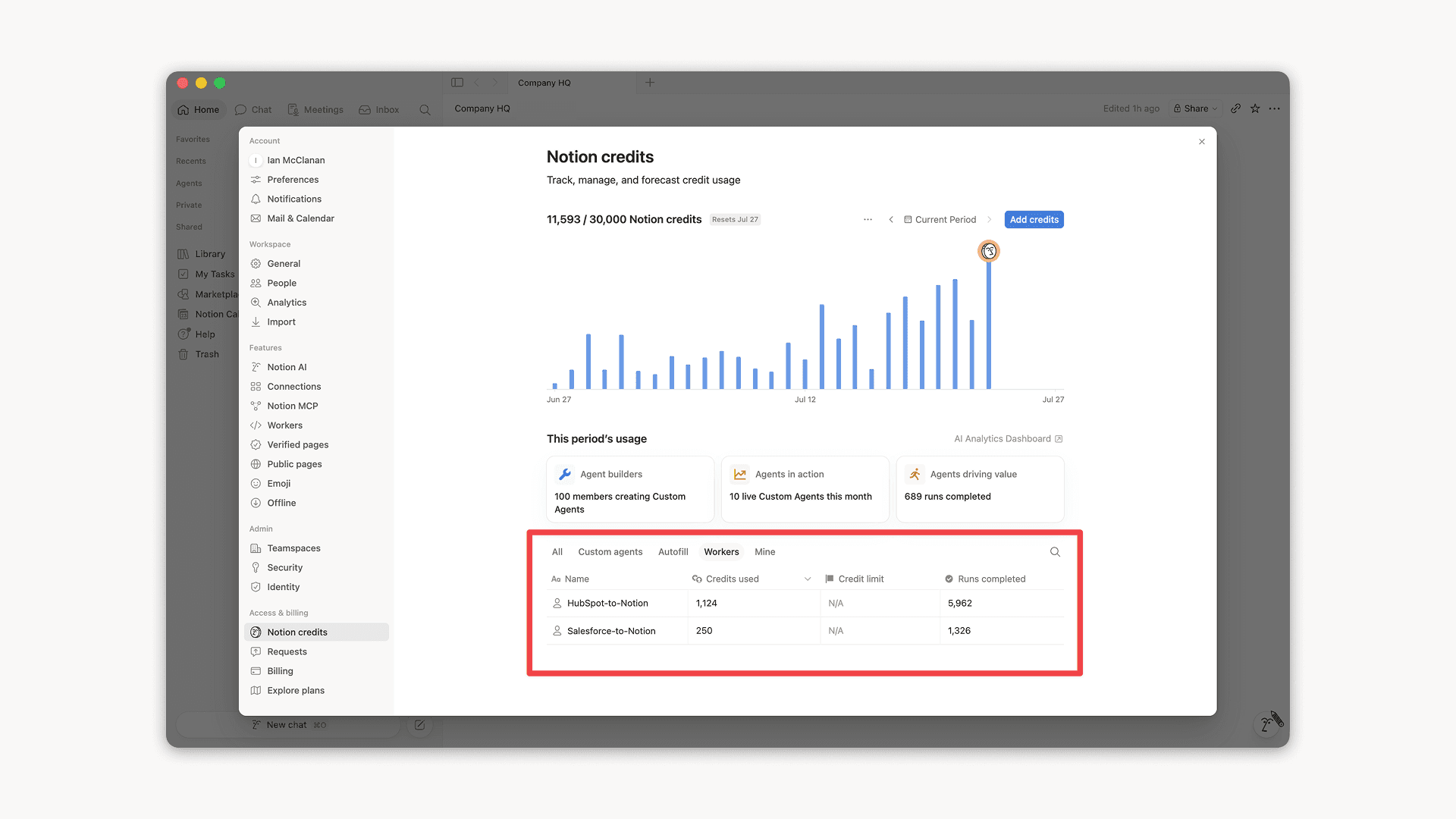
Workers, now in your Notion credits dashboard

Workers in the credits dashboard

Notion Workers run custom code on Notion's infrastructure to sync data, power tools for Custom Agents, and trigger webhook automations.

Now you can track your Workers’ usage in the credits dashboard, alongside your other spend.

Workers are free to try during the beta on Business and Enterprise plans (including Business trials). Usage is now visible in the dashboard to help your team size credits before the beta ends.

Learn more about the Notion Workers beta and pricing in our Help Center →

Powered by Fruition