Let’s plan for the coming month using @Mode 1 (Essentialist Productivity Coach & Personal Assistant). By looking at my task database & projects database, emails, and meeting notes please do the following: - Assess & report: what should I focus on? What should I avoid? Why? - Identify the quick wins and deep work that will have the biggest impact for the month - Set a key goal for the month - Make a plan for the coming week - Set a task list ready for tomorrow and time block my day (you can then create or move relevant tasks in the tasks database to tomorrow and set their urgency and importance).

What can Notion do?
See how teams use Notion AI to turn meeting notes into action items, everyday questions into a living wiki, and much more.

Better Creating

Thomas Frank
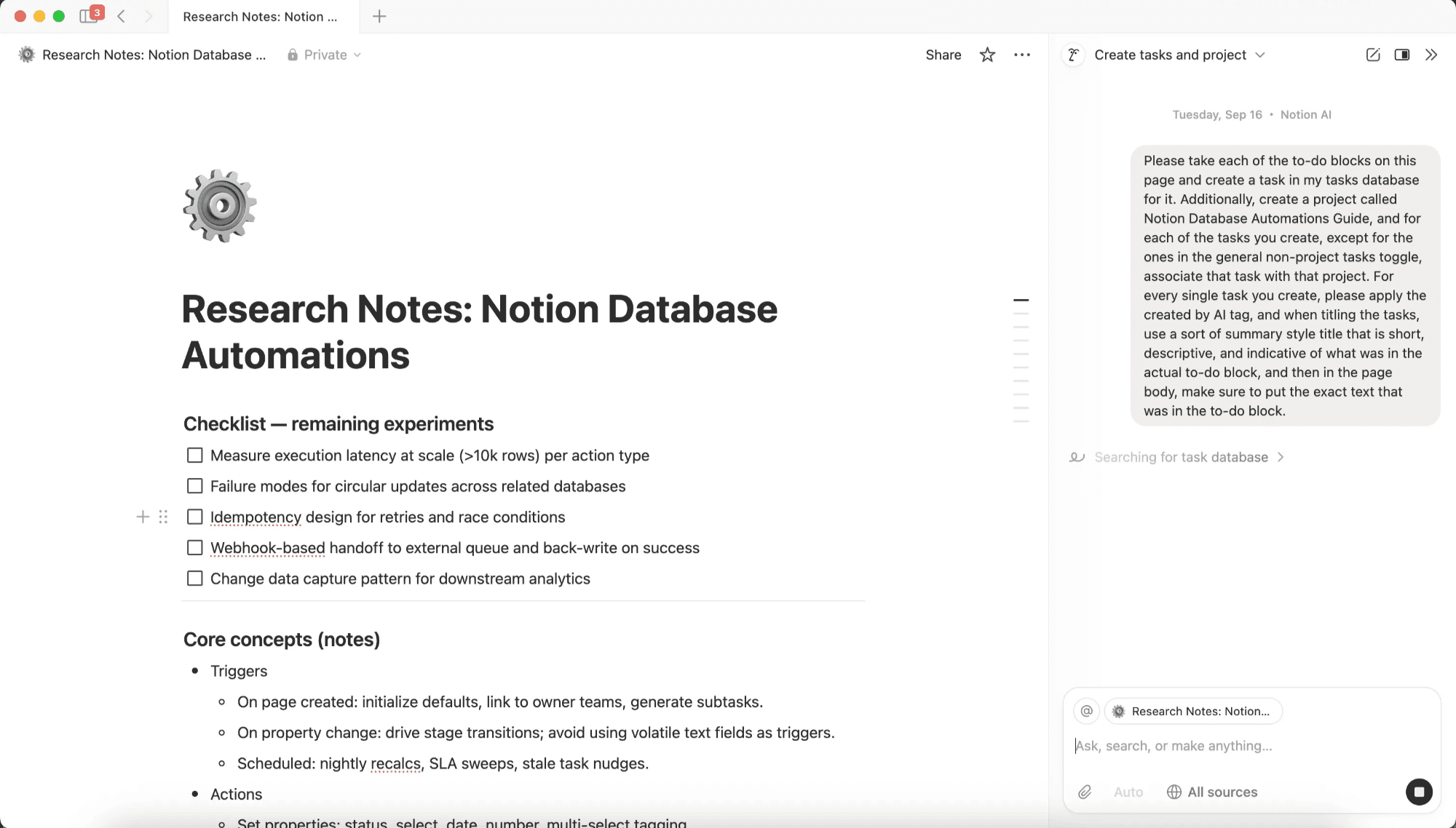
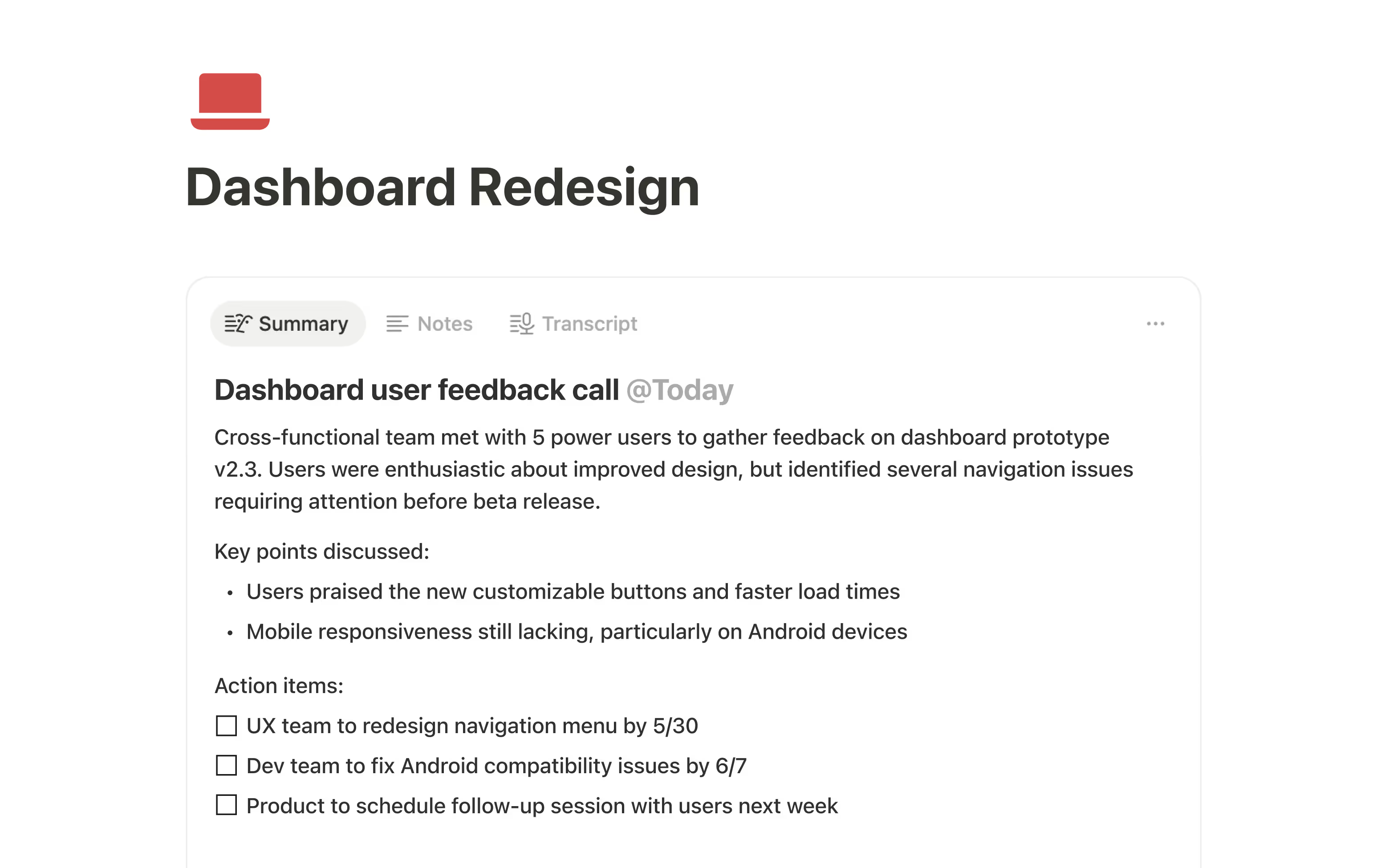
Hey! Can you help me turn this meeting into social posts on our calendar? Use our style guidelines.

Critique this landing page and suggest improvements. Refer to our voice guide and messaging goals for 2025. Then create a redrafted version that incorporates your feedback and uses Notion blocks to show the layout.

Write a post I can share on LinkedIn. Create a English and Spanish version.

Sam Bird
Turn these pages into an inline database that organizes them by company, product area, date, and anything else that makes sense!