Wat is nieuw

Blijf op de hoogte van de nieuwste releases, verbeteringen en oplossingen.

Volg @NotionHQ
3.8

Notion 3.8: Context for your agents
Context for your agents

Your agents and teams run on context. If you switch agents, add a new tool, or welcome a new teammate, you shouldn’t have to explain everything again. With Notion, there’s a durable, shared place to remember what matters.

This update is all about context. Connecting data, tools, and skills so you’re free to use any agent or model.

With so many things changing, your context can stay in Notion.

Connect your agents to Notion with MCP
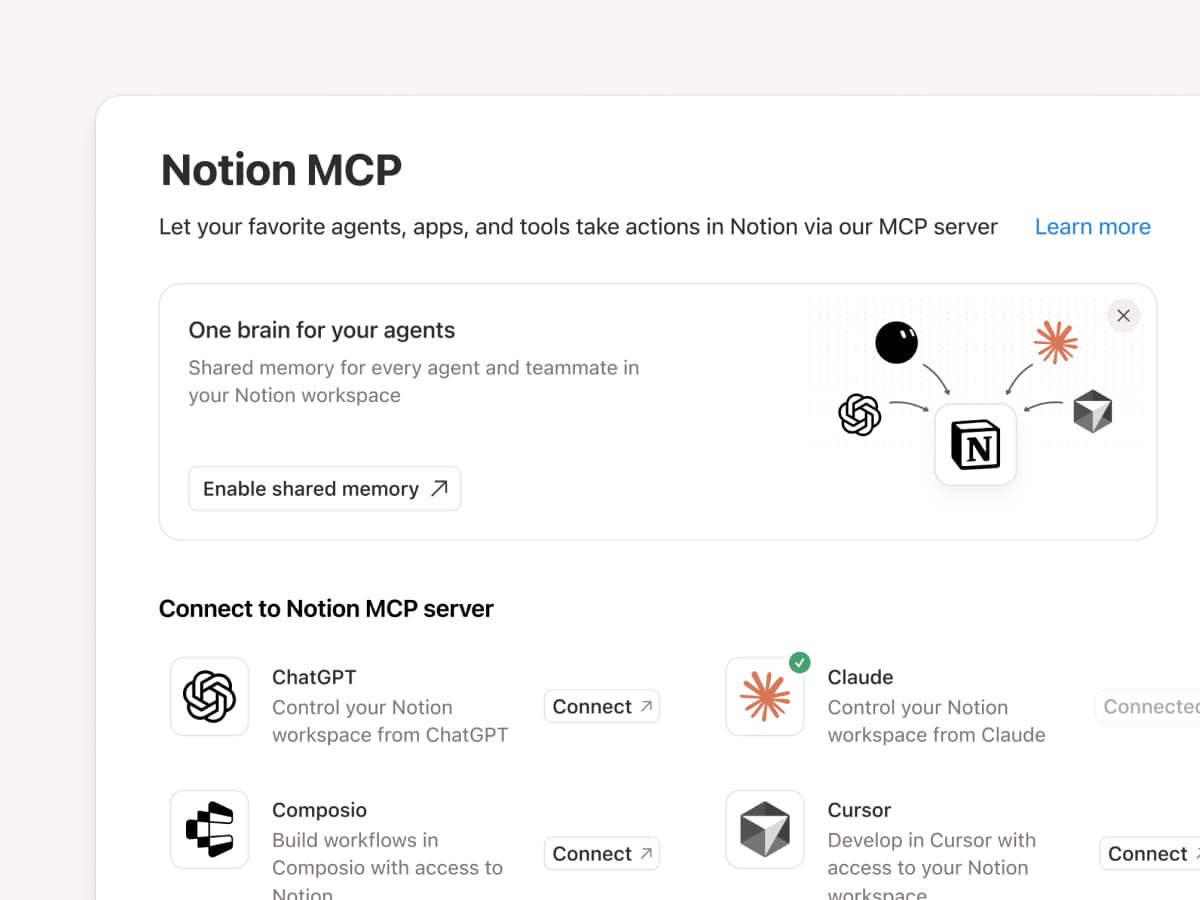
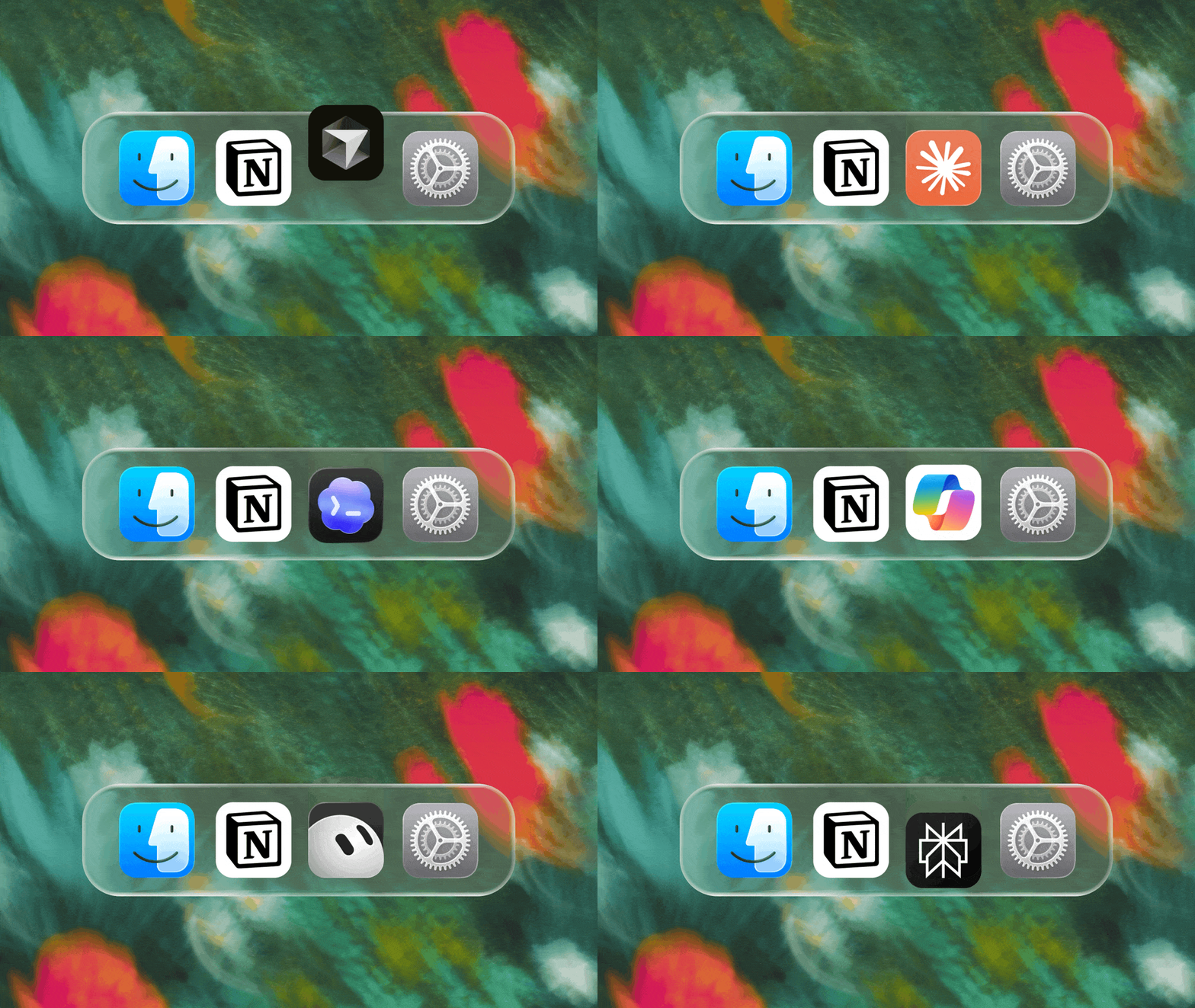
Connect an MCP-compatible agent to Notion so it can read your workspace context and update docs and task trackers. Whether you use Claudes, Muses, GrokBots, Dots, or another agent, Notion gives them a shared place to find what they need, so you can switch agents without starting from scratch. Set up an agent with Notion →

And with Notion MCP controls, admins can see who connected each AI tool, check when it was last used, and revoke a person’s access without affecting other connections. Set up MCP controls →

Connect your Notion Agents to 150+ tools with MCP
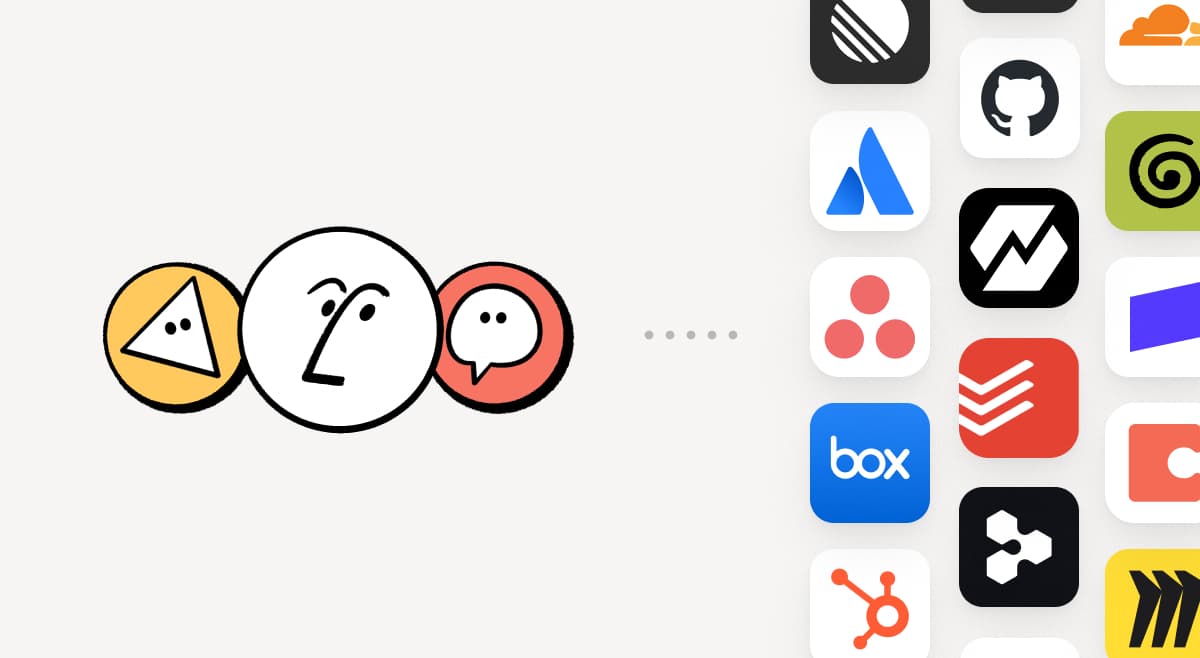
MCP

Bring the tools your team already uses into Notion. MCP connections let Notion Agent and Custom Agents draw on context from those tools and take action across them. Create an account brief in Notion using HubSpot pipeline data, add Stripe billing details to a customer health review, or bring Cloudflare infrastructure details into a postmortem. And that’s just the start. ⁠Browse 150+ MCP connections →

Write a skill once. Use it with every agent.
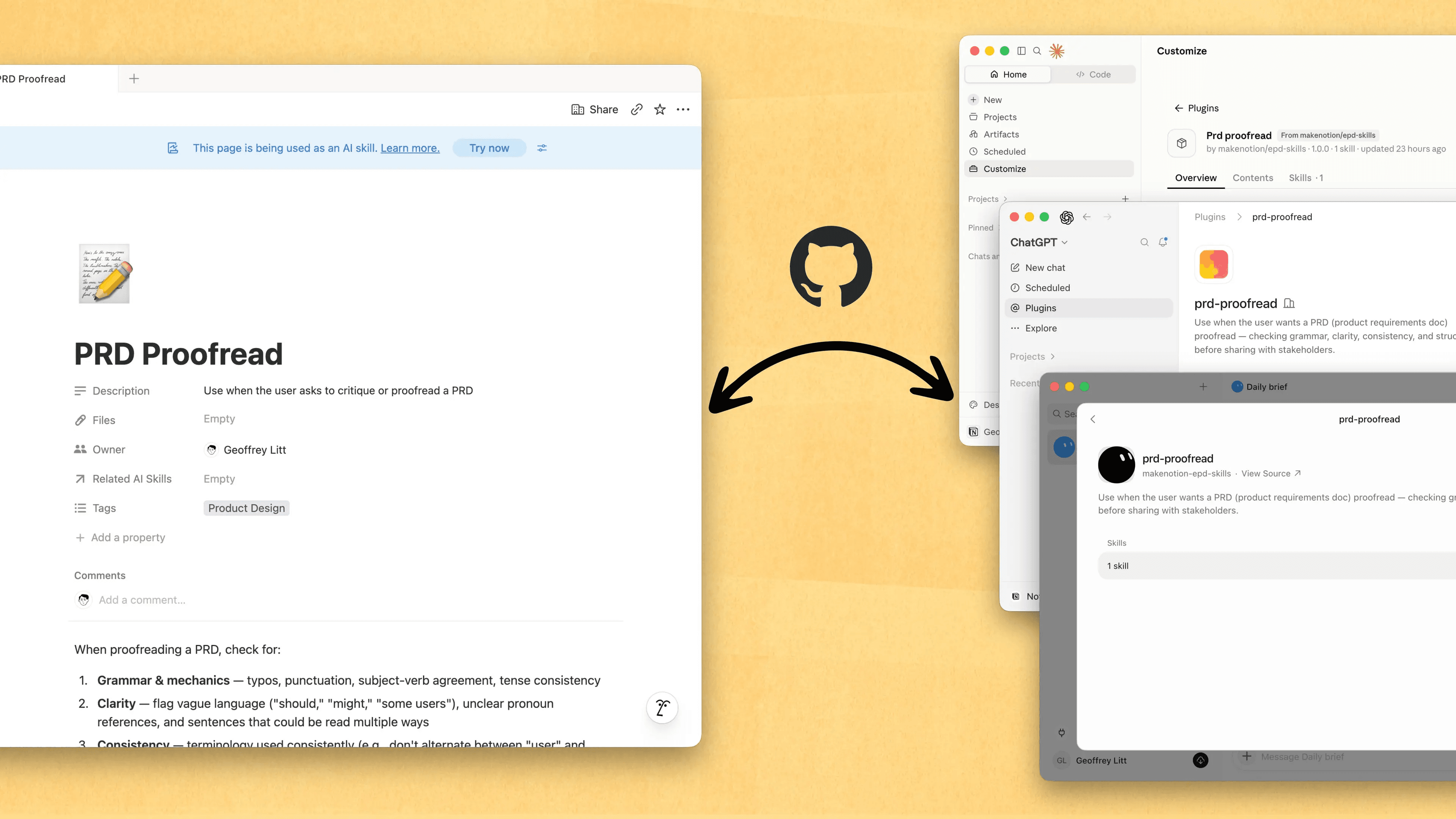
Write a skill once. Use it with every agent.

Skills are the best way to teach agents how you work … and not just for engineers. Now, Notion is the best place to create, share, and keep them current. Sync your Skills across ChatGPT, Claude, and more with the new Skills API, which loads Skills from Notion into GitHub.

Already have Skills for your agents? Ask your agent to recreate them in Notion with MCP, then keep building your library there. Here’s a quick demo, and here are docs to learn more.

See every change by every person and agent
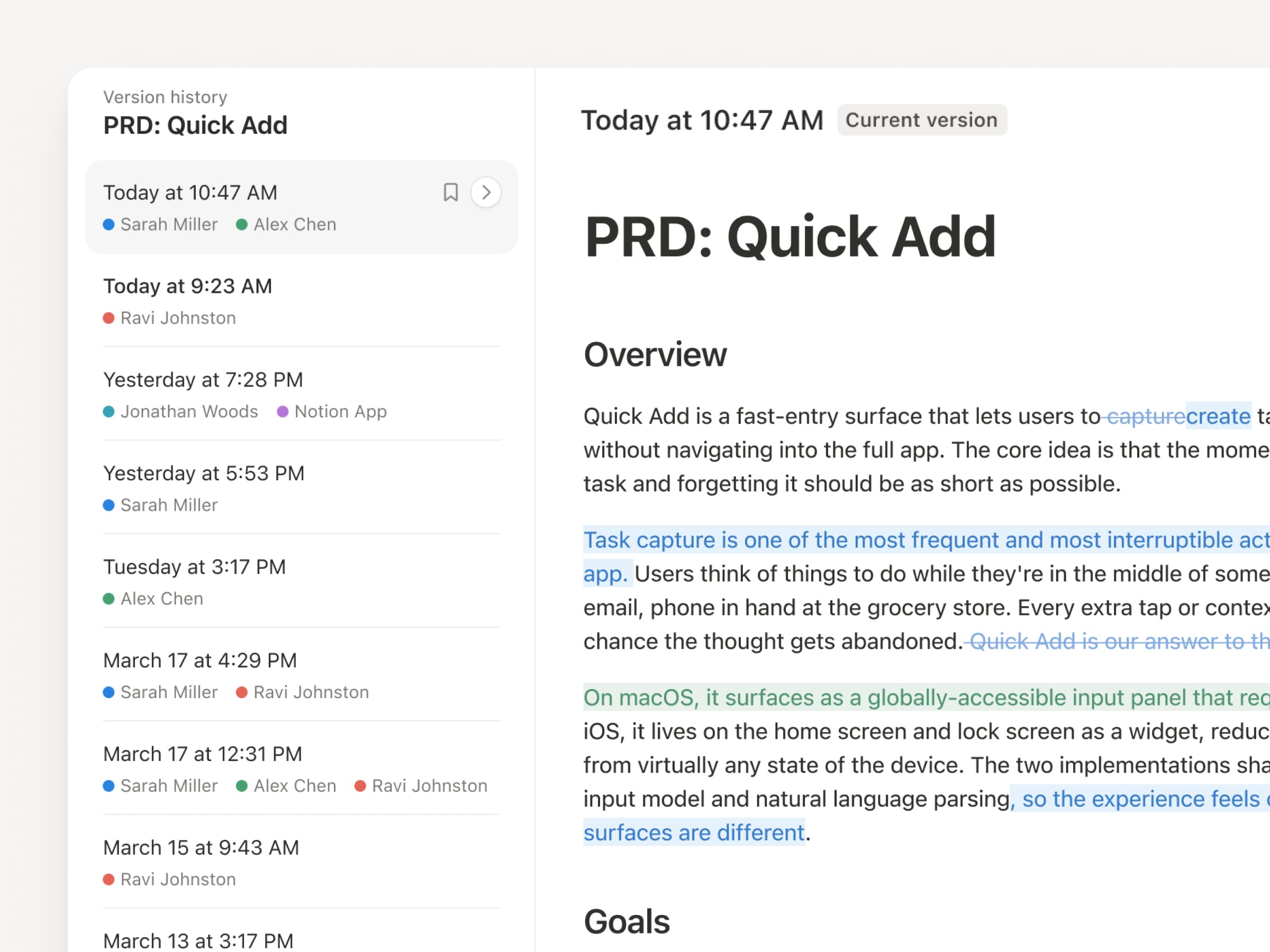
With agents and people making constant updates, version history has never been more important. So we’ve upgraded ours! You get a clearer record across pages and databases, with highlighted edits, detailed database changes, and attribution. Let your agents work while keeping their changes visible and secure. Review what changed, see who changed it, and restore prior versions with a quick click. Learn more →

Don’t pay twice. Use your ChatGPT plan in Notion.
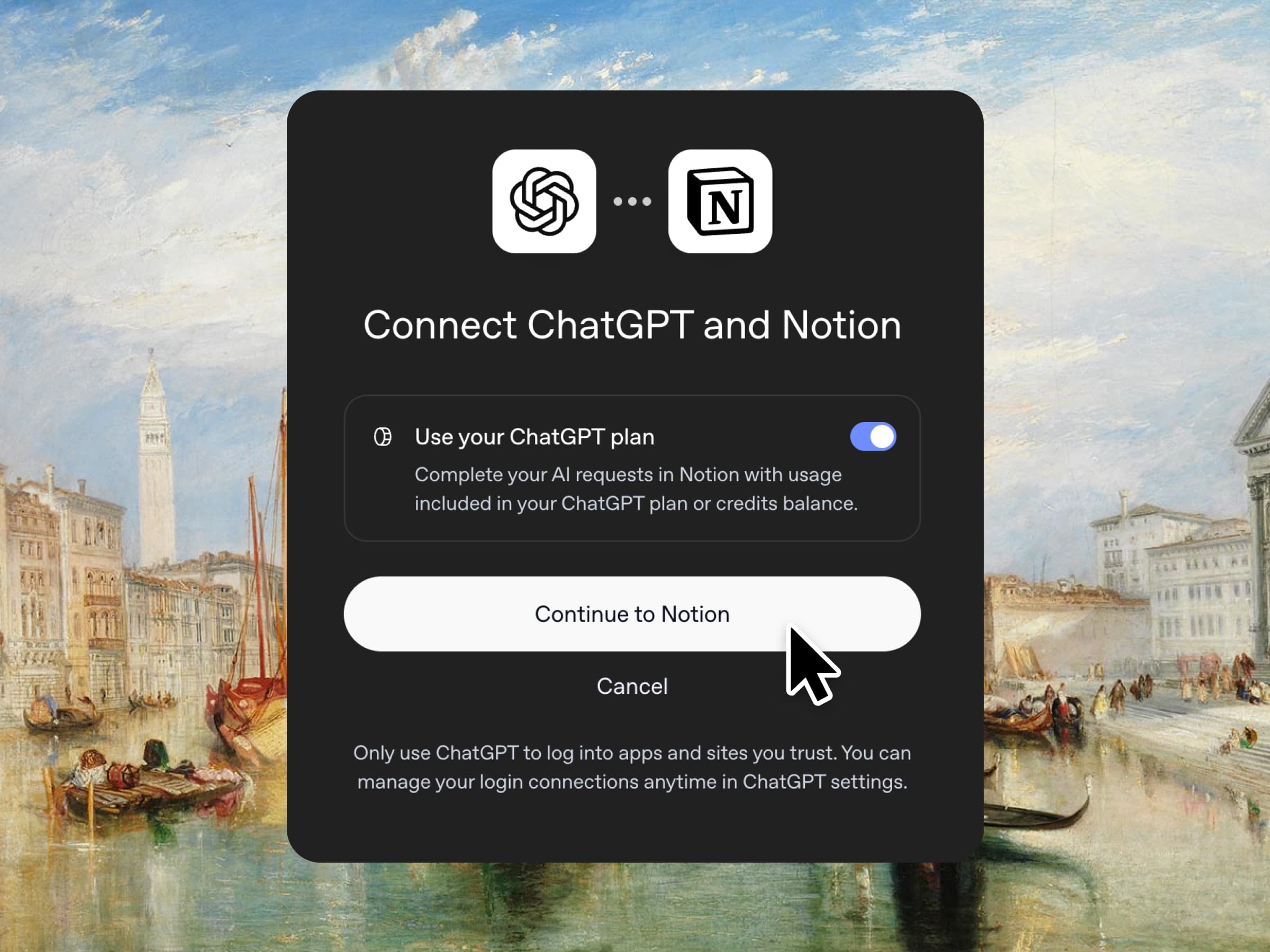
Yes, you just read that right. If you have ChatGPT Plus or Pro, your subscription can now cover your AI usage in Notion. Just connect your plan, pick a GPT model, and go. We don’t add a markup. We just want you to have the best tools for the job, for the best price. Available for Business and Enterprise plans. Check out a quick demo and the docs.

Column permissions in databases
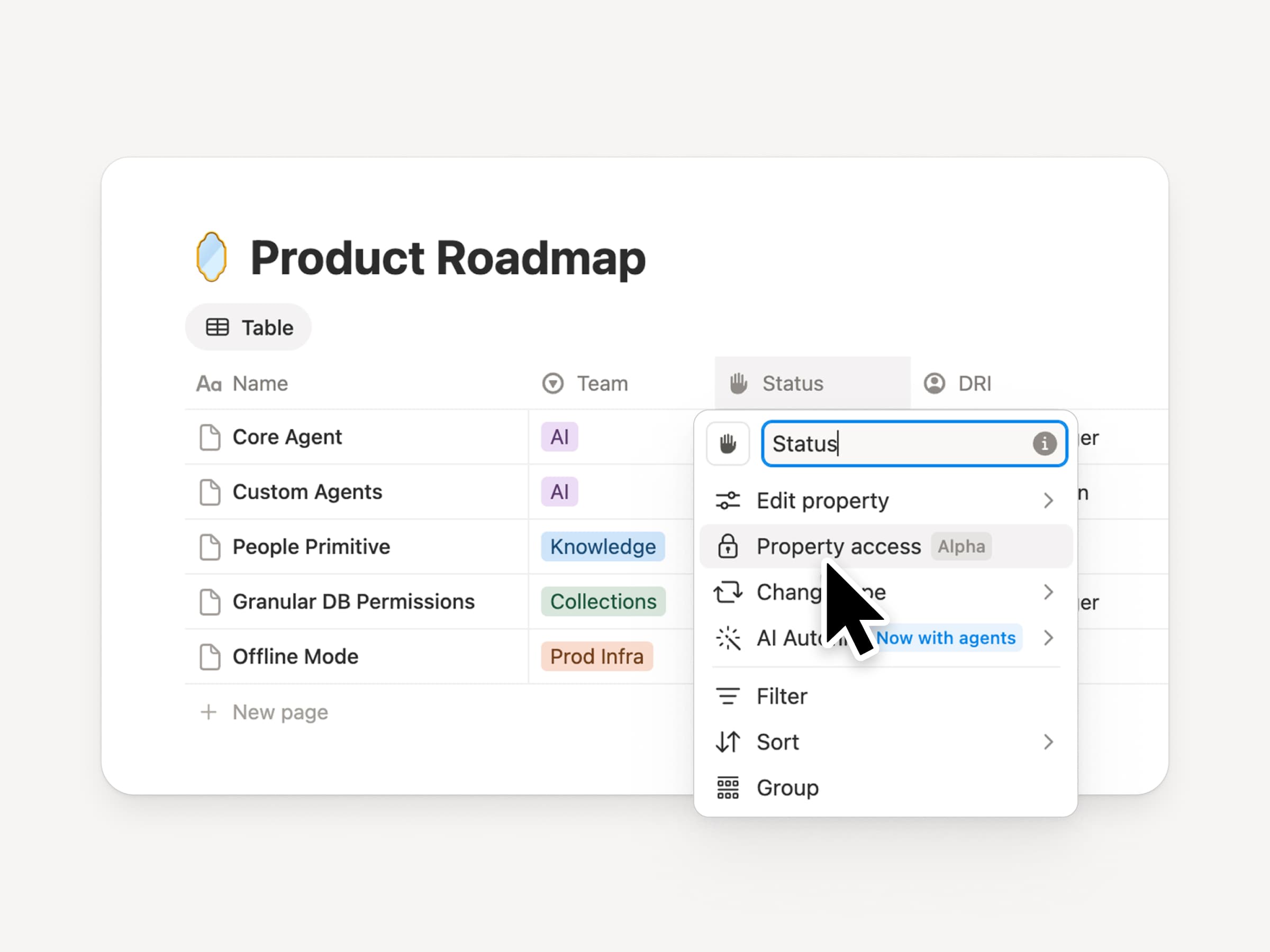
Notion databases give teams and agents a shared, up-to-date source of context. But both teams and agents need the right level of access. Column permissions were a top requested feature for years (we spent time getting this one right). They let database owners control which properties each person or agent can view or edit. Recruiting teams can collaborate on candidates without exposing compensation. Support agents can use account context without seeing restricted customer data. Watch the trailer from one of it’s creators!

Reintroducing synced databases
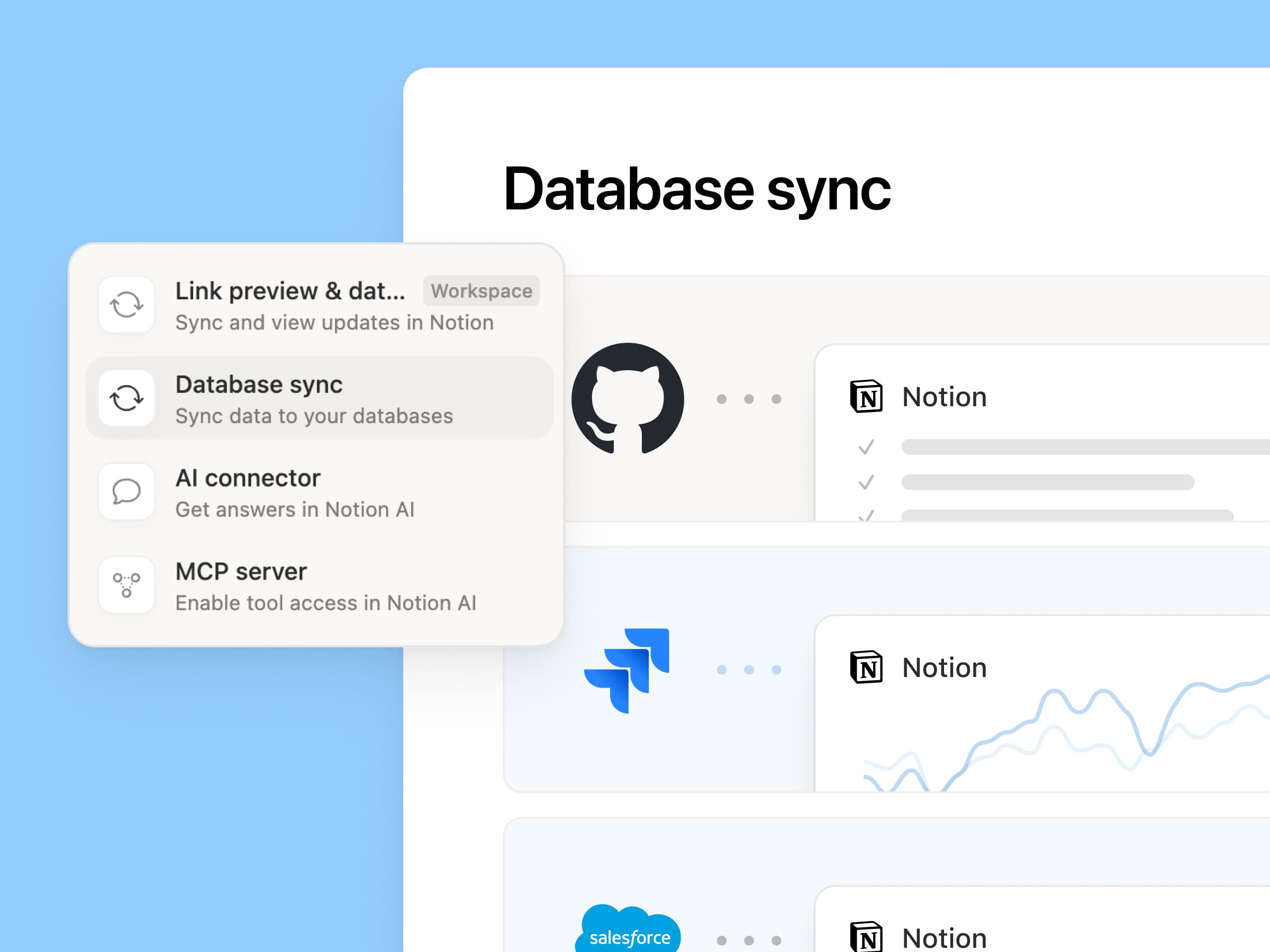
Reintroducing synced databases

We rebuilt our synced databases, starting with GitHub, Jira, and Salesforce, so your teams and agents always work from the latest data. They’re faster, more reliable, and show a live health status for each sync. They work like any other Notion database, so you can add your own properties, create views, and trigger automations. At Notion, we build customer hubs by syncing Salesforce accounts and linking to meeting notes and feature requests, so every team works from the same current view of each customer. Learn more →

New week, new models
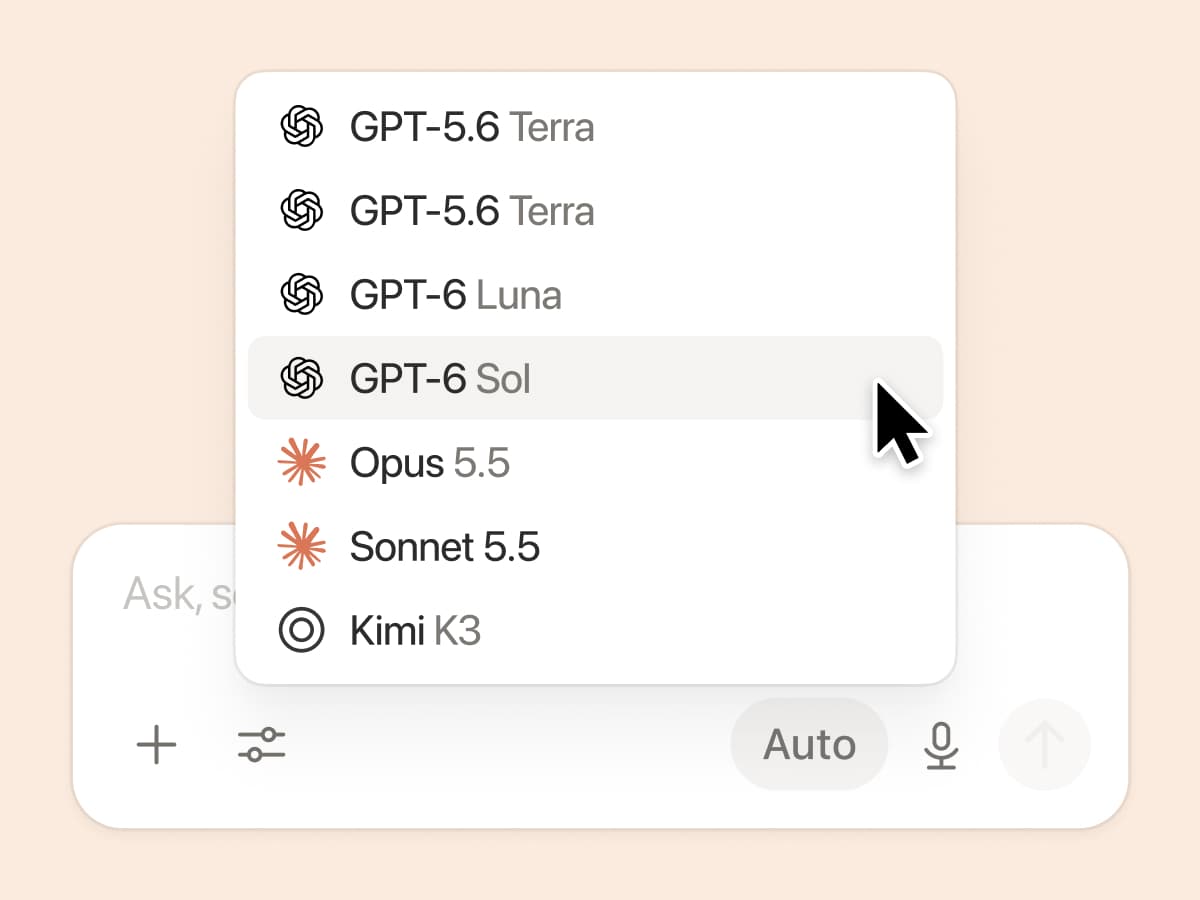
New week, new models

The labs are at it again. Seven new models all added, including GPT 6.1-Sol, GPT-6 Luna, Opus 5.5, and Sonnet 5.5. Use any of them knowing they’ll all know the latest about your team works.

And ICYMI, we’ve been evaluating how models perform across a range of knowledge-work tasks, using live anonymized traffic and judged by models. Check out our Knowledge Board →

More ways to connect and govern context

We can’t wait to see how Notion can be the backbone of your dock.
3.7

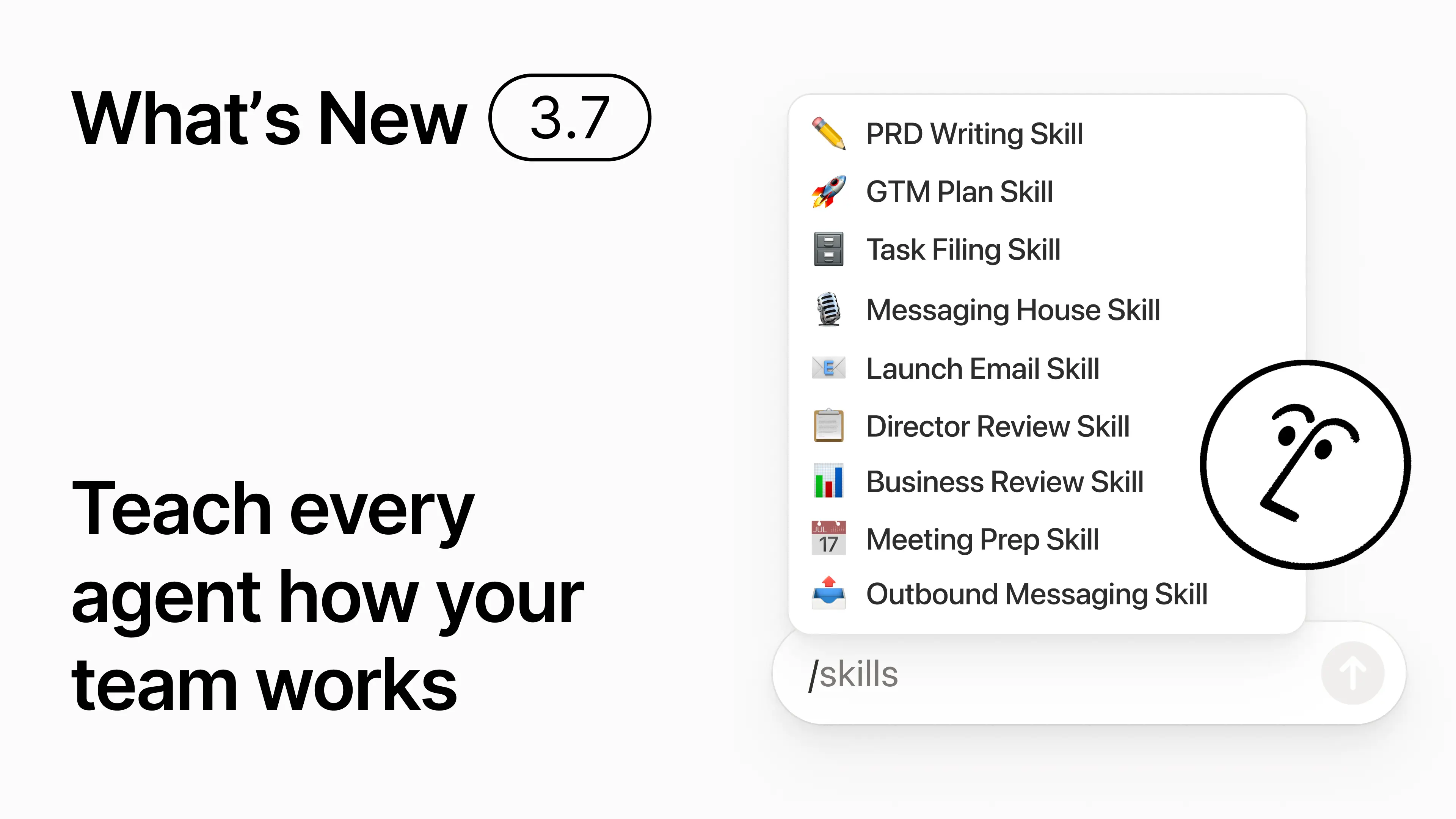
Notion 3.7: Agent skills voor je hele team

Nieuw in 3.7

Weet je hoe sommige mensen heel goed zijn in het aansturen van AI? Of hoe ze de beste manier hebben gevonden om repetitief werk aan te pakken? Nu kunnen zij die kennis omzetten in een Skill en het hele team naar een hoger niveau tillen.

Skills zijn herbruikbare instructies die AI leren hoe jouw team werkt. Zoals het genereren van een maandelijkse business review in de indeling van jouw team. Of het beoordelen van je document op dezelfde manier als je baas dat zou doen. Het zijn als het ware snelkoppelingen voor het team om repetitieve taken uit te voeren. Skill maken →

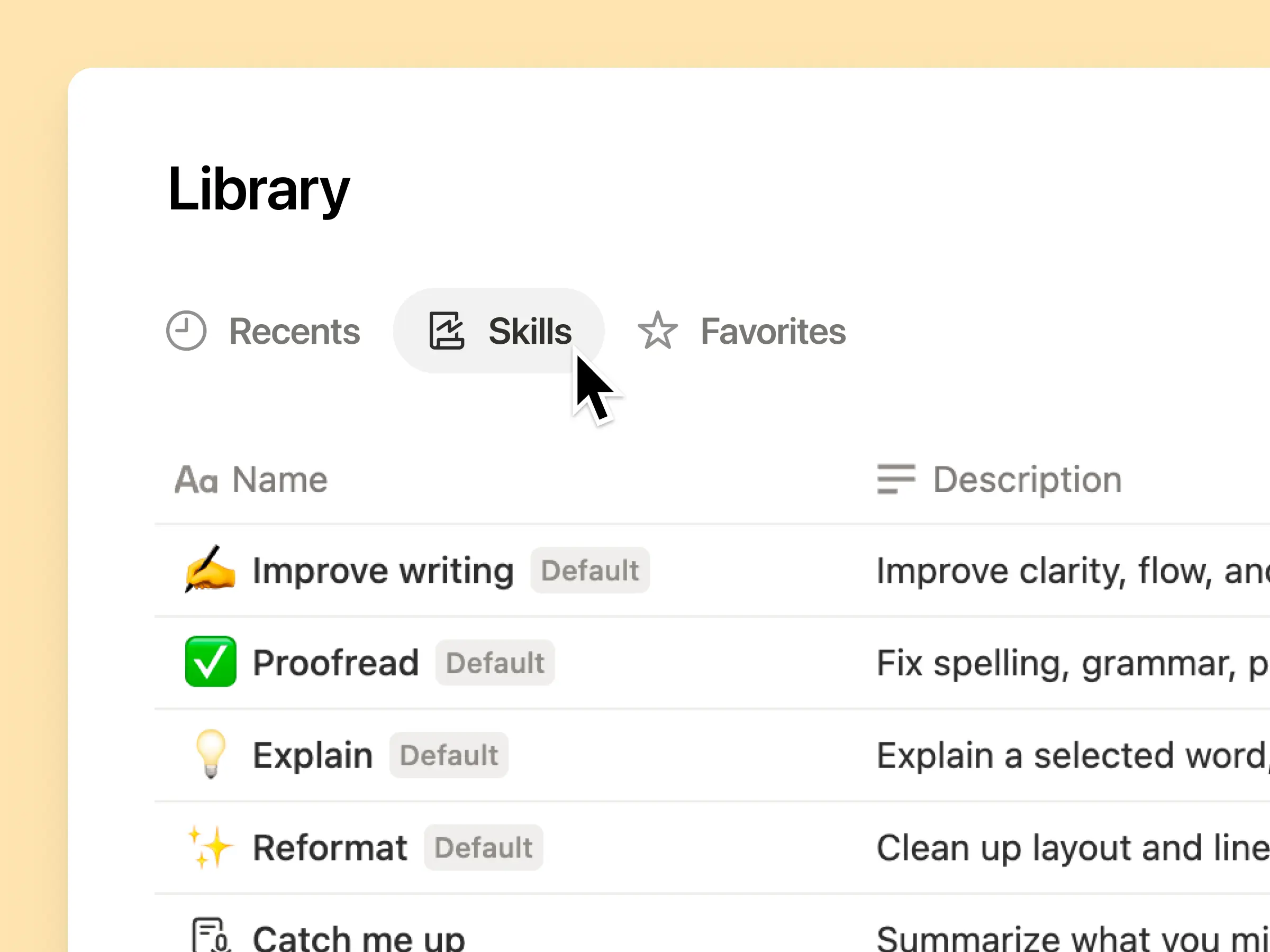
Elke AI Skill die je team nodig heeft, in één bibliotheek

Goede prompts zitten vaak in het hoofd van één persoon of verdwijnen anders in losse documenten en chats. De Skillsbibliotheek geeft je workspace één hub voor alle gedeelde Skills. Blader door de Skillsbibliotheek →

Plaats gerelateerde Skills in een Notion-database en deel vervolgens één Skill of de hele database. Elk team krijgt één eenvoudige plek om zijn favoriete Skills te vinden, en iedereen blijft op de hoogte van de nieuwste versie. Meer informatie →

Schrijf het één keer en AI voert het uit op jouw manier

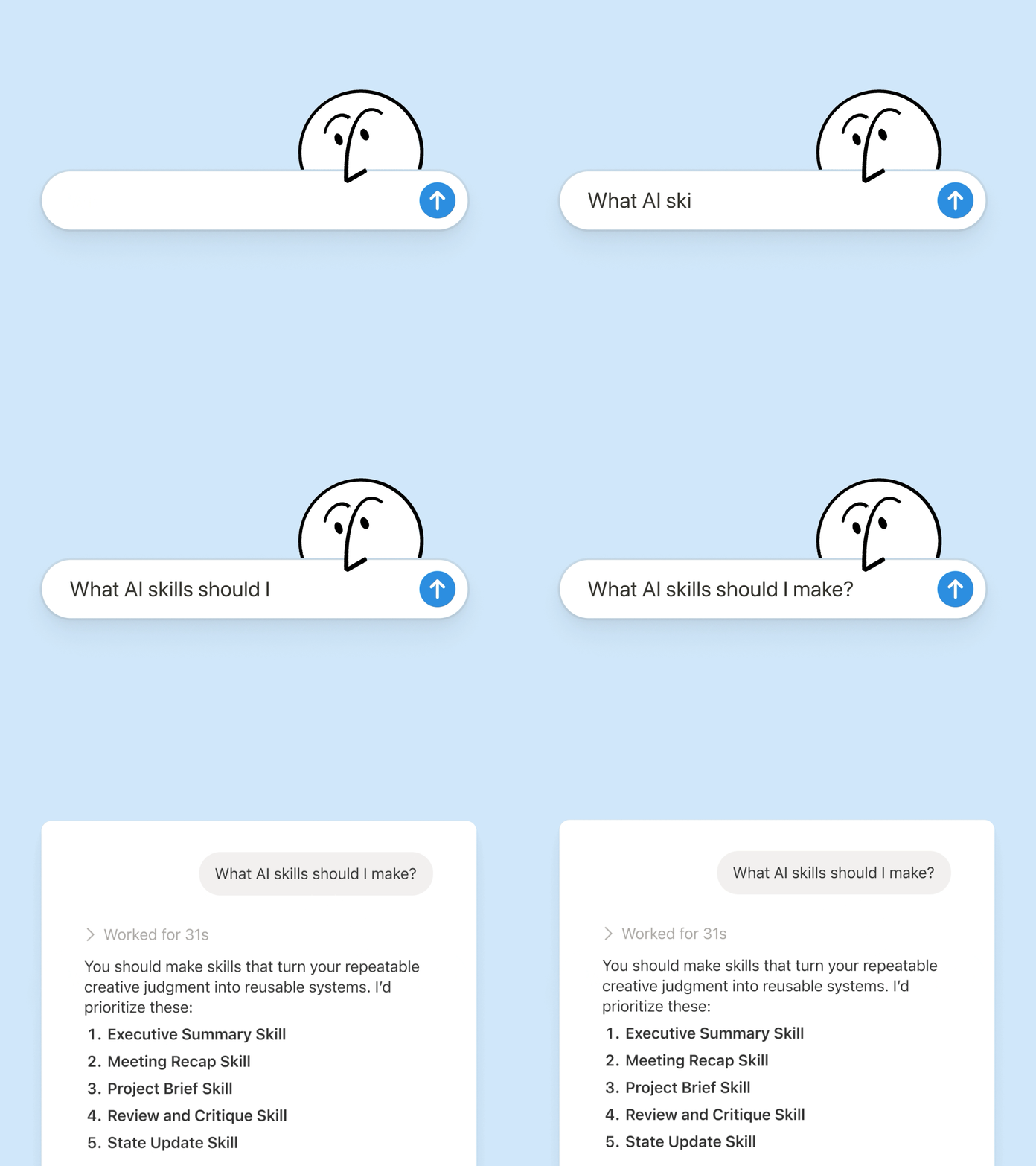
Chat met Notion Agent om een Skill te maken vanaf nul:

  1. Beoordeel dit functievoorstel aan de hand van onze product-, ontwerp- en engineeringstandaarden.

  2. Maak een checklist voor het inwerken van nieuwe medewerkers aan de hand van ons beleid voor apparaten en apps.

  3. Stel deze functiebeschrijving op aan de hand van ons niveaukader en goedgekeurde taalgebruik.

Weet je niet waar je moet beginnen? Notion kan ook Skills voorstellen op basis van het werk dat je al doet. Welke Skills heb ik nodig? →

Voer een Skill uit op het moment dat je die nodig hebt

Voer Skill uit

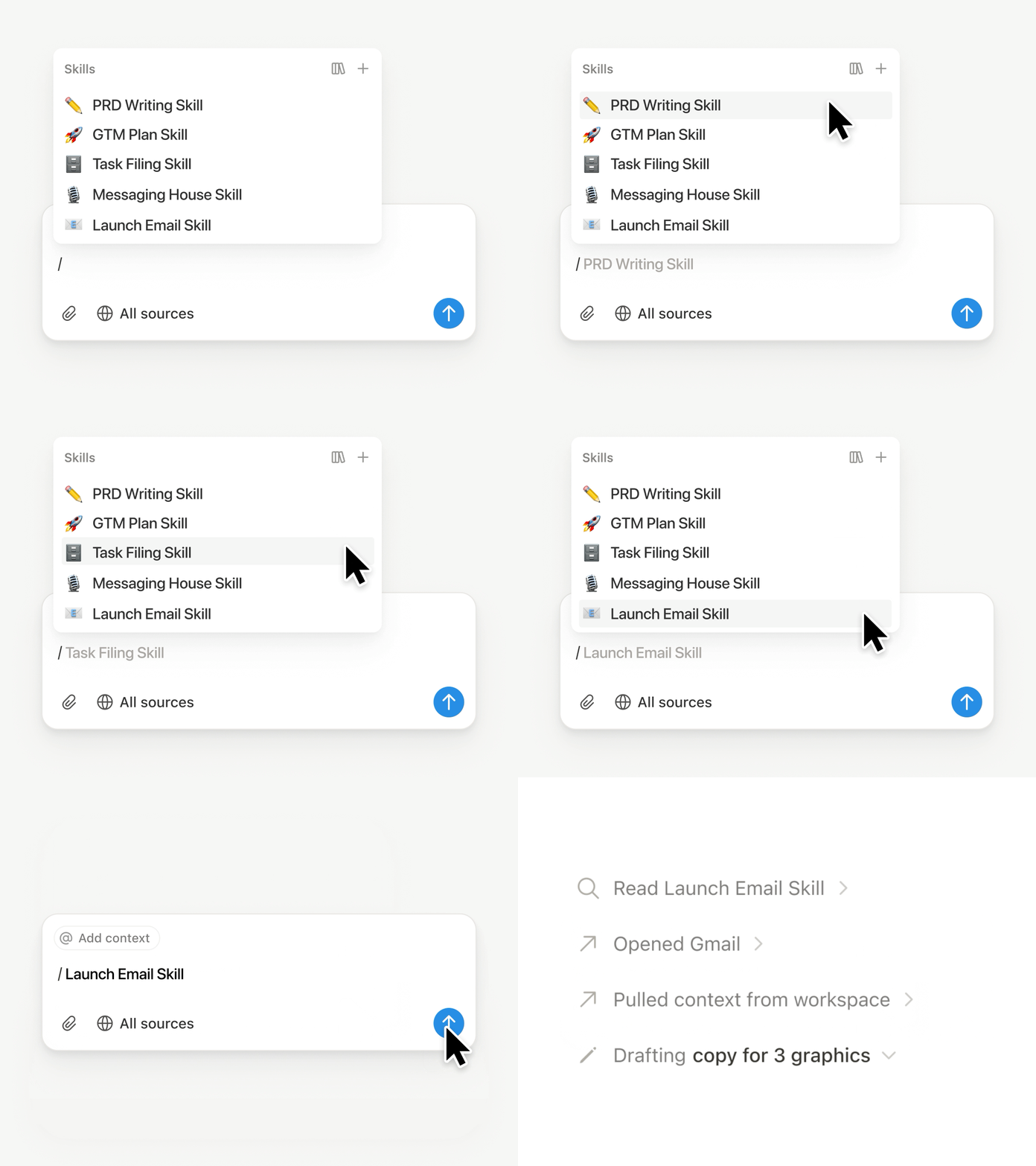
Typ / in een Notion Agent chat en kies de Skill die je wilt gebruiken. Voeg eventuele andere context toe en druk op Enter.

Voer een Exec-ready Skill uit om een concept om te zetten in een beknopte executive brief met de belangrijkste punten, beslissingen, risico's en verzoeken. Of zet ruwe notities om in een PRD. Je kunt een Skill ook zo instellen dat deze automatisch wordt uitgevoerd. Meer informatie →

Gebruik de Skills van je team in Claude Code, Codex, Cursor en meer

Skills naar Claude of Codex

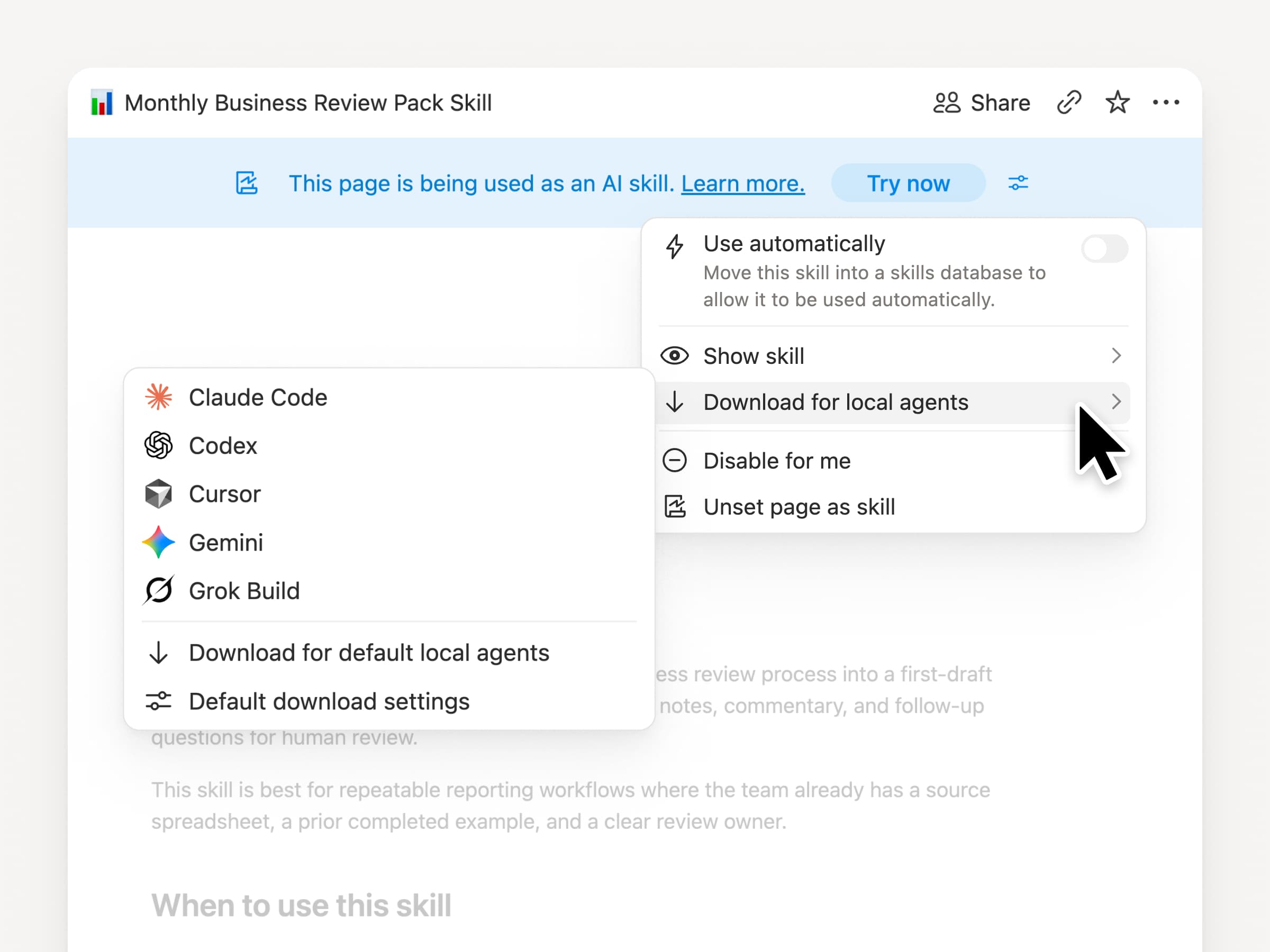
Neem je Skills overal mee naartoe, ongeacht welke agent je gebruikt. Maak en update de Skill in Notion en download deze vervolgens naar Claude Code, Codex, Cursor, Gemini of Grok.

Notion schrijft de skill als een SKILL.md-bestand, samen met goedgekeurde ondersteunende bestanden. Wanneer de Skill in Notion wordt gewijzigd, krijgt deze een badge zodat je weet dat je de nieuwste versie moet ophalen. Je team beheert de instructies op één plek en je lokale agents kunnen hetzelfde proces volgen. Meer informatie →

Vraag je agent om GitHub, Amplitude en meer te koppelen

Koppel meer aan je agent

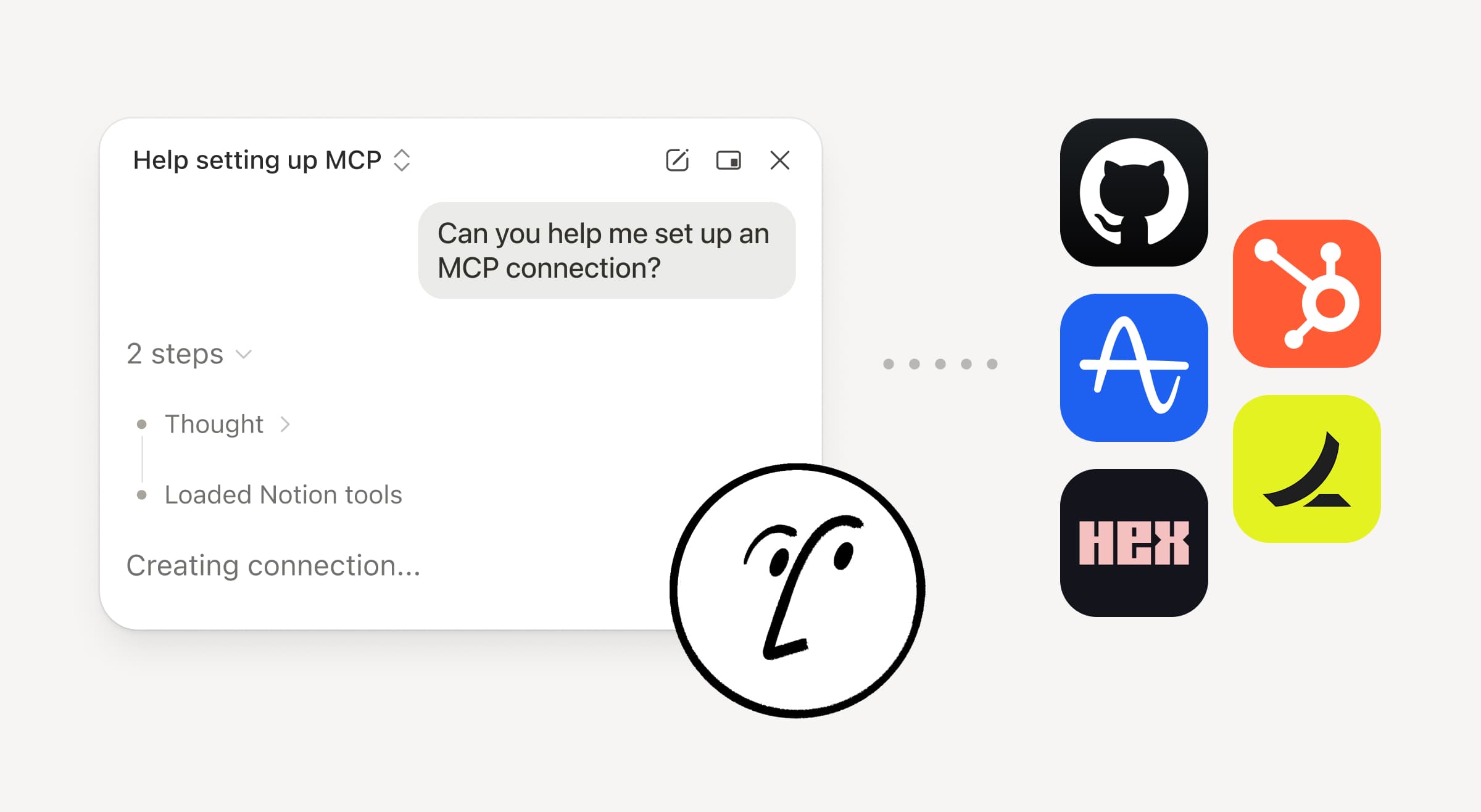
Breng meer van je werk in Notion Agent. Vraag het gewoon om een tool te koppelen, en het begeleidt je door de configuratie. Je kunt nu GitHub, Amplitude en andere tools koppelen met de Custom MCP-verbinding, zodat je context kunt ophalen, prestaties kunt controleren of actie kunt ondernemen in de tools die je team al gebruikt. Koppelen aan GitHub →

Bevestigingen zorgen ervoor dat je de controle behoudt, dus er verandert niets in een gekoppelde tool totdat je het goedkeurt. Beschikbaar in bèta voor Business- en Enterprise-abonnementen. Meer informatie →

Onderweg? Gebruik de Notion Agents iOS-app

Notion Agents app

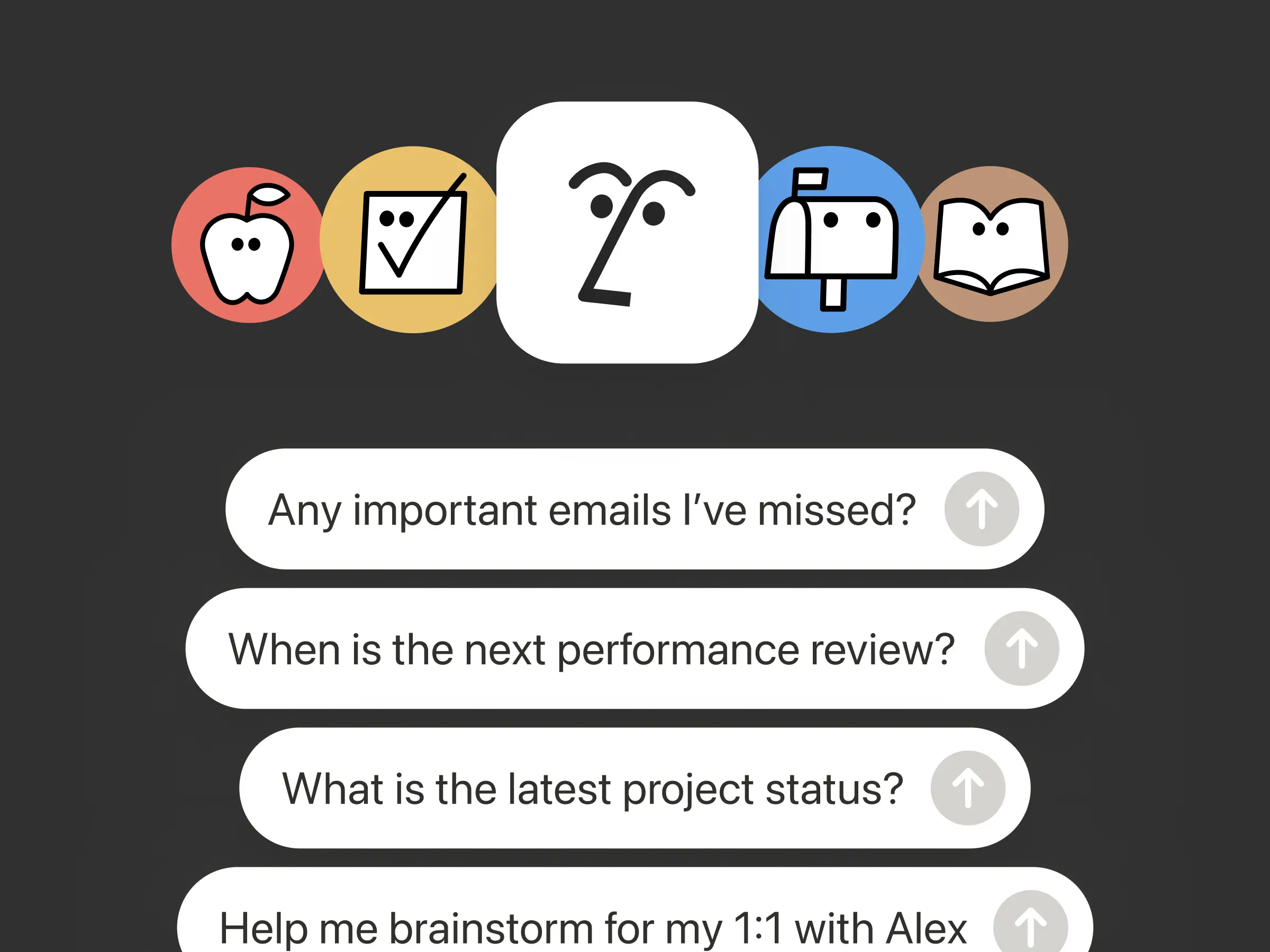
Je beste ideeën wachten niet tot je weer achter je bureau zit. De Notion Agents iOS-app stopt 1.000 agents in je broekzak. Leg ideeën, spraak en foto's vast, bereid een vergadering voor of maak een document aan terwijl je onderweg bent. Geef een agent een taak en deze wordt uitgevoerd voordat je weer achter je laptop zit.

Laat je Custom Agent sub-agents aanroepen

Subagents

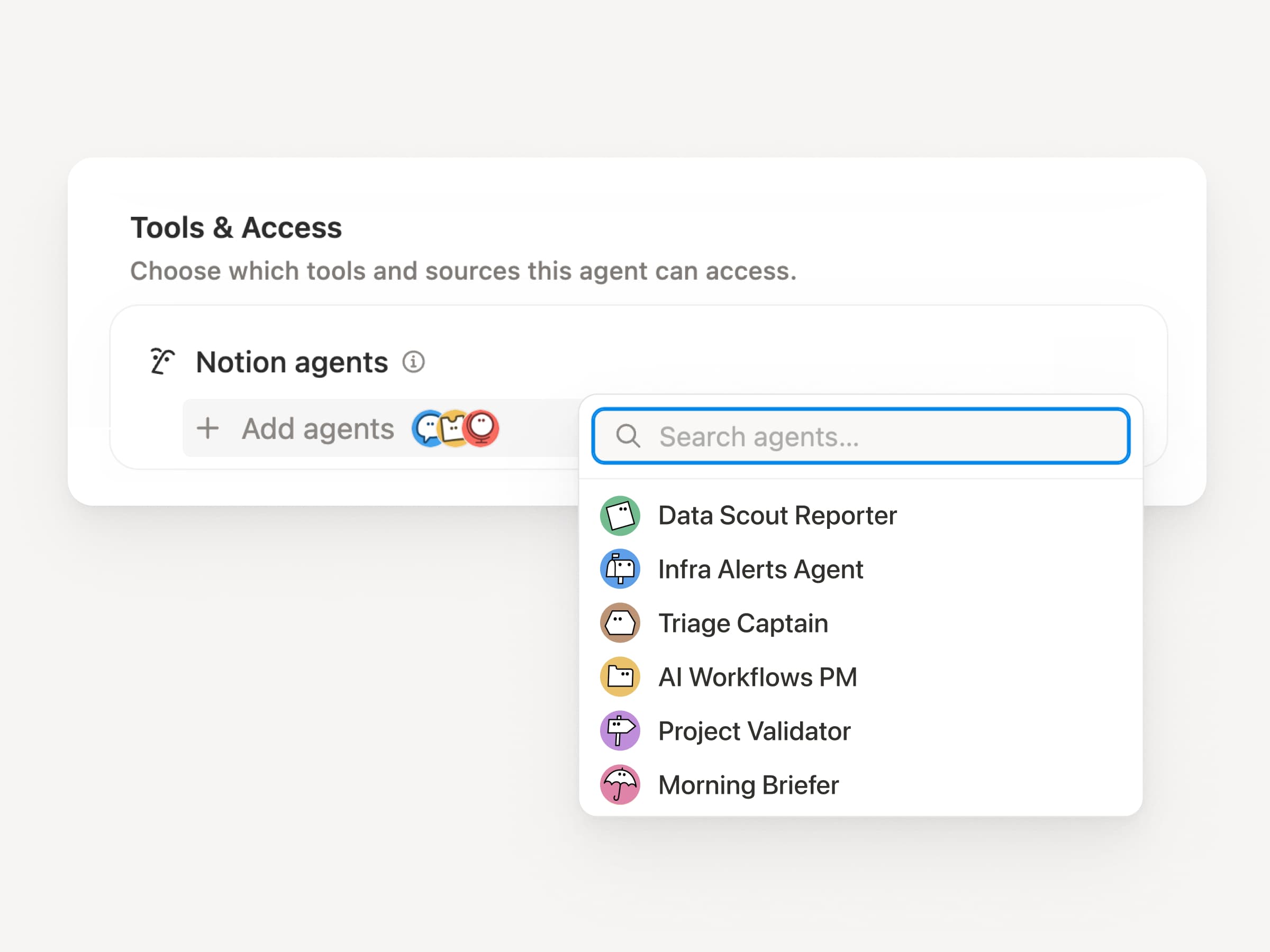
Grote workflows bestaan zelden uit één taak. Een Custom Agent kan nu andere Custom Agents aanroepen als sub-agents, elk met eigen instructies, context, toegang en model. Meer informatie →

Een mobiele app PM-agent kan bugrapporten naar een triage-agent sturen en metrische vragen naar een rapportagent, om vervolgens de antwoorden samen te voegen in één Slack-update. De primaire agent bepaalt wanneer er gedelegeerd moet worden en gebruikt elk antwoord om het oorspronkelijke werk te voltooien. Remote beheert zijn IT-helpdesk op deze manier met vijf agents en bespaart $500.000 per jaar.

Aangepaste agents kunnen het werk na de vergadering voor je doen

Meeting Recap Agent

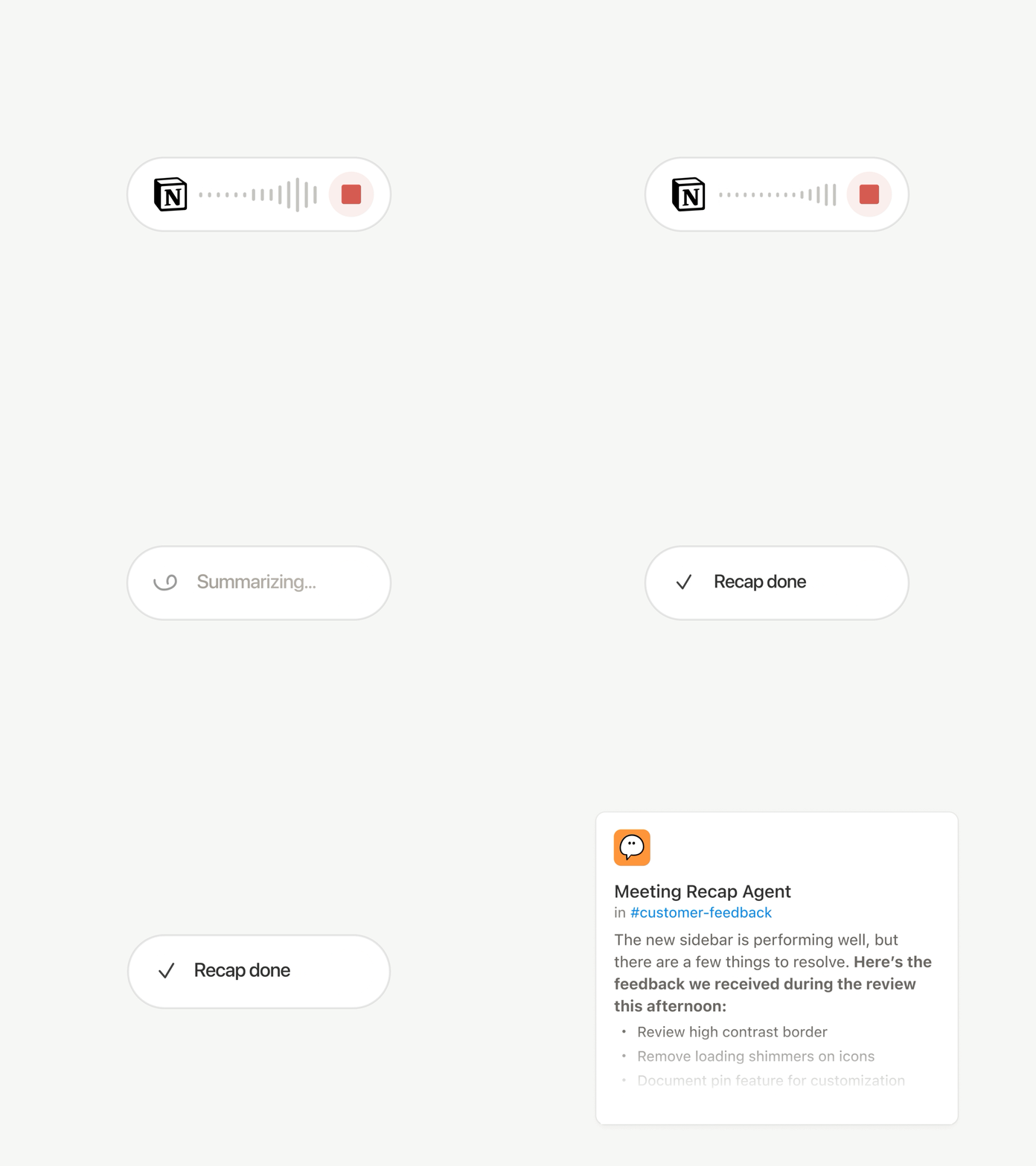
Elk gesprek eindigt met dezelfde klusjes: Schrijf de samenvatting, archiveer de actie-items, stuur een bericht naar de mensen die er niet bij waren. Nu kunnen Aangepaste agents het werk na de vergadering automatisch afhandelen.

Kies welke vergaderingen belangrijk zijn en laat een Aangepaste agent het werk oppakken zodra elke samenvatting klaar is. Deze krijgt het transcript en de samenvatting, zodat de agent de statusupdate kan schrijven, de actie-items kan archiveren of klantfeedback naar de juiste database kan sturen. Beschikbaar voor Business- en Enterprise-abonnementen. Meer informatie →

Blader door elk model en zie welke het beste is voor de taak

Nieuwste modellen

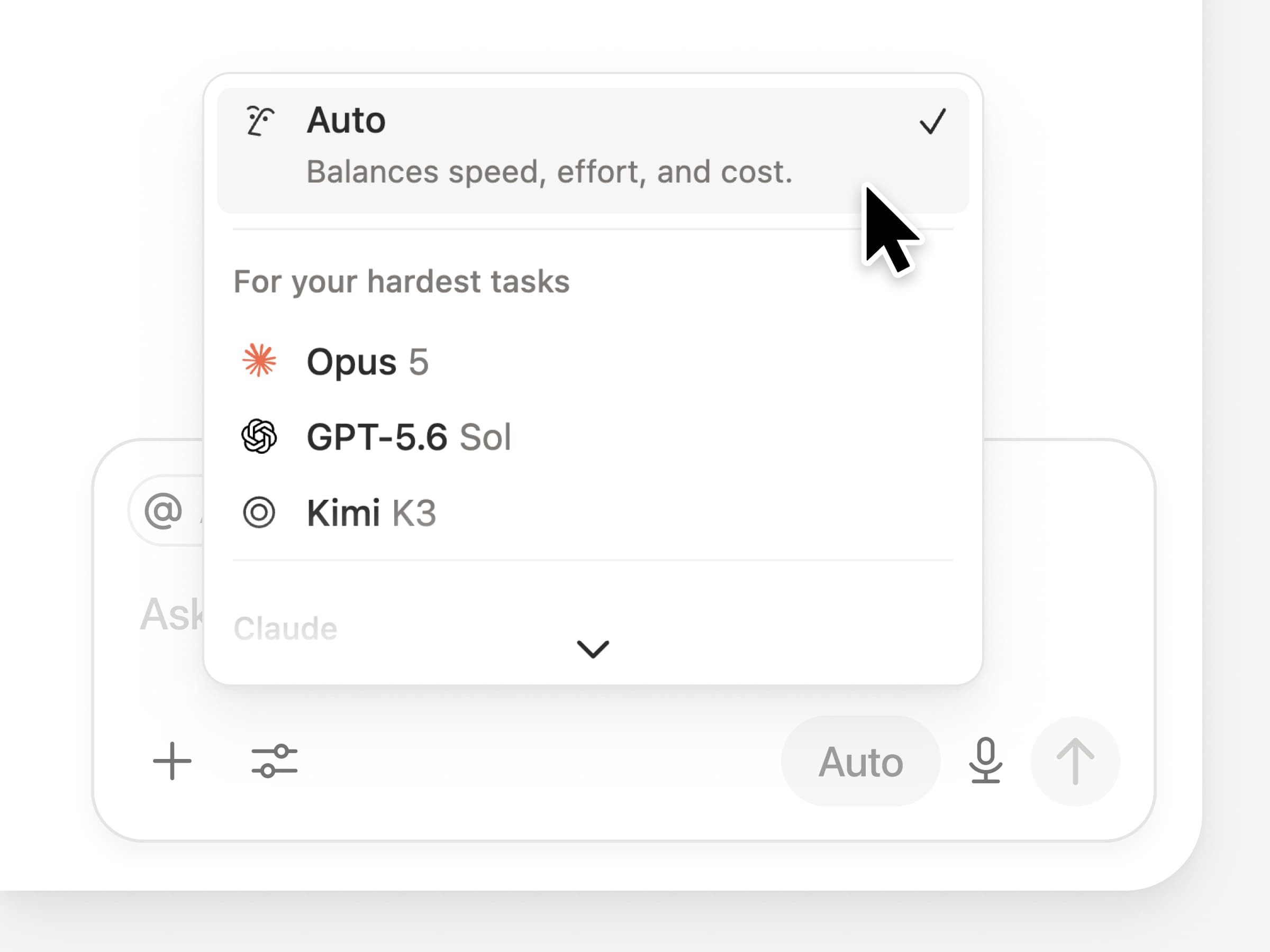
Je krijgt toegang tot alle nieuwste grensverleggende modellen in Notion, waaronder Opus 5, GPT-5.6 Sol en Kimi K3. De nieuwe modelkiezer is opnieuw ontworpen om je te helpen het beste model voor je werk te kiezen, met indicatoren voor snelheid, intelligentie en kosten.

Ook nieuw is het Notion Knowledge Board, dat de prestaties van modellen evalueert op basis van echt, dagelijks werk. Modellen vergelijken →

En nog een paar…

  • Een Aangepaste agent embedden in een document. Plaats een agent precies daar waar het werk plaatsvindt, zodat iedereen op de pagina deze kan gebruiken. Zie hoe →

  • Inzichten in Aangepaste Agent in de openbare API. Haal het creditgebruik, voltooide uitvoeringen en de status op, en schakel agents in of uit of stel limieten in voor elke agent. Business en Enterprise. Lees de Insights API-documentatie →

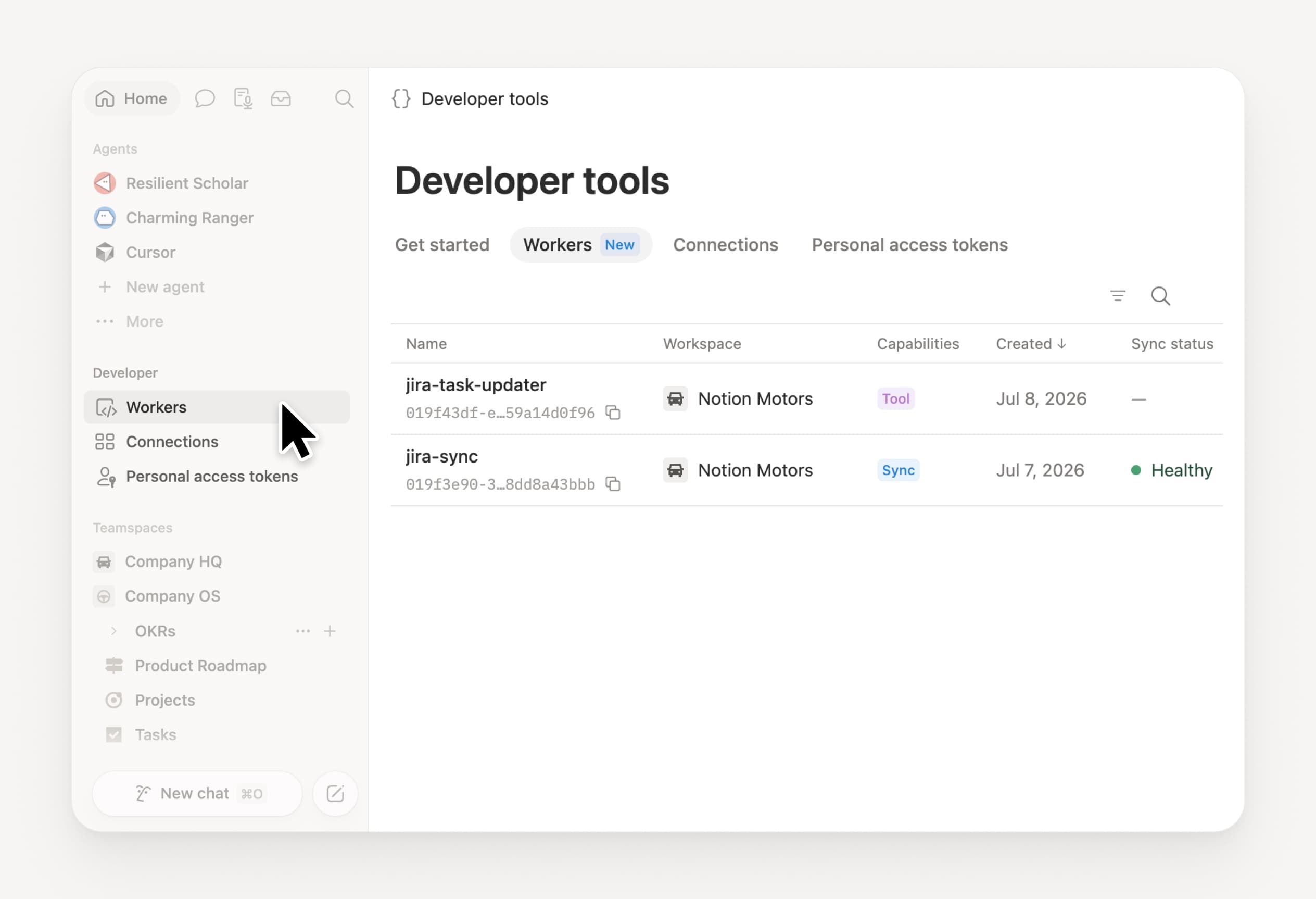
  • Beheer je Workers en verbindingen: Open de nieuwe Developer-sectie in de zijbalk om elke Worker te zien, waar deze is verbonden en de logs van elke uitvoering. Bekijk het →

  • Agent SDK, nu in publieke bèta. Zet gesprekken met de Aangepaste agenten overal voort, activeer ze vanuit je app en stream de resultaten terug. Business en Enterprise. Lees de documentatie van de Agent SDK →

  • Developer Portal staat nu in Notion. Beheer je Workers, verbindingen en persoonlijke toegangstokens op één plek. Open de portal →

  • AI Search is 50% sneller. Minder lang wachten op antwoorden en resultaten van agenten die de context van je werkruimte gebruiken. Business en Enterprise. Probeer het uit →

  • Houd je inbox bij. Vraag Notion Agent om meldingen te groeperen, te laten zien wat aandacht nodig heeft en te helpen de rest op te ruimen. Bekijk het →

Probeer Skills uit! En laat ons weten hoe we het kunnen verbeteren (er komt nog meer aan).

Control which AI models your agents can use

Control which AI models your agents can use

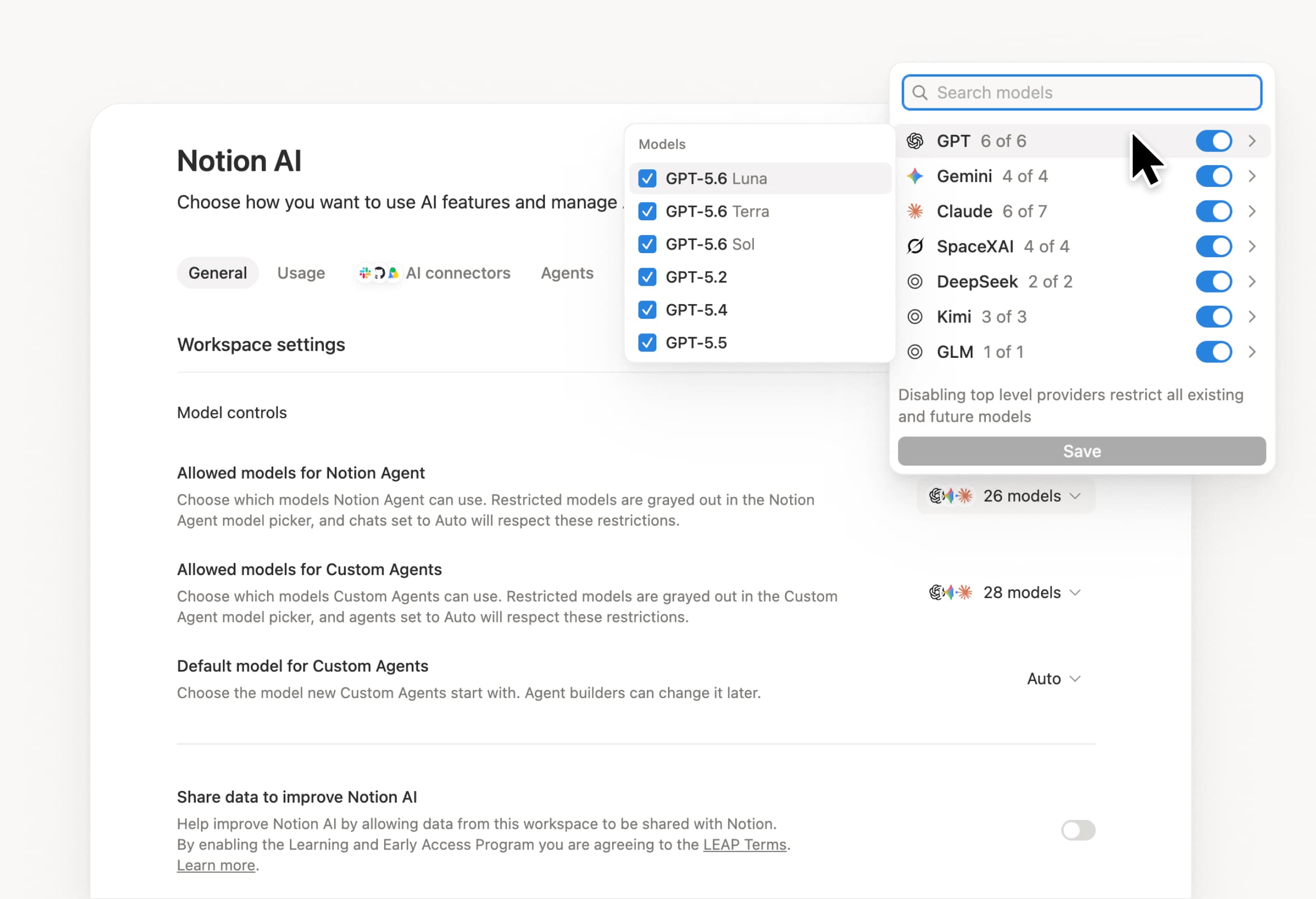
What’s on your team’s model roster? That’s up to you. With model controls, workspace owners can choose which AI models are available in Notion Agent and Custom Agents separately, and set a default model for Custom Agents. Keep costs predictable and support your compliance needs while your teams continue building. Available on Business and Enterprise plans.

Get started at Settings → Notion AI → General → Model controls.

Ask your agent to suggest edits

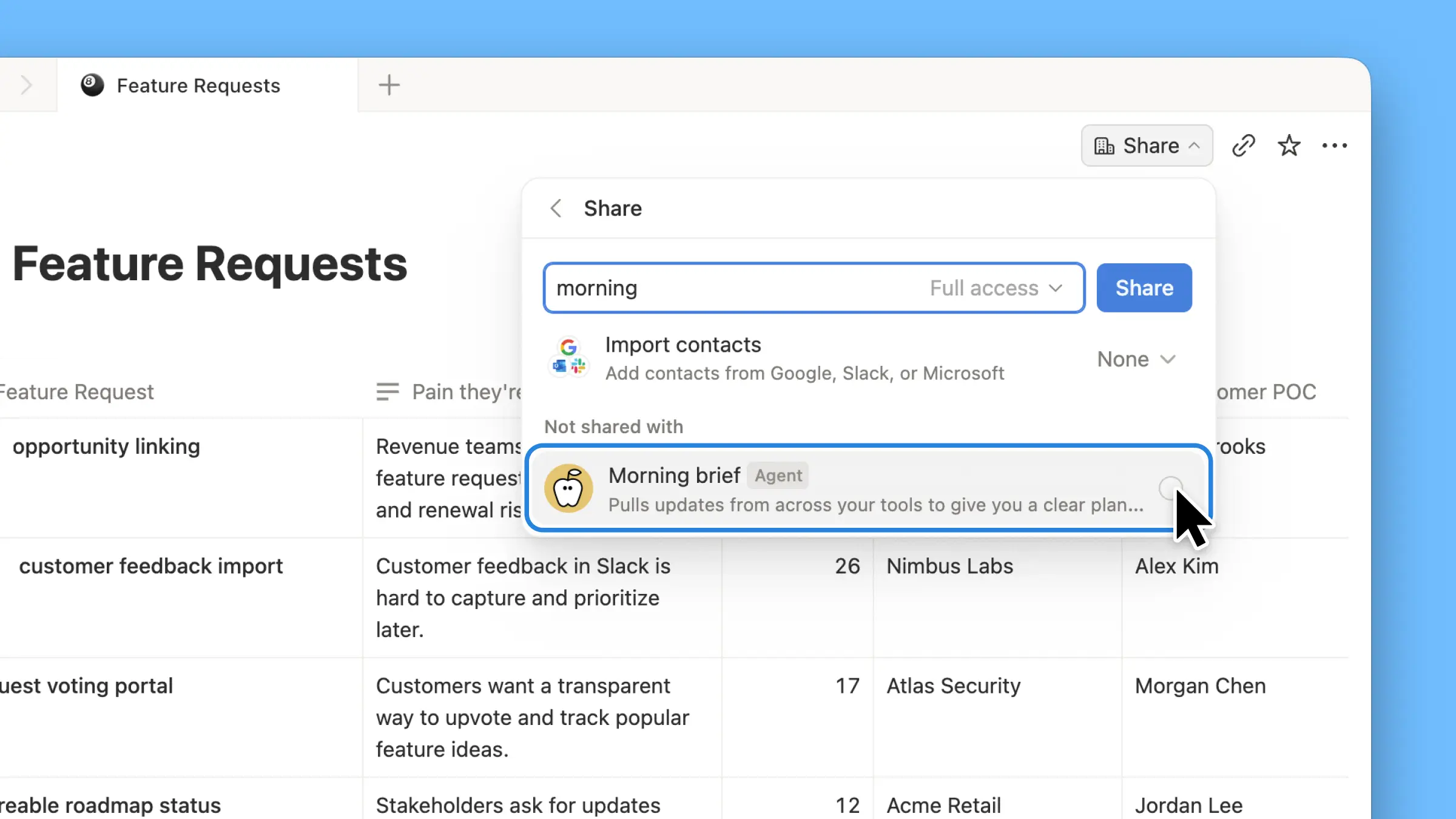
Your agents can now propose changes instead of making them directly. Ask your agent to suggest edits, then move top to bottom to approve each one. It’s great when you need line-level changes, like a pass for grammar.

Get started by asking your agent to “suggest edits.”

Your Developer Portal, now in the sidebar

Manage your Workers, connections, and personal access tokens from the new Developer section of your Notion workspace. See an overview of deployed Workers and logs behind every run.

Developer sidebar section

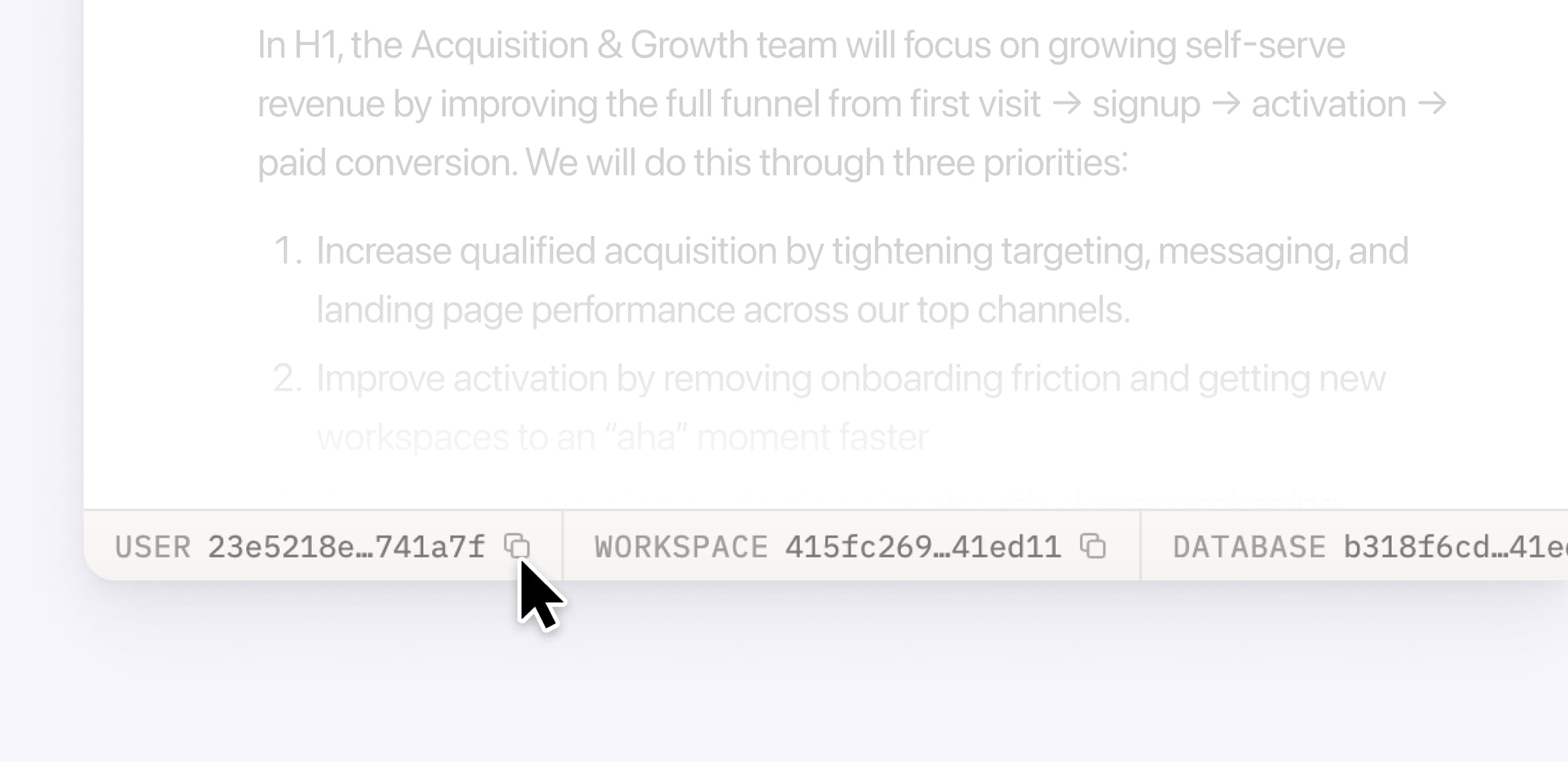
Plus, the new developer bar makes it easy for anyone building with the API to find IDs for the page, database, block, workspace, or user. Copy any one of them, or the full API object, in one click.

Developer bar

Get started from Settings → Developer → Enable developer features. Go there now →

Model selection, simplified

No more guessing which model to use.

The model picker now leads with a shortlist of models made for your hardest tasks, and every model has a scorecard to compare speed, intelligence, and cost. Pin your favorites for easy access and dial up the effort when you need a more thorough answer.

AI Meeting Notes can now trigger Custom Agents

Custom Agents can now run right after an AI Meeting Note is finished. No more need to manually update status trackers, post recaps to the project channel, or file tickets by hand.

Here’s a few of our favorite post-meeting workflows:

  • Update your project tracker with the latest status

  • Post a recap to Slack or email with decisions and next steps

  • Turn feedback into tickets for your engineering team

To get started, open your Custom Agent’s settings, add the Meeting note summarized trigger, and choose which meetings kick it off. After your next call, your agent will get to work.

High contrast mode

Accessibility win! High contrast mode is a new display option that makes text, icons, and borders easier to read.

Try it by going to Settings > Preferences > Appearance. Available on desktop and web.

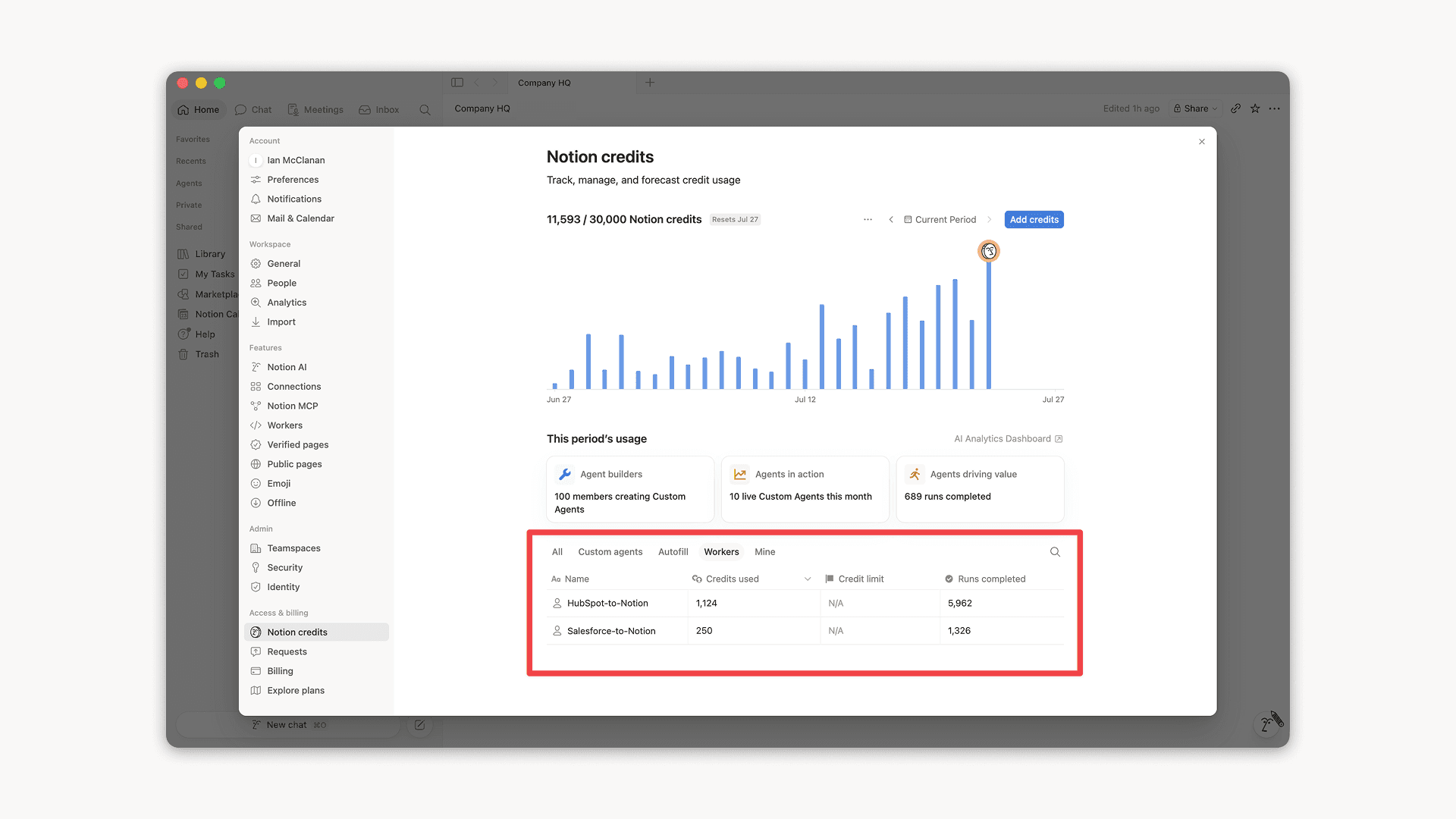
Workers, now in your Notion credits dashboard

Workers in the credits dashboard

Notion Workers run custom code on Notion's infrastructure to sync data, power tools for Custom Agents, and trigger webhook automations.

Now you can track your Workers’ usage in the credits dashboard, alongside your other spend.

Workers are free to try during the beta on Business and Enterprise plans (including Business trials). Usage is now visible in the dashboard to help your team size credits before the beta ends.

Learn more about the Notion Workers beta and pricing in our Help Center →

Powered by Fruition