






Where does my imported content go?
Where does my imported content go?
Some imports land in your Private section by default. You can move pages anywhere after import.
Why did my import create a database?
Why did my import create a database?
File imports like CSV turn rows into database items (pages) and columns into properties.
Why does formatting look different after import?
Why does formatting look different after import?
Imports focus on preserving content structure. Complex layouts, styling, and app-specific features often need cleanup in Notion.
Can imports update existing rows?
Can imports update existing rows?
Most imports add new content. For CSV, imports add rows rather than updating existing rows.
Do imported blocks count towards the storage limit for Free Plan workspaces with multiple members?
Do imported blocks count towards the storage limit for Free Plan workspaces with multiple members?
No, imported blocks will not count towards the limit. However, any blocks subsequently created inside imported pages will count towards the limit as usual.
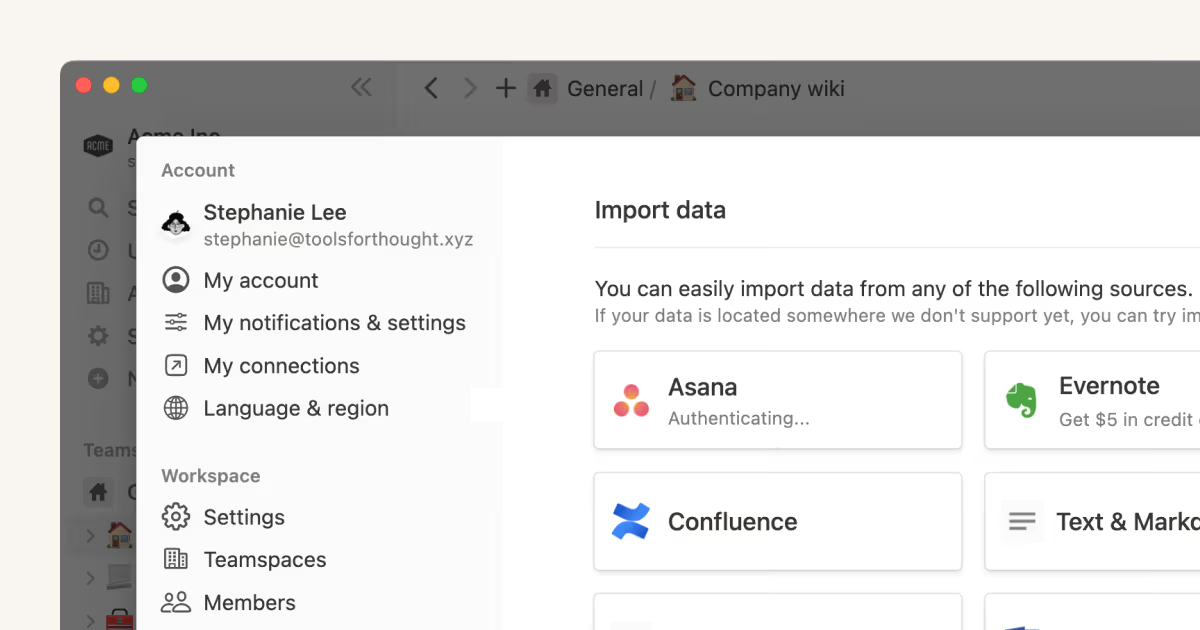
I can't seem to import from Evernote China/Evernote Business.
I can't seem to import from Evernote China/Evernote Business.
Unfortunately, our importer only supports the standard edition of Evernote at the moment. We're working on it!
Can I import multiple files at once?
Can I import multiple files at once?
Yes. For PDF, HTML, Text & Markdown, and Word imports, you can select multiple files to import in one session. CSV and ZIP use separate import flows.