All your teams and work, together at last.
Unlike Confluence's rigid structure, Notion offers a flexible all-in-one workspace that combines wikis, project management, and databases with powerful integrations.
Our importer makes switching easier than ever.






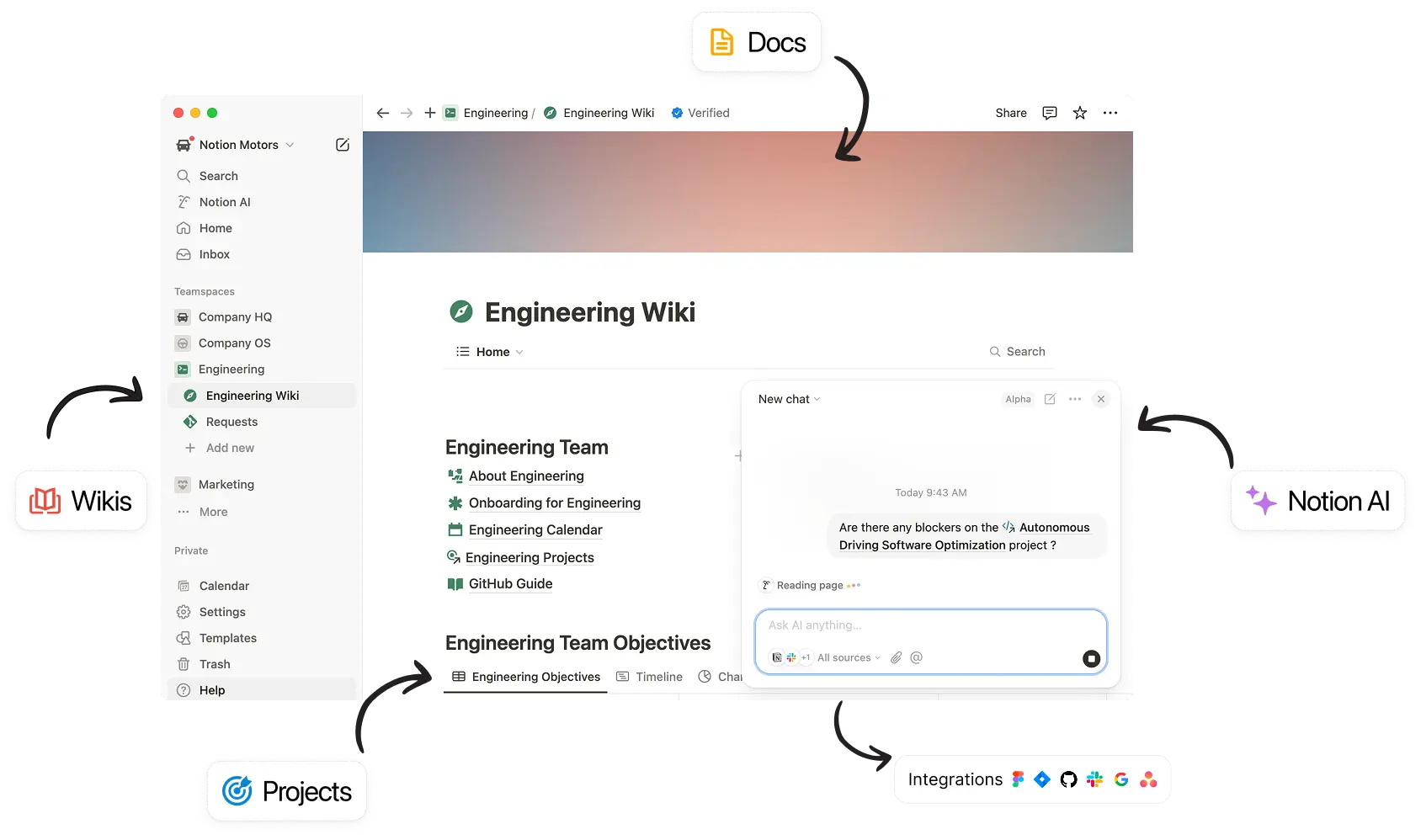
Unlike Confluence's rigid structure, Notion offers a flexible all-in-one workspace that combines wikis, project management, and databases with powerful integrations.
Our Confluence wiki was a mess. Different teams would update different things. No one knew what was usable. Notion gave us the opportunity to rally around one tool for everyone.
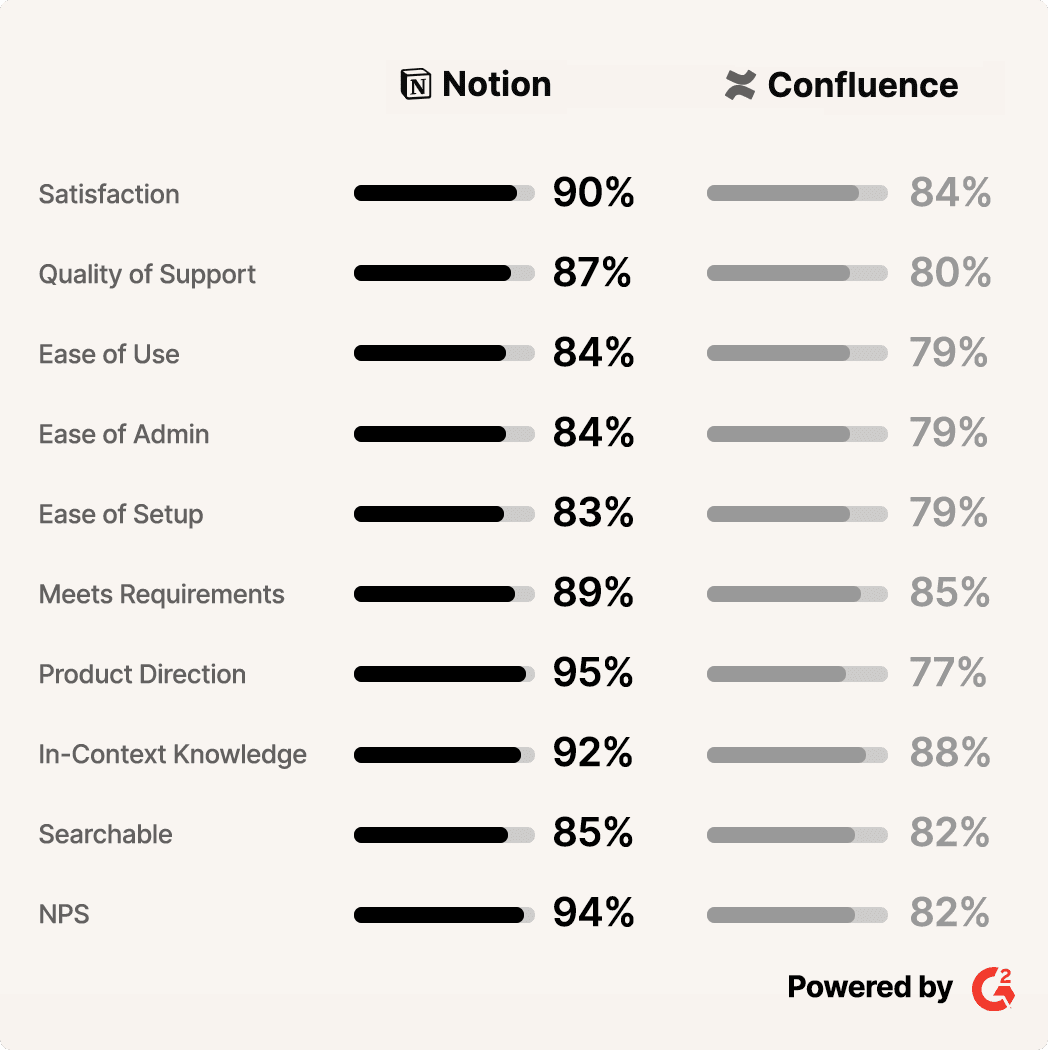
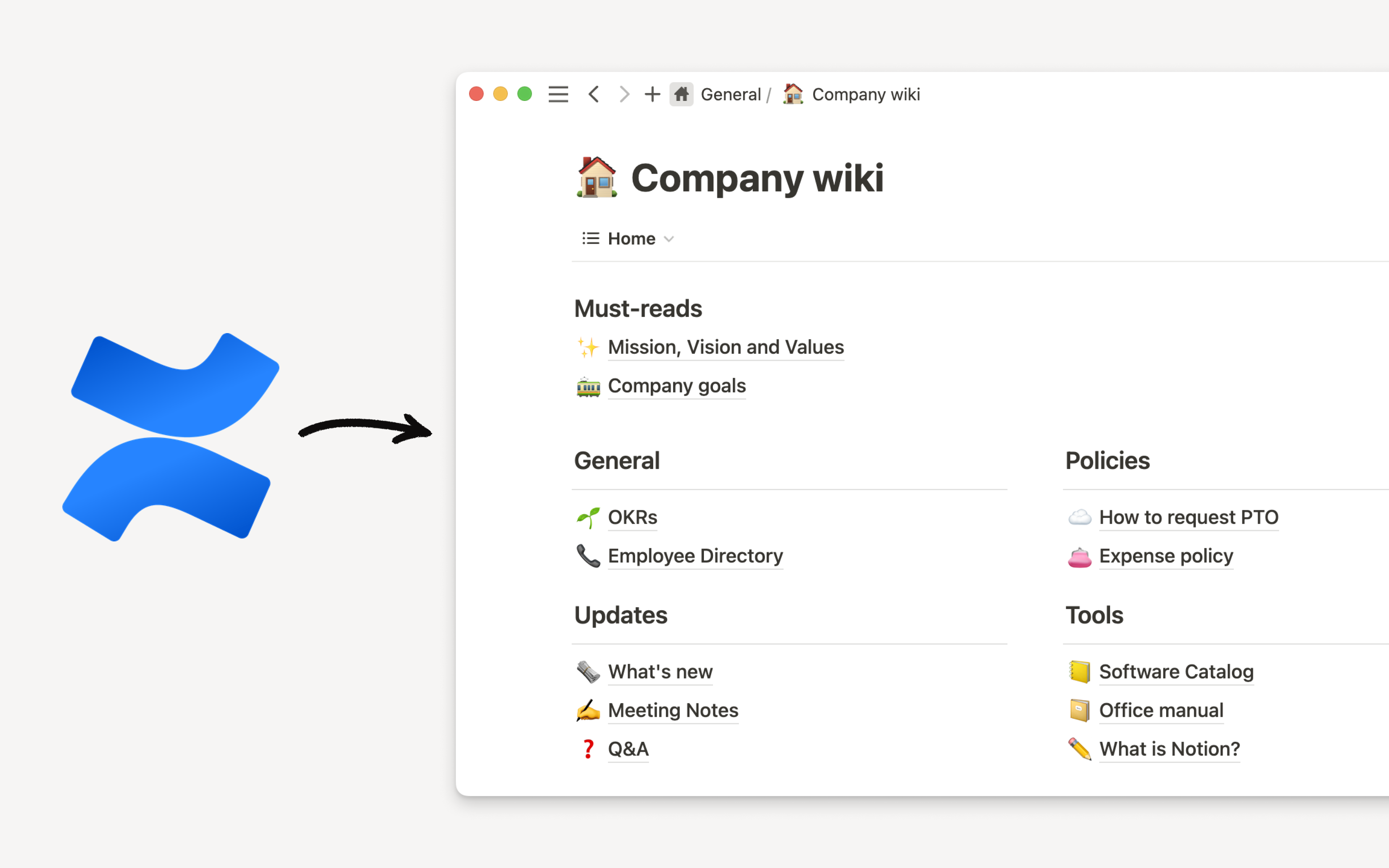
Stop feeling locked into your tools. Our importer lets you preserve all your formatting and migrate all your docs in one batch — even if you have thousands of them.
Now that everyone is working in the same place, we're empowered to do so much more.

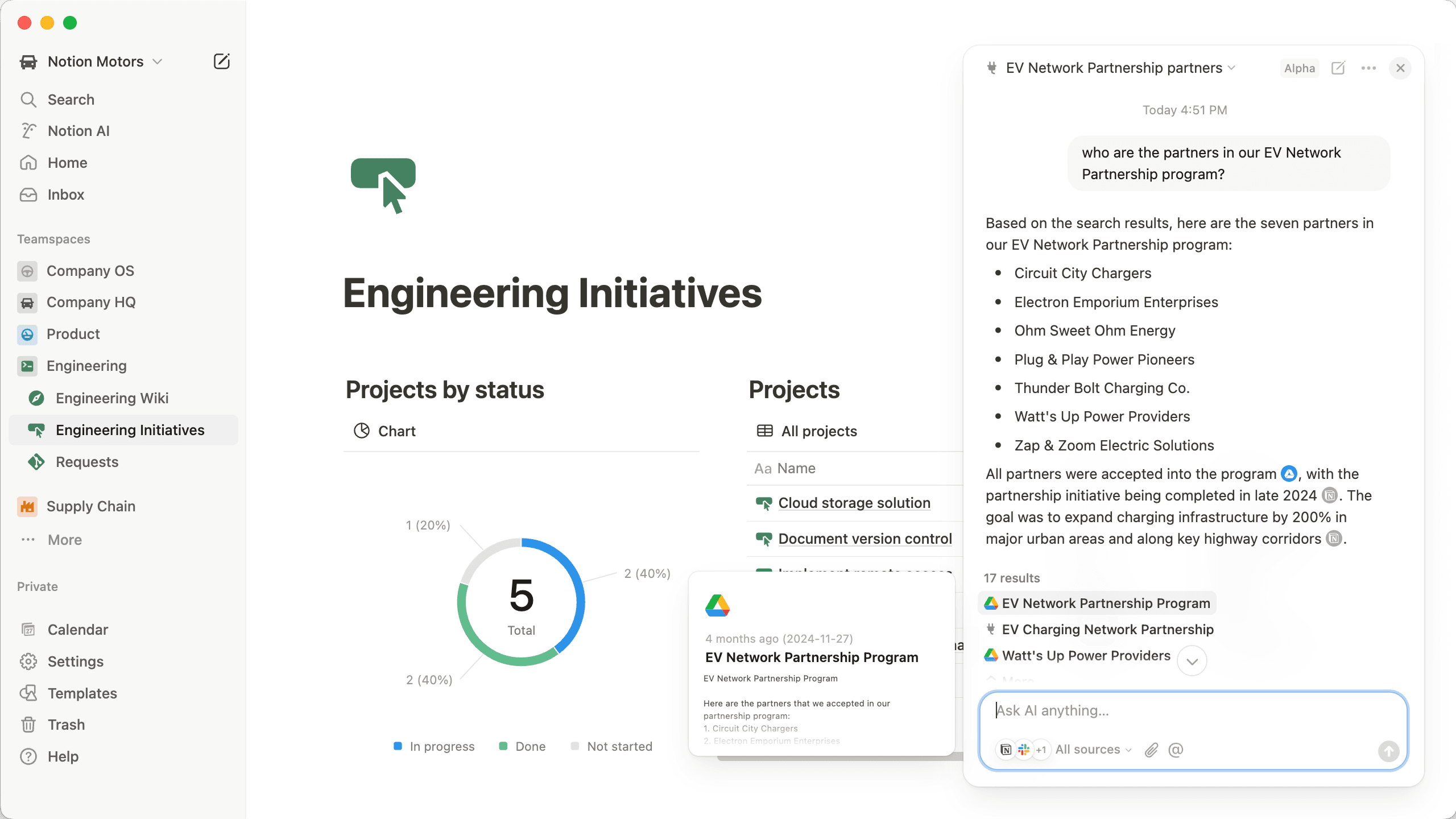
Our Enterprise plan has the features you need to move your large team from Confluence and upgrade your workflows while you’re at it.
People actually enjoy writing documentation in Notion. 50% of our documentation was newly created because people are motivated to do it.
Notion enables our team members to customize their ways of working. This is not possible with Atlassian's tools.
People took ownership of their pages and customized them to match their teams. Across the team we can reclaim £454,000 in time saved.
Thousands of teams have switched to Notion



How can I import my Confluence workspace into Notion?
You can copy your entire Confluence workspace into Notion in just a few clicks! Just follow the instructions in our Import Guide.
Does imported content count towards the storage limit for Free Plans with multiple members?
No, imported blocks will not count towards the limit. However, any blocks subsequently created inside imported pages will count towards the limit as usual.
Is there a maximum import size?
Confluence imports are limited to 2.5GB each. If you run into the limit, you can try using the Custom Export option in Confluence to select pages for export, omitting attachment-heavy pages.
Which versions of Confluence are supported?
We officially support importing from Confluence Cloud, in pages created using the new editor that Confluence introduced in late 2018.
Due to insufficient data in its index export, we do not support importing from Confluence Server.
For help importing an entire workspace from the legacy editor, please contact support at [email protected].
Do imported blocks count towards the 1000 block storage limit for Team Plan trials?
No, imported blocks will not count towards the limit. However, any blocks subsequently created inside imported pages will count towards the limit as usual.
When I try to import from Confluence, I can't choose my file in the file upload window.
Please make sure to upload a .zip file created by the Confluence space export functionality. Word documents and standalone HTML files will not work, since Notion relies on the whole import to preserve structure and links between pages.
I can't find the option to export my Confluence workspace.
If the "Export" tab does not appear in the Content Tools section of a workspace's settings, you may not have the appropriate permissions to export pages. Ask the workspace administrator for permission.